
Réamhrá
This manual provides essential information for setting up, operating, maintaining, and troubleshooting your HP 17.3" Touchscreen Laptop, model 17-cp3602nr. Please read this guide thoroughly to ensure proper use and to maximize the lifespan of your device.
Ábhar an Phacáiste
Deimhnigh go bhfuil na míreanna uile i láthair sa phacáiste:
- HP 17.3" Touchscreen Laptop (Model 17-cp3602nr)
- AC Power Adapter and Cord
- Treoir Tosaigh Thapa (más ann dó)

Image: The HP 17.3" Touchscreen Laptop and its included power adapter.
Socrú
1. An Chumhacht Ar Siúl agus an Muirearú Tosaigh
- Connect the AC power adapter to the laptop's AC smart pin port and then to a power outlet.
- Oscail clúdach an ríomhaire glúine. B’fhéidir go gcuirfidh an ríomhaire glúine ar siúl go huathoibríoch, nó b’fhéidir go mbeidh ort an cnaipe cumhachta atá suite ar an méarchlár a bhrú.
- Allow the battery to charge fully before initial use, though you can begin setup while charging.
2. Socrú Windows 11
Follow the on-screen instructions to complete the Windows 11 Home setup. This typically includes:
- Ag roghnú do réigiúin agus leagan amach an mhéarchláir.
- Ag nascadh le líonra Wi-Fi.
- Ag síniú isteach le cuntas Microsoft nó ag cruthú cuntas Microsoft.
- PIN nó pasfhocal a shocrú.
- Configuring privacy settings.
3. Socrú Léitheora Méarloirg
During or after Windows setup, you can configure the fingerprint reader for secure login. Navigate to Socruithe > Cuntais > Roghanna sínithe isteach and follow the prompts to add your fingerprint.

Image: Close-up of the backlit keyboard and the integrated fingerprint reader on the HP laptop.
Treoracha Oibriúcháin
Ag Úsáid an Taispeántais Scáileáin Tadhaill
The 17.3" HD+ (1600 x 900) display supports touch input. You can interact with Windows 11 and applications directly on the screen using gestures similar to a tablet or smartphone. Ensure your screen is clean for optimal touch responsiveness.
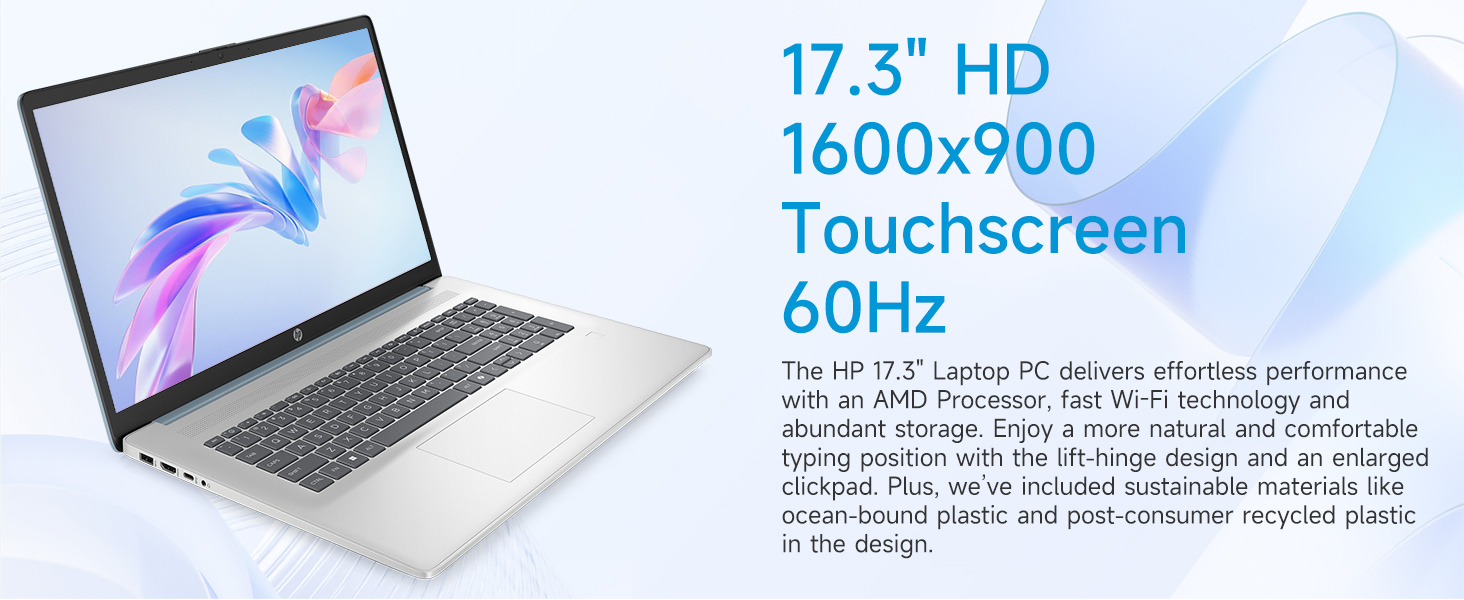
Image: The 17.3-inch touchscreen display of the HP laptop, illustrating its touch capabilities.
Méarchlár agus touchpad
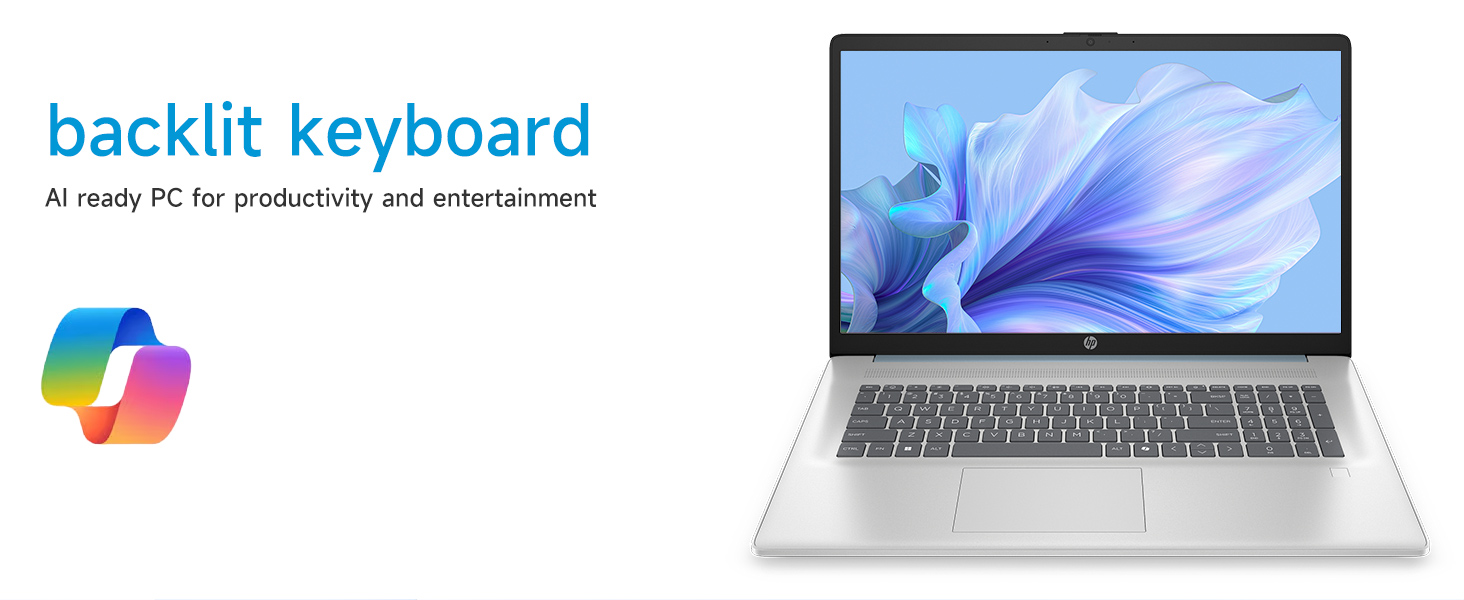
- Méarchlár backlit: Brúigh an Fn + F5 (or similar function key with a keyboard backlight icon) to toggle the keyboard backlight on/off or adjust its brightness.
- Méarchlár Uimhriúil: Utilize the dedicated numeric keypad for efficient data entry.
- touchpad: The large click pad supports multi-touch gestures for navigation. Refer to Windows settings for customizing touchpad gestures.
Connecting External Devices (Ports)
Your laptop is equipped with various ports for connecting peripherals:
- USB Cineál-C (ráta comharthaíochta 5Gbps): Chun gléasanna USB-C nua-aimseartha a nascadh.
- USB Cineál-A (ráta comharthaíochta 5Gbps): Two ports for standard USB devices like mice, keyboards, or external drives.
- HDMI 1.4b: Connect to external monitors or TVs for extended display.
- Seac Comhcheangailte Cluasán/Micreafón: For audio input/output with a single jack.
- Biorán Cliste AC: Chun an adapter cumhachta a nascadh.
Íomhá: Mionsonraithe view of the laptop's side ports, including USB-A, USB-C, HDMI, and audio jack.
Wi-Fi 6 Connectivity
The laptop supports Wi-Fi 6 (802.11ax) for fast and reliable wireless internet connectivity. To connect, click the Wi-Fi icon in the taskbar, select your network, and enter the password.
Cothabháil
Glanadh Do Ríomhaire Glúine
- Scáileán: Bain úsáid as éadach bog, saor ó lint beagán dampnigh le huisce nó le glantóir scáileáin. Seachain ceimiceáin ghéara.
- Méarchlár agus Chassis: Bain úsáid as éadach bog, tirim. I gcás salachar righin, bain úsáid as éadach atá beagán tirim.amp Is féidir éadach a úsáid, ag cinntiú nach dtéann aon leacht isteach sna hoscailtí.
- Poirt: Keep ports free of dust and debris using compressed air if necessary.
Nuashonruithe Bogearraí
Seiceáil go rialta le haghaidh nuashonruithe Windows agus suiteáil iad lena chinntiú go bhfuil na paistí slándála agus na feabhsuithe feidhmíochta is déanaí ar do chóras. Téigh go Socruithe > Nuashonrú Windows chun nuashonruithe a bhainistiú.
Cúram Battery
Chun saolré na ceallraí a fhadú, seachain teochtaí foircneacha agus an ceallraí a dhíluchtú go hiomlán go minic. Le haghaidh stórála fadtéarmach, luchtaigh an ceallraí go dtí thart ar 50%.
Fabhtcheartú
Pléann an chuid seo fadhbanna coitianta a d'fhéadfadh teacht ort.
Ní Chumhachtaíonn an Ríomhaire Glúine Ar Ais
- Cinntigh go bhfuil an t-oiriúntóir AC ceangailte go daingean leis an ríomhaire glúine agus le hasraon cumhachta atá ag obair araon.
- Deimhnigh go bhfuil an asraon cumhachta ag feidhmiú trí ghléas eile a phlugáil isteach.
- Má tá an ceallraí ídithe go hiomlán, d’fhéadfadh sé go dtógfadh sé cúpla nóiméad le muirearú sula mbeidh an ríomhaire glúine in ann é a chur ar siúl.
Screen Remains Blank
- Seiceáil an bhfuil an ríomhaire glúine ar siúl (solas táscaire cumhachta).
- Try adjusting the screen brightness using the function keys (e.g., Fn + F2/F3).
- If an external monitor is connected, ensure it is properly configured in Windows display settings.
Fadhbanna Nascachta Wi-Fi
- Cinntigh go bhfuil Wi-Fi cumasaithe i socruithe Windows.
- Atosaigh do ródaire agus do mhodem.
- Déan dearmad ar an líonra agus athcheangail, ag iontráil an focal faire arís.
- Nuashonraigh tiománaithe Wi-Fi tríd an mBainisteoir Gléasanna.
System Restarts Unexpectedly
Unexpected restarts can be caused by software conflicts, outdated drivers, or hardware issues. Ensure all Windows updates are installed and drivers are current. If the issue persists, consider running Windows diagnostic tools or contacting HP Support.
Sonraíochtaí
| Gné | Sonraigh |
|---|---|
| Branda | HP |
| Ainm an tSamhail | 17-cp3602nr |
| Méid an Scáileáin | 17.3 Orlach |
| Taifeach Taispeána | HD+ (1600 x 900) |
| Gnéithe Taispeána | Touch, Anti-glare, 250 nits, 60% NTSC |
| Próiseálaí | AMD Ryzen 5 7430U (6 gCroílár, 12 Snáithe, suas le 4.3 GHz) |
| Grafaicí | Grafaicí AMD Radeon (Comhtháite) |
| RAM | 8 GB DDR4 SDRAM (3200 MHz) |
| Stóráil | SSD PCIe NVMe M.2 128 GB |
| Córas Oibriúcháin | Windows 11 baile |
| Calafoirt | 1x USB Type-C 5Gbps, 2x USB Type-A 5Gbps, 1x HDMI 1.4b, 1x Headphone/Microphone Combo, 1x AC Smart Pin |
| Nascacht Gan Sreang | Wi-Fi 6 (802.11ax) |
| Gnéithe Speisialta | Backlit Keyboard, Fingerprint Reader, Numeric Keypad, Webcam |
| Dimensions (L x W x Thickness) | 15.78"F x 10.15"L x 0.81"T |
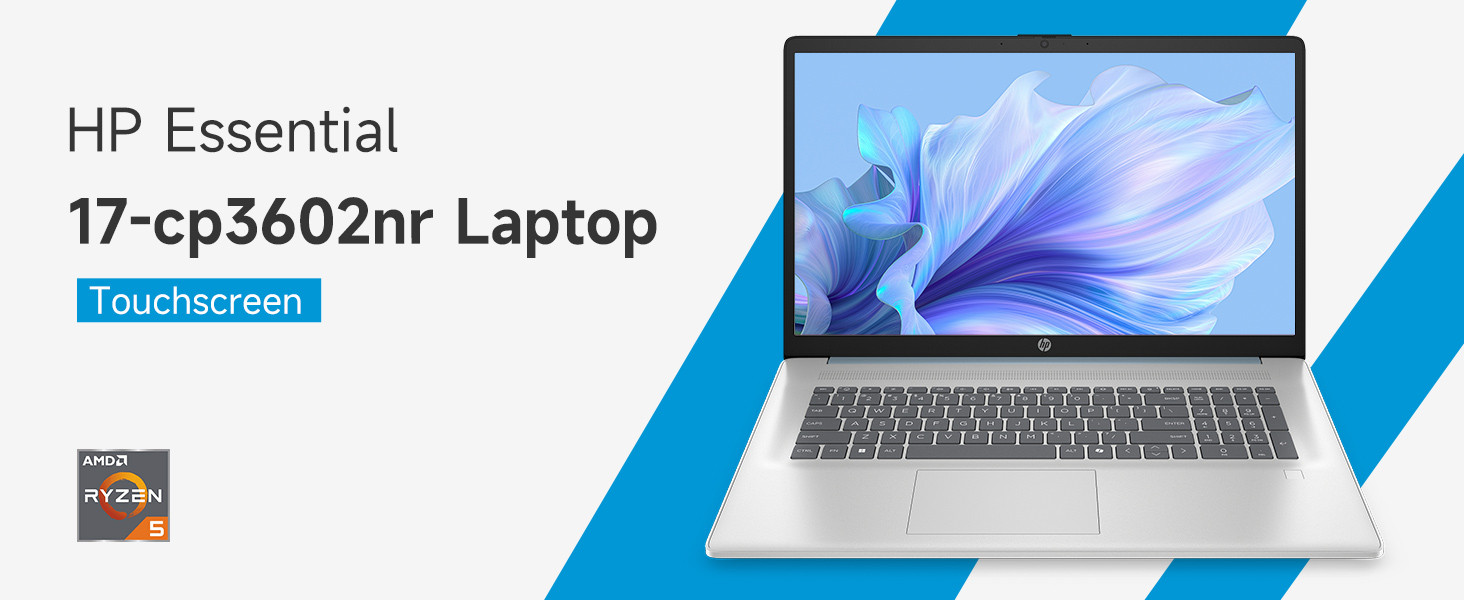
Image: An infographic highlighting key specifications such as the AMD Ryzen 5 processor, Windows 11 Home, storage, and connectivity options.
Barántas agus Tacaíocht
Barántas an Mhonaróra
Your HP laptop is covered by a standard manufacturer's warranty. For specific terms and conditions, please refer to the warranty documentation included with your product or visit the official HP support website. Warranty duration and coverage may vary by region.
Tacaíocht Theicniúil
For technical assistance, driver downloads, or further troubleshooting, please visit the official HP Support websuíomh:
When contacting support, have your laptop's model number (17-cp3602nr) and serial number ready.