
1. Réamhrá
This manual provides essential information for setting up, operating, maintaining, and troubleshooting your HP Pavilion 16-inch 2K Laptop. Please read this guide thoroughly to ensure optimal performance and longevity of your device.
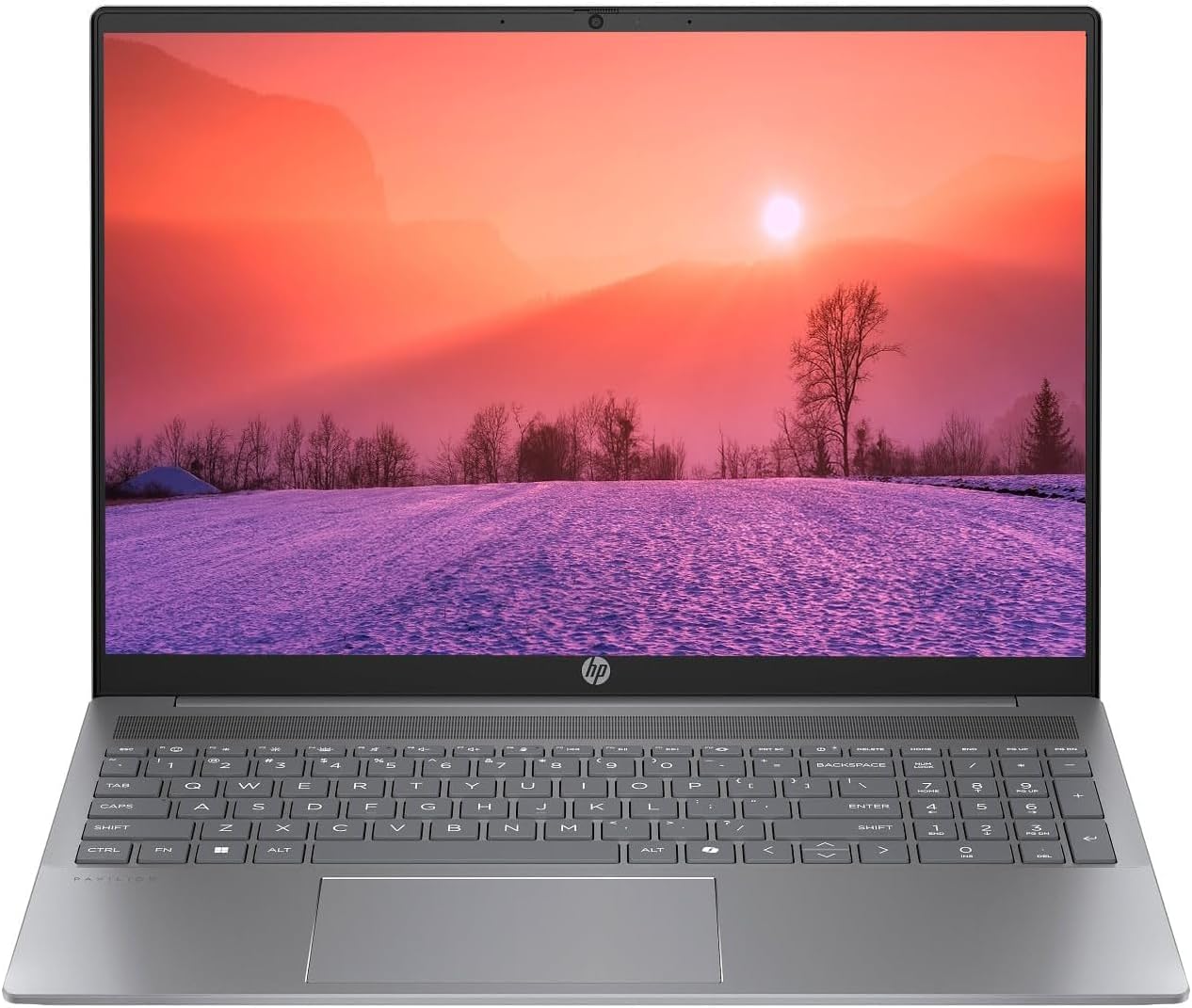
Figure 1.1: HP Pavilion 16-inch Laptop (Angled View)
This image displays the HP Pavilion 16-inch laptop in an open, angled position, highlighting its display and keyboard layout.
2. Socrú
2.1 Díphacáil agus Cigireacht Tosaigh
Carefully remove the laptop and all accessories from the packaging. Inspect for any signs of damage. If any components are missing or damaged, contact your retailer or HP support immediately.
2.2 Cumhacht a nascadh
- Connect the AC adapter to the power connector on the side of your laptop.
- Plug an téad cumhachta isteach in asraon leictreach.
- Allow the laptop to charge for at least 30 minutes before initial use, especially if the battery is completely drained.
2.3 Initial Boot and Windows 11 Setup
Press the power button to turn on your laptop. Follow the on-screen instructions to complete the Windows 11 Home OS setup, including language selection, network connection, and user account creation.
2.4 Forimeallaigh a Nascadh
Tá calafoirt éagsúla ar do ríomhaire glúine chun gléasanna seachtracha a nascadh:
- USB Type-C Ports (2): For data transfer, charging compatible devices, and video output.
- USB Type-A Ports (2): Chun gléasanna USB caighdeánacha cosúil le lucha, méarchláir nó tiomántáin sheachtracha a nascadh.
- HDMI Port (1): Chun nascadh le taispeántais nó teilgeoirí seachtracha.
- Headphone/Microphone Combo Jack (1): Chun cluasáin, cainteoirí seachtracha, nó cluasán le micreafón a nascadh.
3. Treoracha Oibriúcháin
3.1 Cumhachta Ar Siúl/Múch agus Mód Codlata
- Cumhacht ar: Brúigh an cnaipe cumhachta atá suite ar dheic an mhéarchláir.
- Múchadh: Cliceáil an cnaipe Tosaigh i Windows, ansin roghnaigh Cumhacht > Múch síos.
- Mód Codlata: Close the laptop lid or click the Start button, then select Power > Sleep.
3.2 Ag Úsáid an Mhéarchláir agus an Teagmhéadáin
The laptop features a full-size keyboard and a precision touchpad.
- Méarchlár backlit: To activate or adjust the keyboard backlight, use the dedicated function key (usually F5 or F4, look for a keyboard icon).
- Gothaí Touchpad: Refer to Windows 11 settings for customizable touchpad gestures (e.g., two-finger scroll, pinch-to-zoom).
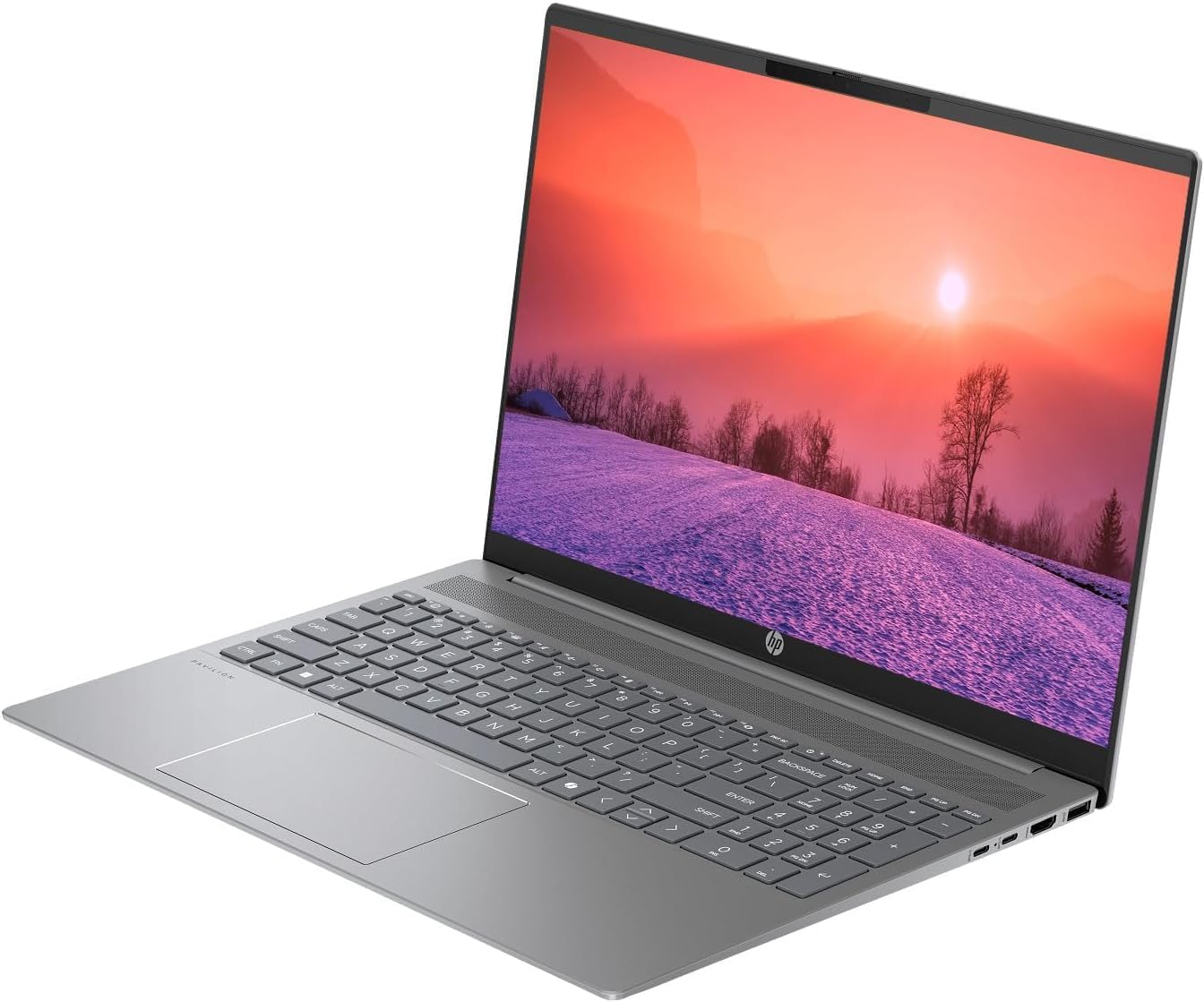
Figure 3.1: HP Pavilion 16-inch Laptop (Front View)
This image shows the HP Pavilion 16-inch laptop from a direct front view, highlighting the screen and keyboard.
3.3 Nascacht Gan Sreang
- Wi-Fi 6: Chun ceangal le líonra gan sreang, cliceáil ar an deilbhín Wi-Fi sa tascbharra, roghnaigh do líonra, agus cuir isteach an focal faire.
- Bluetooth: To pair Bluetooth devices, go to Windows Settings > Bluetooth & devices, and turn on Bluetooth.
3.4 Ag baint úsáide as an Webcam
An HD comhtháite webcam can be used for video calls and conferences. Access it through applications like Camera, Microsoft Teams, or Zoom.
4. Cothabháil
4.1 Glanadh an ríomhaire glúine
- Bain úsáid as éadach bog, saor ó lint beagán dample huisce nó le glantóir scáileáin don taispeántas.
- Maidir leis an méarchlár agus an chassis, bain úsáid as éadach bog. Seachain ceimiceáin ghéara.
- Use compressed air to clear dust from vents periodically.
4.2 Cúram Ceallraí
- Seachain an ceallraí a dhraenáil go hiomlán go minic.
- Stóráil an ríomhaire glúine in áit fhionnuar tirim mura n-úsáidtear é ar feadh tréimhsí fada.
- For optimal battery health, avoid continuous charging at 100% for prolonged durations.
4.3 Nuashonrú Bogearraí
Regularly check for and install Windows updates to ensure system stability, security, and performance. Go to Windows Settings > Windows Update.
4.4 Bainistíocht Stórála
Glanadh suas neamhriachtanach go tréimhsiúil files and applications to maintain optimal performance of the 512GB SSD. Use Windows built-in tools like Disk Cleanup or Storage Sense.
5. Fabhtcheartú
This section addresses common issues you might encounter with your HP Pavilion laptop.
5.1 Laptop Not Powering On
- Cinntigh go bhfuil an t-oiriúntóir AC ceangailte go daingean leis an ríomhaire glúine agus le hasraon cumhachta atá ag obair araon.
- Deimhnigh go bhfuil an asraon cumhachta ag feidhmiú trí ghléas eile a phlugáil isteach.
- Má tá an ceallraí ídithe go hiomlán, lig di muirearú ar feadh 30 nóiméad ar a laghad sula ndéanann tú iarracht í a chur air.
5.2 Fadhbanna le Ceangal Wi-Fi
- Seiceáil an bhfuil Wi-Fi cumasaithe i socruithe Windows.
- Atosaigh do ródaire agus do mhodem.
- Cinntigh go bhfuil tú laistigh de raon an líonra Wi-Fi.
- Déan iarracht dearmad a dhéanamh ar an líonra agus athcheangal.
5.3 Keyboard Backlight Not Working
- Press the dedicated keyboard backlight function key (e.g., F5 or F4) to toggle or adjust the brightness.
- Check Windows Mobility Center settings (search for it in the Start menu) for backlight options.
5.4 Feidhmíocht Mhall
- Dún feidhmchláir neamhriachtanacha atá ag rith sa chúlra.
- Cinntigh go bhfuil Windows cothrom le dáta.
- Run a disk cleanup and check for malware.
- Verify that the laptop is not overheating.
6. Sonraíochtaí
| Gné | Sonraíocht |
|---|---|
| Ainm an tSamhail | HP 16" Laptop |
| Próiseálaí | AMD Ryzen 5 8540U (Up to 4.89GHz) |
| RAM | 8GB LPDDR5 |
| Stóráil | SSD 512GB |
| Taispeáin | 16-inch WUXGA 2K (1920 x 1200 pixels) LED |
| Grafaicí | Grafaicí AMD Radeon (Tiomnaithe) |
| Córas Oibriúcháin | Windows 11 Home OS |
| Calafoirt | 2x USB Type-C, 2x USB Type-A, 1x HDMI, 1x Headphone/Microphone Combo Jack |
| Nascacht Gan Sreang | Wi-Fi 6 (802.11ax), Bluetooth |
| Méarchlár | backlit |
| Webcam | Tá |
| Toisí (F x L x D) | 14.17" x 9.2" x 0.7" |
| Ceallraí | Lithium Ion, 4 Watt Hours |
| UPC | 197961359091 |
7. Barántas agus Tacaíocht
7.1 Faisnéis Bharántas
This HP Pavilion laptop comes with a Barántas 30-DayCoinnigh do chruthúnas ceannaigh le do thoil i gcás aon éilimh bharántais. Clúdaíonn an bharántas lochtanna déantúsaíochta faoi ghnáthchoinníollacha úsáide.
7.2 Tacaíocht do Chustaiméirí
For further assistance, technical support, or warranty inquiries, please visit the official HP support website or contact their customer service. You can typically find contact information and support resources by searching for "HP Support" online.