
1. Réamhrá
The Redragon GS821 Soundbar is a versatile audio system designed to enhance your entertainment experience. It features dual powerful drivers and dual diaphragms for high-fidelity stereo sound, rich bass, and clear dialogue. With multiple connectivity options including HDMI ARC, Optical, Bluetooth 5.3, AUX, and USB, it integrates seamlessly with various devices such as TVs, PCs, projectors, and smartphones. The soundbar also offers three specialized equalizer modes to optimize audio for movies, music, and dialogue.
This manual provides detailed instructions for setting up, operating, and maintaining your Redragon GS821 Soundbar. Please read it thoroughly before use to ensure proper functionality and to maximize your audio experience.
2. Ábhar Pacáiste
Deimhnigh go bhfuil na míreanna go léir atá liostaithe thíos san áireamh i do phacáiste:
- Redragon GS821 Soundbar
- Cianrialú
- Cuibheoir Cumhachta
- Cábla Fuaime 3.5mm
- Wall Mounting Kit (screws and anchors)
- Lámhleabhar Úsáideora (an doiciméad seo)
3. Táirge Tharview
3.1 Tosaigh agus Taobh View
The soundbar features a sleek, compact design suitable for various placements.

The Redragon GS821 Soundbar, a compact audio device designed for TV and PC use.
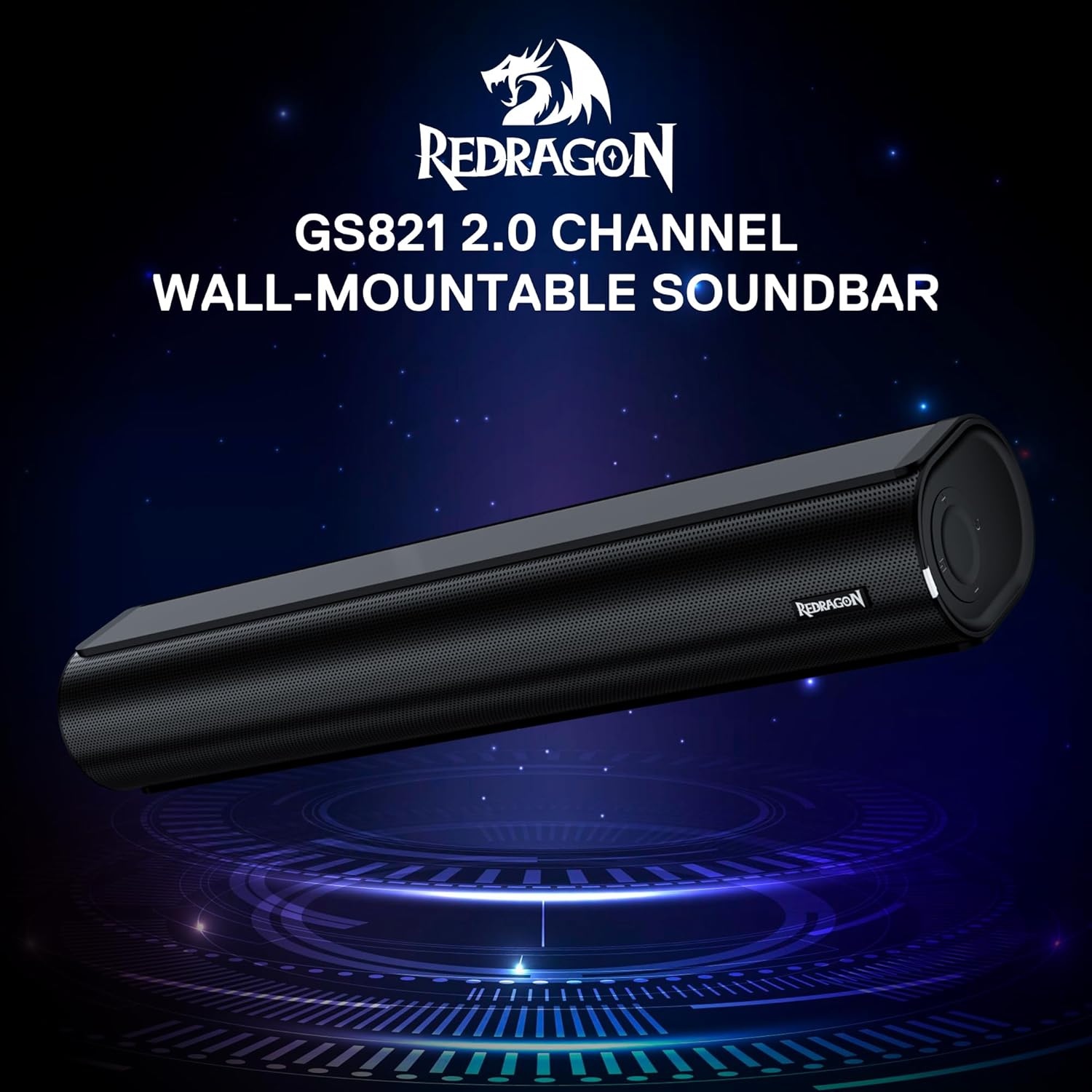
The Redragon GS821 Soundbar showing its compact dimensions: 15.9 inches wide, 4 inches deep, and 2.8 inches high.

Phléasc view illustrating the dual 45mm sound units and internal components of the Redragon GS821 Soundbar, designed for Hi-Fi stereo sound.
3.2 Painéal Cúil agus Naisc
The rear panel provides various ports for connecting to your devices.
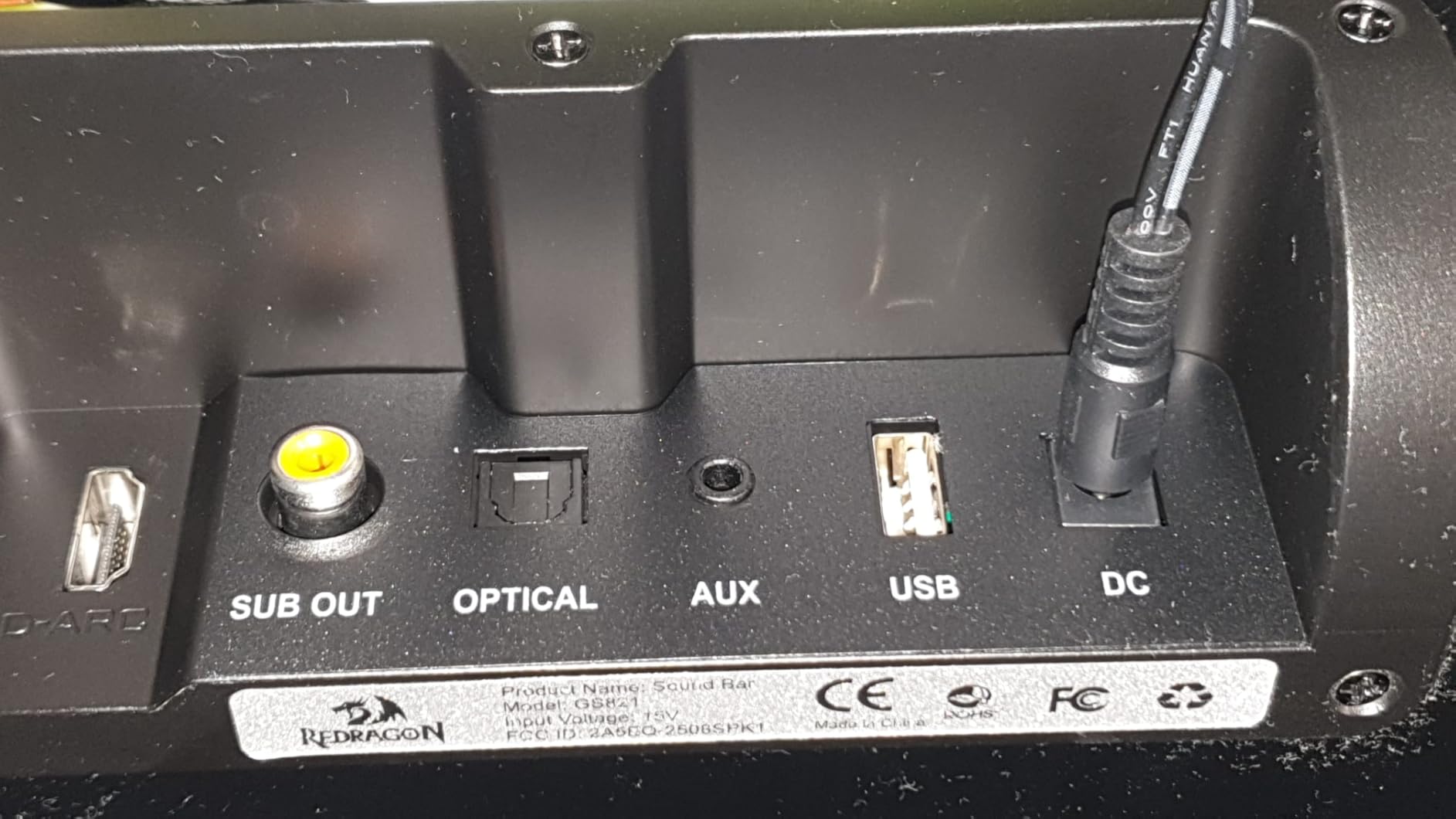
The rear panel of the Redragon GS821 Soundbar, featuring various input ports including HDMI ARC, Optical, AUX, and USB for versatile connectivity.
3.3 Controls and Remote
The soundbar can be controlled via its side buttons or the included remote control.

The included remote control for the Redragon GS821 Soundbar, alongside the manual control buttons located on the side of the soundbar for easy access.
4. Socrú
4.1 Socrúchán
The Redragon GS821 Soundbar can be placed on a tabletop or mounted on a wall.
- Socrúchán Tábla: Position the soundbar on a flat, stable surface directly in front of your TV or monitor. Ensure it does not block any sensors or the screen.
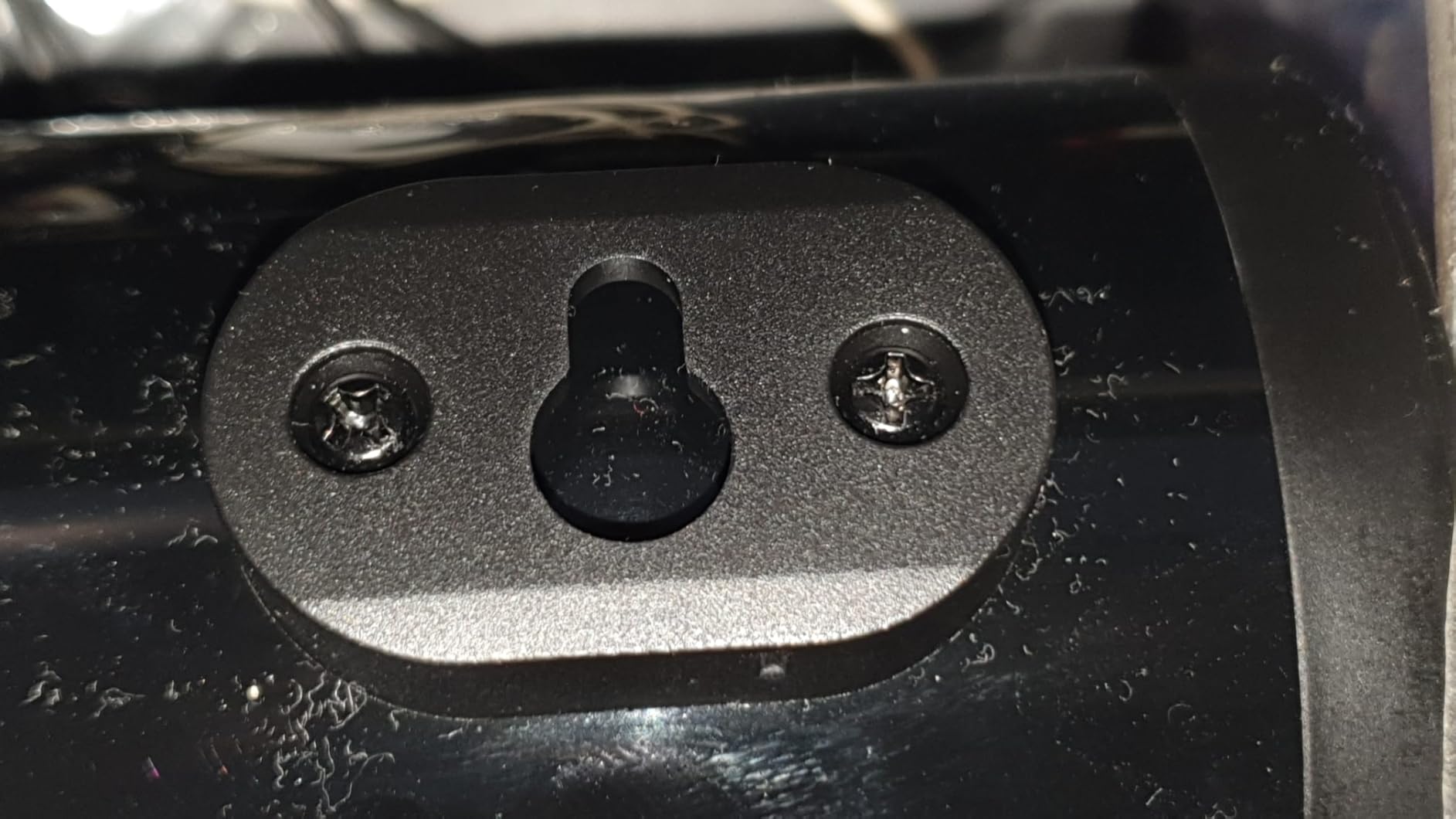
- Suiteáil Balla: Use the provided wall mounting kit. Mark the desired positions on the wall, drill pilot holes, insert anchors, and secure the soundbar using the screws. Ensure the soundbar is level and securely fastened.
4.2 Ceangal Cumhachta
- Ceangail an t-oiriúntóir cumhachta leis an gcalafort DC IN ar an mbarra fuaime.
- Plug an adapter cumhachta isteach asraon balla.
4.3 Naisc Fuaime
Choose one of the following methods to connect the soundbar to your audio source:
- HDMI ARC: Connect an HDMI cable from the soundbar's HDMI ARC port to your TV's HDMI ARC port. Ensure your TV's HDMI ARC function is enabled in its settings.
- Optúil: Connect an optical cable from the soundbar's OPTICAL port to your TV's or device's optical output port.
- Cúntóir AUX (3.5mm): Use the provided 3.5mm audio cable to connect the soundbar's AUX port to the headphone jack or audio output of your device.
- USB: Cuir isteach tiomántán USB flash a bhfuil fuaim ann files into the USB port. The soundbar will automatically detect and play compatible audio files.
- Bluetooth: For wireless connection, refer to section 5.3 Bluetooth Pairing.
5. Treoracha Oibriúcháin
5.1 Cumhacht ar siúl / as
- Brúigh an cnaipe cumhachta ar an mbarra fuaime nó ar an gcianrialtán chun an t-aonad a chasadh air nó as.
5.2 Roghnú Ionchuir
Cycle through input modes using the 'M' button on the soundbar or the 'Input' button on the remote control. The LED indicator will change color to show the active input:
A guide to the LED indicator colors on the Redragon GS821 Soundbar, showing which color corresponds to each input mode (Standby, BT, ARC, Optical, AUX, USB).
- Dearg: Fuireachas
- Gorm: Bluetooth (BT)
- Cian: HDMI ARC
- Bán: Optúil
- Buí: AUX
- Corcra: USB
5.3 Péireáil Bluetooth
Chun do ghléas a nascadh le Bluetooth:

A visual representation of the advanced Bluetooth 5.3 technology integrated into the Redragon GS821 Soundbar, ensuring ultra-low latency for perfect audio synchronization.
- Switch the soundbar to Bluetooth mode (Blue LED). The soundbar will enter pairing mode automatically.
- Ar do ghléas (fón cliste, táibléad, srl.), cumasaigh Bluetooth agus déan cuardach ar ghléasanna atá ar fáil.
- Select "Redragon GS821" from the list to pair.
- Nuair a bheidh sé péireáilte, stopfaidh an táscaire LED ag splancadh agus fanfaidh sé gorm soladach.
5.4 Modh EQ
The soundbar offers three specialized EQ modes to optimize your listening experience. Press the EQ button on the remote control to cycle through them:

An illustration of the three specialized sound modes available on the Redragon GS821 Soundbar: Music, Movie, and Dialogue, each optimized for different audio experiences.
- Mód Scannáin: Enhances surround sound effects for cinematic immersion.
- Mód Ceoil: Boosts bass and high frequencies for a rich, full-bodied audio experience.
- Mód Dialóige: Isolates and clarifies human voices, ideal for news, podcasts, or talk shows.
5.5 Rialú Toirt
Adjust the volume using the volume buttons on the soundbar or the remote control.
- Brúigh + toirt a mhéadú.
- Brúigh - chun toirt a laghdú.
- Brúigh an Balbhaigh button on the remote to mute/unmute the sound.
6. Cothabháil
- Glanadh: Bain úsáid as éadach bog, tirim chun dromchla an bharra fuaime a ghlanadh. Ná húsáid glantóirí leachtacha ná ábhair scríobacha.
- Stóráil: Nuair nach bhfuil sé in úsáid ar feadh tréimhsí fada, stóráil an barra fuaime in áit fhionnuar tirim amach ó sholas díreach na gréine agus ó theocht mhór.
- Seachain Baic: Ensure the speaker grilles are not obstructed to maintain optimal sound quality.
7. Fabhtcheartú
| Fadhb | Réiteach |
|---|---|
| Gan chumhacht | Ensure the power adapter is securely connected to the soundbar and a working power outlet. |
| Gan fuaim | Check the input source selection. Ensure the volume is not muted and is turned up. Verify audio cables are correctly connected. If using HDMI ARC, ensure the TV's ARC function is enabled. |
| Fadhbanna péireála Bluetooth | Ensure the soundbar is in Bluetooth mode. Turn off and on Bluetooth on your device. Move your device closer to the soundbar. Forget the device from your Bluetooth list and try pairing again. |
| Cianrialtán nach bhfuil ag obair | Check the battery in the remote control and replace if necessary. Ensure there are no obstructions between the remote and the soundbar. |
| Droch-chaighdeán fuaime / Saobhadh | Adjust the volume level. Try different EQ modes. Ensure the audio source is of good quality. Check cable connections for any damage. |
8. Sonraíochtaí
| Gné | Luach |
|---|---|
| Branda | Reddragon |
| Uimhir Mhúnla | GS821 |
| Cainteoir Cumhacht Aschuir Uasta | 20 Watts |
| Freagra Minicíochta | 20000 Hz |
| Teicneolaíocht Nascachta | Bluetooth (BT 5.3), HDMI ARC, Optical, USB, 3.5mm AUX |
| Modh Aschuir Fuaime | Steirió |
| Cineál Gléasta | Gléasadh ar Bhord, Gléasadh ar Bhalla |
| Dath | Dubh |
| Toisí na Mír (D x W x H) | 2.8"D x 15.9"W x 4"H |
| -Comhartha-go Torann Cóimheas | 80 dB |
| Gléasanna Comhoiriúnacha | Desktop, Laptop, Projector, Tablet, Television |
9. Faisnéis Bharántas
The Redragon GS821 Soundbar comes with a Barántas 1 Bliana from the date of purchase. This warranty covers manufacturing defects and workmanship under normal use. It does not cover damage caused by misuse, accidents, unauthorized modifications, or external factors. Please retain your proof of purchase for warranty claims.
10. Tacaíocht do Chustaiméirí
If you encounter any issues or have questions regarding your Redragon GS821 Soundbar that are not addressed in this manual, please contact Redragon customer support. Refer to the official Redragon websuíomh nó pacáistiú do tháirge le haghaidh an fhaisnéis teagmhála is déanaí.
Chun tacaíocht ar líne agus Ceisteanna Coitianta a fháil, tabhair cuairt ar: www.reddragonzone.com