
Réamhrá
This manual provides essential information for the safe and efficient use of your Infinix HOT 60i 5G smartphone. Please read this guide thoroughly before operating your device to ensure proper functionality and to understand its various features. The Infinix HOT 60i 5G is designed with a premium aesthetic, powered by the MediaTek Dimensity 6400 processor for 5G connectivity, and features a large 6000mAh battery. It incorporates advanced Infinix AI capabilities and is IP64 water and dust resistant.
Socrú
1. Unboxing agus Cigireacht Tosaigh
Carefully remove all components from the packaging. Inspect the device and accessories for any signs of damage. Ensure all items listed in the "What's in the Box" section are present.
2. Cárta(í) SIM agus Cárta MicroSD a Chur Isteach
- Aimsigh an tráidire SIM ar thaobh do ghléis.
- Insert the provided SIM ejector tool into the small hole on the SIM tray to open it.
- Place your Nano-SIM card(s) and/or MicroSD card into the tray with the gold contacts facing down, ensuring they are correctly oriented as indicated on the tray.
- Brúigh an tráidire ar ais isteach sa sliotán go réidh go dtí go gcliceálann sé ina áit.

Íomhá: Taobh view of the Infinix HOT 60i 5G, illustrating the location of the SIM card tray.
3. An Gléas a mhuirearú
Before first use, it is recommended to fully charge your Infinix HOT 60i 5G. Connect the USB cable to the power adapter and then to the phone's charging port. Plug the power adapter into a wall outlet. The charging indicator will appear on the screen. Use only the original charger and cable provided with your device.
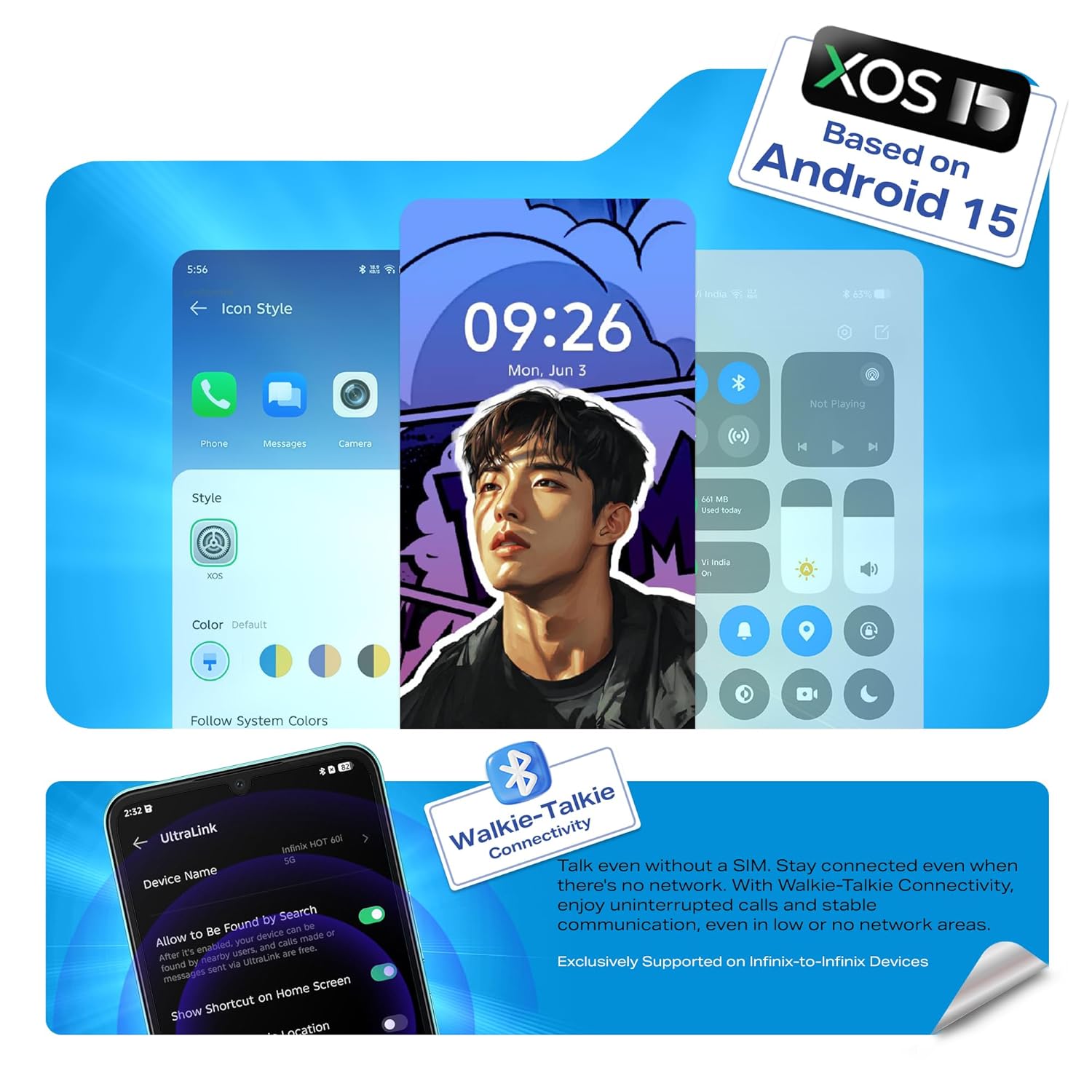
Image: Illustration of the Infinix HOT 60i 5G being charged, highlighting the 6000mAh battery.
4. Cumhachtú Air agus Cumraíocht Tosaigh
Press and hold the Power button until the Infinix logo appears. Follow the on-screen instructions to complete the initial setup, which includes selecting your language, connecting to a Wi-Fi network, and signing in to your Google account.

Íomhá: Tosaigh view of the Infinix HOT 60i 5G, displaying the screen.
Oibriú Do Ghléis
1. Nascleanúint Bhunúsach
- Gothaí Tadhaill: Tapáil le roghnú, svaidhpeáil le scrollú, pinch le zúmáil.
- Cnaipe Cumhachta: Brúigh chun an scáileán a dhúiseacht/a chodladh, brúigh agus coinnigh síos chun é a mhúchadh nó a atosú.
- Cnaipí Toirt: Coigeartaigh toirt na meán, toirt an ghlao, nó toirt an chlaonta.
2. Nascacht (5G, Wi-Fi, Bluetooth)
Your Infinix HOT 60i 5G supports 5G cellular networks, Wi-Fi, and Bluetooth. Access these settings via the Quick Settings panel (swipe down from the top of the screen) or through the main Settings app. Ensure your SIM card supports 5G for optimal network speeds.

Image: The Infinix HOT 60i 5G displaying compatibility with various 5G networks.
3. Gnéithe Ceamara
The device features a 50MP Clear Camera with dual LED flash. Open the Camera app to access various modes including standard photo, portrait, night mode, and more. Tap the shutter button to capture images. Explore the settings for advanced options.
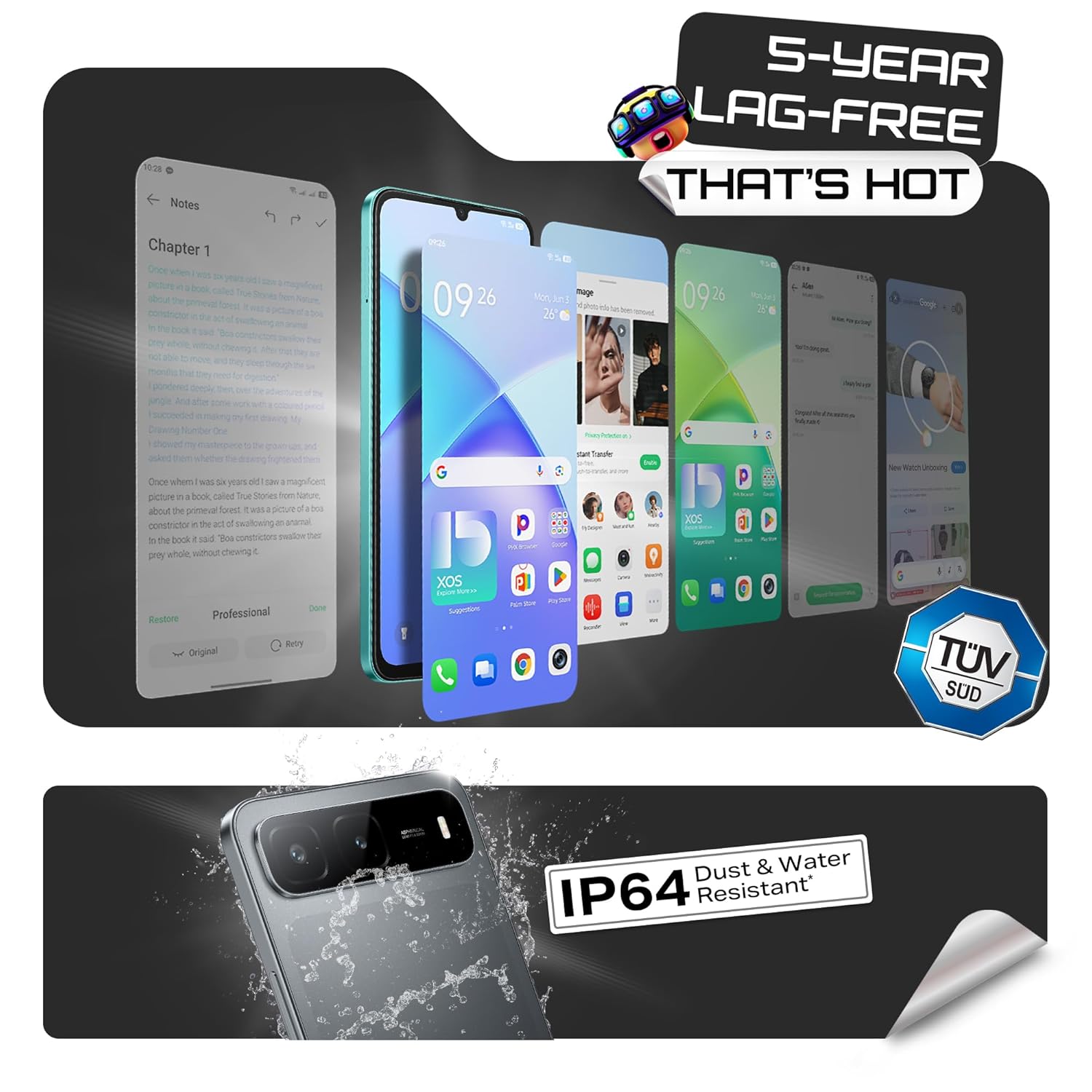
Image: Visual representation of the Infinix HOT 60i 5G's 50MP camera and various shooting modes.
4. Infinix AI Features
Your device includes several AI-powered features to enhance your experience:
- Ciorclaigh le cuardach: Use a circular gesture on the screen to quickly search for information about on-screen content.
- Scriosán AI: Remove unwanted objects or people from your photos with a simple tap.
- AI Extender: Expand the background of your images to achieve a desired perspective.
- Call Translation: Provides real-time translation during calls (availability may vary by region and language).
Íomhá: Tharview of Infinix AI features including Circle to Search, AI Eraser, and AI Extender.

Image: Demonstration of the AI Eraser feature, showing before and after removal of an object from a photo.

Image: Demonstration of the AI Extender feature, showing how an image's background can be expanded.
5. XOS 15 Operating System
The Infinix HOT 60i 5G runs on XOS 15, based on Android 15. This operating system offers an intuitive interface, enhanced security features, and various customization options. Explore the Settings app to personalize your device, manage notifications, and configure privacy settings.

Image: Screenshots of the XOS 15 user interface on the Infinix HOT 60i 5G.
Cothabháil
1. Do Ghléas a Ghlanadh
To clean your phone, use a soft, lint-free cloth. Avoid using harsh chemicals, abrasive cleaners, or aerosol sprays directly on the device. For stubborn smudges, slightly dampNigh an t-éadach le huisce nó le glantóir scáileáin atá deartha le haghaidh leictreonaic.
2. Nuashonruithe Bogearraí
Regularly check for and install software updates to ensure your device has the latest security patches, features, and performance improvements. You can usually find this option in Socruithe > Córas > Nuashonrú bogearraí.
3. Cúram Battery
The Infinix HOT 60i 5G is equipped with a 6000mAh battery. To prolong battery life, avoid exposing the device to extreme temperatures. It is recommended to keep the battery charge between 20% and 80% for optimal long-term health. Avoid leaving the phone charging for extended periods after it has reached 100%.
4. Friotaíocht Uisce agus Deannaigh (IP64)
Your device is rated IP64 for water and dust resistance. This means it is protected against dust ingress and splashing water from any direction. However, it is not designed for submersion in water or exposure to pressurized water jets. Avoid using the device in showers, swimming pools, or during heavy rain. Damage caused by liquid exposure is not covered under warranty.
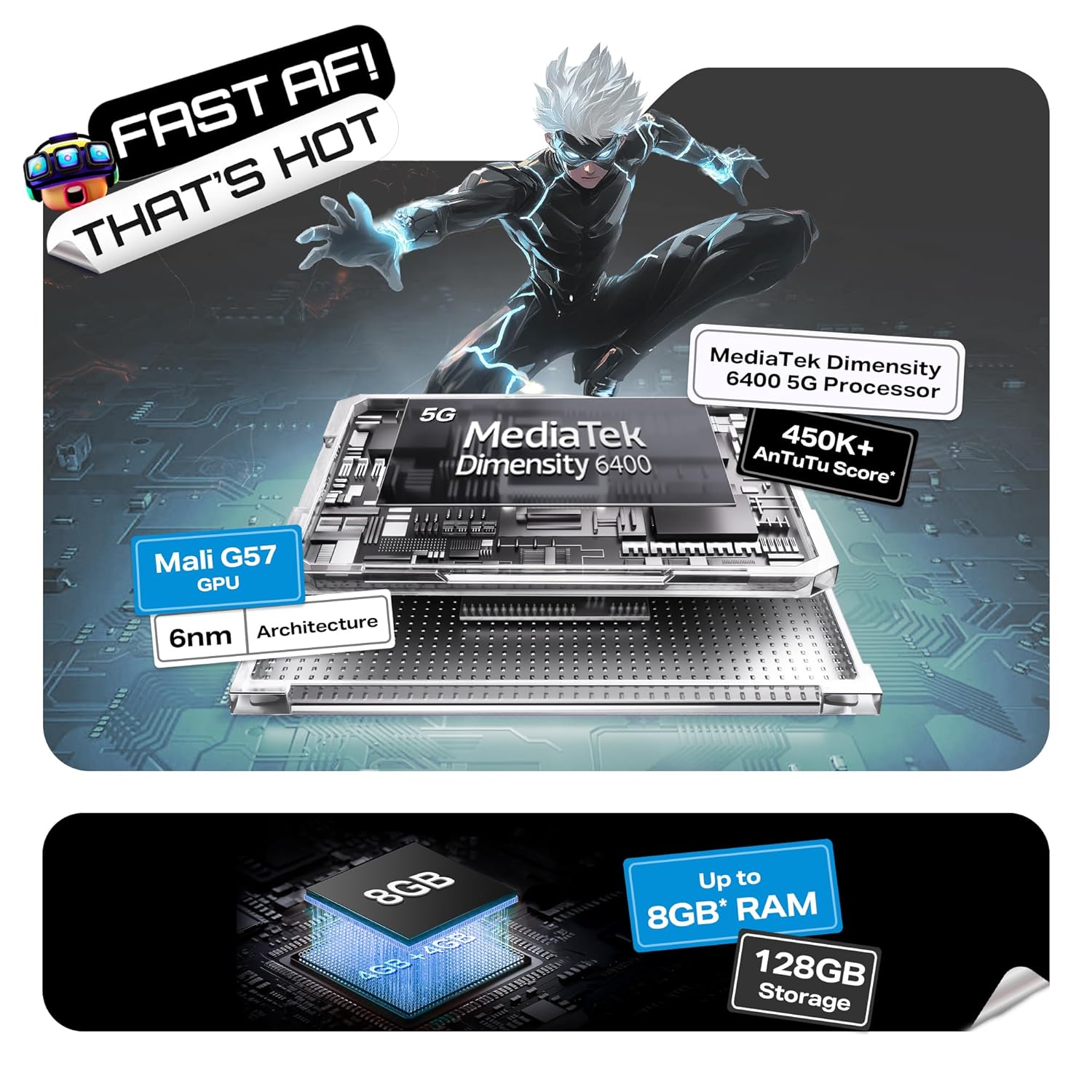
Image: Visual indicating the Infinix HOT 60i 5G's IP64 dust and water resistance rating.
Fabhtcheartú
If you encounter issues with your device, try the following steps before seeking professional assistance:
- Gléas Gan Casadh air: Cinntigh go bhfuil an ceallraí luchtaithe. Ceangail an luchtaire agus fan cúpla nóiméad sula ndéanann tú iarracht é a chur air arís.
- Scáileán Gan Fhreagracht: Force restart the device by pressing and holding the Power button for approximately 10-15 seconds until the device restarts.
- Network Issues (No Signal/Slow Data): Seiceáil an bhfuil do chárta SIM curtha isteach i gceart. Téigh go Socruithe > Líonra & idirlíon > SIManna and ensure your SIM is enabled. Try restarting the device. Verify with your service provider if there are network outages i do cheantar.
- Aipeanna ag tuairteáil/ag reo: Glan taisce an aip fhadhbach (Socruithe > Aipeanna > [Ainm na hAipe] > Stóráil & taisce > Glan an taisceMá leanann an fhadhb, déan iarracht an aip a athshuiteáil.
- Draenáil Ceallra go Tapa: Review úsáid aip i Socruithe > Ceallra chun aipeanna atá ocrasach ar chumhacht a aithint. Laghdaigh gile an scáileáin, díchumasaigh gnéithe neamhriachtanacha cosúil le GPS nó Bluetooth nuair nach bhfuil siad in úsáid.
- Róthéamh: Close background applications and avoid using the device while charging or during intensive tasks like gaming for extended periods. If overheating persists, contact support.
Mura réitíonn na céimeanna seo do fhadhb, féach ar an rannán Barántas agus Tacaíocht le haghaidh tuilleadh cúnaimh.
Sonraíochtaí
| Gné | Sonraigh |
|---|---|
| Uimhir Mhúnla | X6730 |
| Córas Oibriúcháin | Android 15 || XOS 15 (Based on Android 15) |
| Próiseálaí | MediaTek Dimensity 6400 |
| RAM | 4GB (Up to 8GB with extended RAM) |
| Stóráil Inmheánach | 128GB |
| Cumas Battery | 6000mAh |
| Taispeáin | 6.75-inch HD+ with 120Hz Refresh Rate |
| Ceamara Cúil | 50MP Clear Camera with Dual LED Flash |
| Nascacht | 5G, Wi-Fi, Bluetooth, GPS |
| Toisí (LxWxH) | 16.8 x 7.7 x 0.8 cm |
| Meáchan | 199 g |
| Friotaíocht Uisce & deannaigh | IP64 Deimhnithe |
Cad atá sa Bhosca
The standard retail package for the Infinix HOT 60i 5G includes the following items:
- Infinix HOT 60i 5G Smartphone
- Cás Fón
- Cuibheoir Cumhachta
- Ejector Tráidire SIM
- Cábla USB
Barántas agus Tacaíocht
1. Barántas Táirge
Your Infinix HOT 60i 5G smartphone comes with a standard manufacturer's warranty, typically covering defects in materials and workmanship for a period of one year from the date of purchase. Please retain your proof of purchase for warranty claims. The warranty does not cover damage caused by misuse, accidents, unauthorized repairs, or liquid exposure (beyond IP64 rating).
2. Tacaíocht do Chustaiméirí
For technical assistance, warranty claims, or service inquiries, please contact Infinix customer support. Infinix maintains a significant service network, including over 1300 service centers across more than 1000 towns in India. You can find detailed contact information and service center locations on the official Infinix websuíomh.
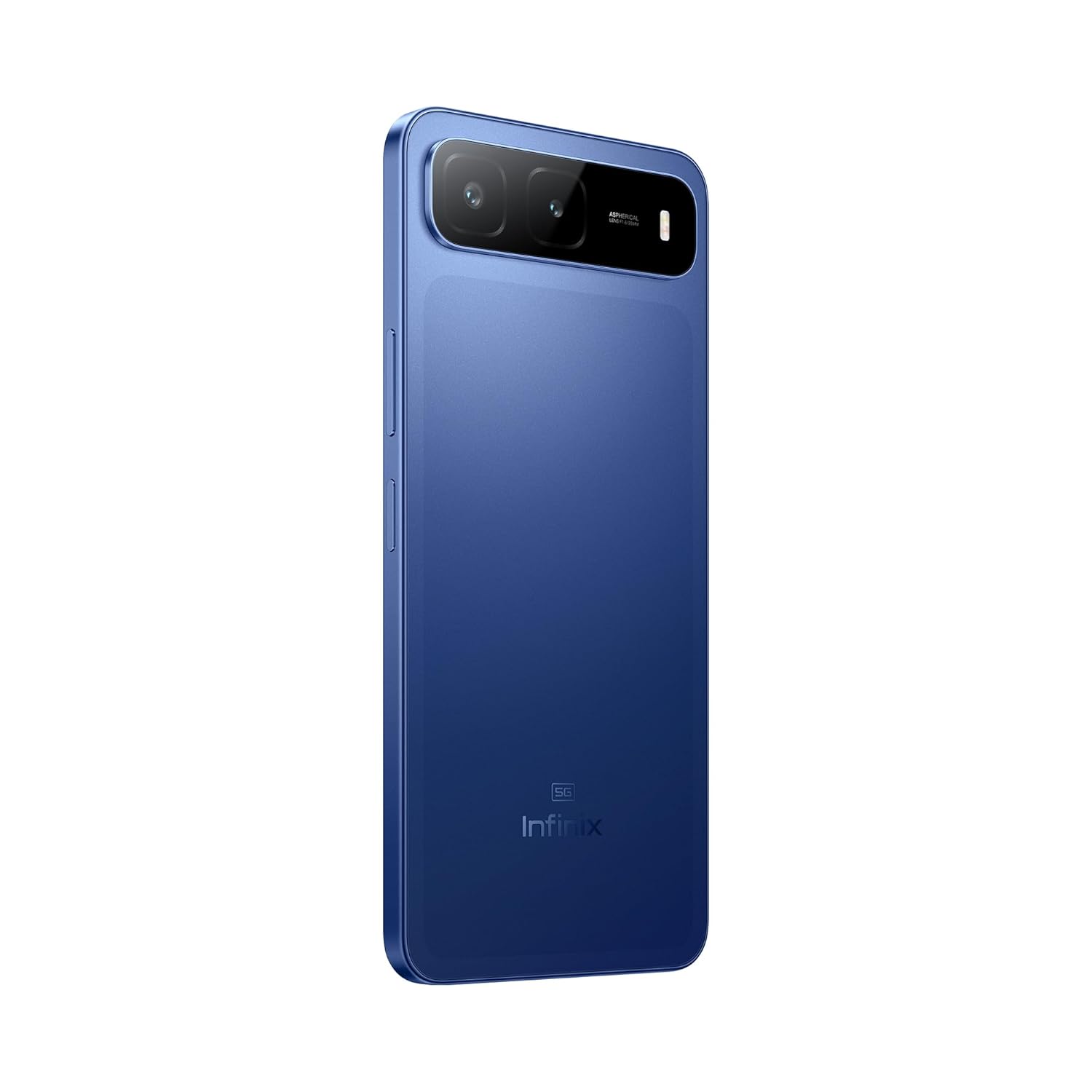
Image: Information regarding Infinix's extensive service network and customer support.
For more information, visit the official Infinix websuíomh: www.infinixmobility.com


