
Raidió TID TD-G100
TIDRADIO TD-G100 Nationwide 4G PoC Walkie Talkie Instruction Manual
Samhail: TD-G100
1. Réamhrá
The TIDRADIO TD-G100 is a state-of-the-art 4G PoC (Push-to-Talk over Cellular) walkie talkie designed for nationwide communication. Utilizing cellular networks, it offers unlimited range wherever AT&T signal is available, providing clear and instant communication. This manual will guide you through the setup, operation, and maintenance of your TD-G100 device.
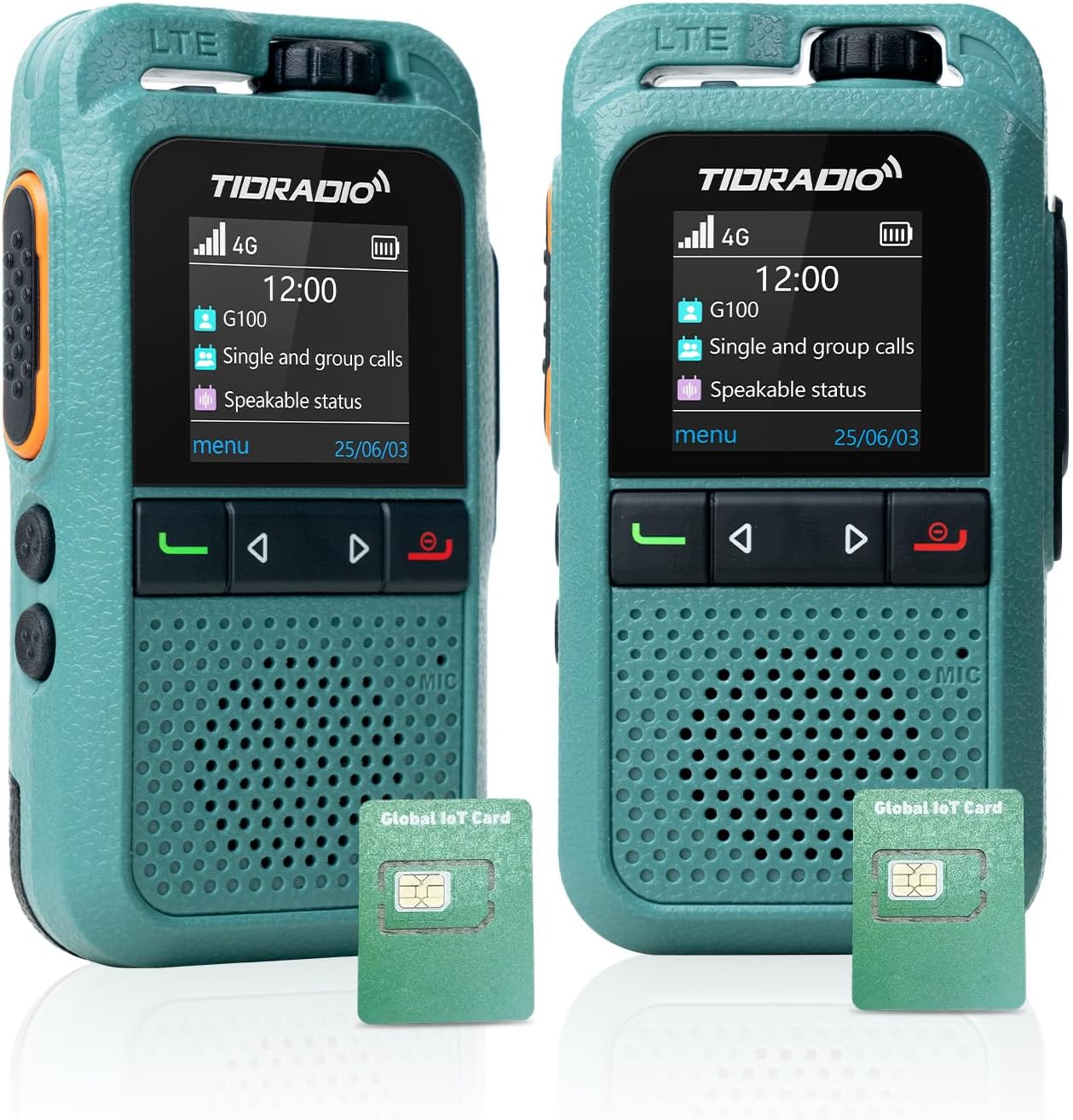
Íomhá: Tosaigh view of the TIDRADIO TD-G100 walkie talkie, showcasina dhearadh agus a thaispeáint dlúth.
2. Cad atá sa Bhosca
Your TIDRADIO TD-G100 package includes the following items:
- TIDRADIO TD-G100 Walkie Talkie Unit(s)
- Cábla Muirir Cineál-C
- 2 x Ceallraí 12V (san áireamh)
- AT&T SIM Card (pre-installed, with 12 months complimentary data)
- Lámhleabhar Úsáideora (an doiciméad seo)
3. Táirge Tharview agus Rialuithe
Familiarize yourself with the physical components and controls of your TD-G100 walkie talkie.

Image: Diagram highlighting the key controls of the TD-G100, including Volume Control, PTT Button, Menu/Confirm, Groups list, Single Call, Power on/EXIT Button, Microphone, and Speaker.
- Rialú Toirte: Rothlaigh chun an leibhéal aschuir fuaime a choigeartú.
- Cnaipe PTT (Brúigh-chun-Labhairt): Brúigh agus coinnigh síos chun do ghlór a tharchur. Scaoil le héisteacht.
- Cnaipe Roghchláir: Faigh rochtain ar roghchlár an ghléis.
- Cnaipe EXIT: Exit current menu or function.
- Cnaipí Nascleanúna: Use to select menu options.
- Groups List Button: Quickly access your configured talk groups.
- Single Call Button: Initiate a private call with a specific contact.
- Micreafón: Speak into the microphone for clear transmission.
- Cainteoir: Audio output for incoming transmissions.
- Antenna Folaithe: The device features an internal antenna for a compact design.
- Shock-Resistant Protection Bar: Provides enhanced durability.
4. Treoir Socraithe
4.1 Suiteáil Cárta SIM agus Ceallraí
The TD-G100 comes with a pre-installed AT&T SIM card. If you need to access or re-install the SIM card or battery, follow these steps:

Image: Illustration showing the pre-installed SIM cards in the TD-G100, highlighting the 1-year free data plan.
- Oscail an Buicéad Glasála: Brúigh laiste sliotán an chárta SIM síos go réidh chun é a oscailt.
- Cuir isteach Cárta SIM: Place the SIM card into the designated slot. Ensure correct orientation.
- Dún an Buicéad Glasála: Close the latch and gently push it upward to secure the SIM card.
- Suiteáil an Battery: Insert the provided 12V battery into its compartment.
- Clúdach Ceallra Slán: Cuir an clúdach ceallraí in ionad agus cinntigh go bhfuil sé ceangailte go daingean.
4.2 Odmaster App Download and Account Registration
The Odmaster app is essential for managing your TD-G100, including adding friends, creating groups, and managing your data plan. You can download the app by scanning the QR codes below or searching in your device's app market.

Image: Screenshot of the Odmaster app activation tutorial, showing QR codes for Android and iOS app downloads.
- Íoslódáil Aip: Scan the QR code for your device's operating system (Android or iOS) or visit odmaster.tid-china.com/odmasterAppDownload.
- Cláraigh Cuntas: Open the Odmaster app and register a new account using your phone number or email. You can log in without verification if using email.
- Cuir Cairde leis: From the app's main interface, you can add friends by scanning their QR code or entering their Odmaster ID.
- Cruthaigh Grúpa: Create new talk groups within the app. You can name your group and invite friends to join.
4.3 Binding TD-G100 to Odmaster App
To link your TD-G100 walkie talkie to your Odmaster account:

Image: Visual guide for binding the TD-G100 to the Odmaster app, showing the steps to scan the device's QR code.
- Open Odmaster App: Navigate to the "Program" interface and click "Add Poc Radio".
- Scan Cód QR: On your TD-G100, power it on and locate the QR code displayed on the screen. Use the Odmaster app to scan this QR code.
- Deimhnigh Ceangal: Follow the on-screen prompts to confirm the binding. Once successful, your device will be listed in the app.
- Add Groups to Device: From the app, select your bound TD-G100 and add the desired talk groups to it. This will enable communication through these groups on your device.
5. Operating Your TD-G100
5.1 Cumarsáid Bhunúsach
The TD-G100 supports Full Call, Single Call, and Group Call functions.
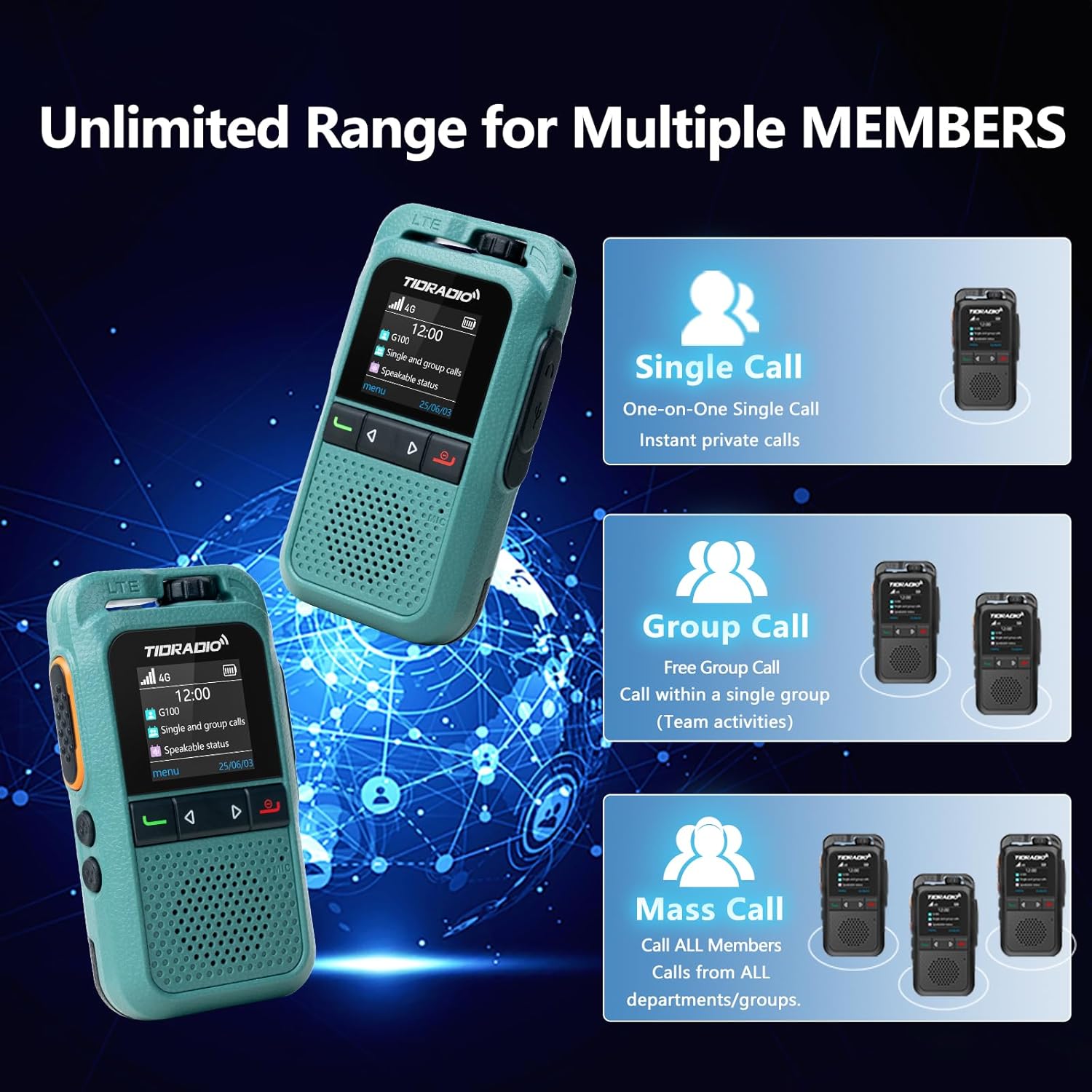
Image: Diagram illustrating the Single Call, Group Call, and Mass Call capabilities of the TD-G100.
- Glao Iomlán: To initiate a full call to all members in your current group, select the group using the Groups List button, then press and hold the PTT button to speak. Release to listen.
- Glao Aonair: To make a private call, press the Single Call button, select the desired member from your contacts, then short press the PTT key to confirm. Press and hold the PTT key to speak.
- Glao Grúpa: To communicate within a specific group, press the Groups List button, select the desired group, then press and hold the PTT button to speak.
5.2 Auto-Recording Function
The TD-G100 features an auto-recording function that captures all conversations within your groups. This ensures no important calls are missed and allows for reviewing chat history at any time.

Image: Visual representation of the auto-recording function, showing a walkie-talkie and a smartphone displaying chat history.
5.3 One-Click Auto-Update (OTA)
Your TD-G100 supports Over-The-Air (OTA) updates, allowing for seamless firmware optimizations and access to new features without needing a physical connection to a computer. This feature helps extend the device's life and ensures real-time parameter tuning.

Image: Graphic illustrating the OTA update process, emphasizing no computer is needed for effortless upgrades.
6. Cothabháil
- Cúram Battery: The 3000mAh battery provides approximately 24 hours of average use. Charge the device using the provided Type-C charging cable. Avoid overcharging or fully discharging the battery for extended periods to prolong its lifespan.
- Glanadh: Use a soft, dry cloth to clean the device. Do not use harsh chemicals or abrasive cleaners.
- Friotaíocht Uisce: The TD-G100 has an IP54 waterproof rating, meaning it is protected from dust and splashing water. Avoid submerging the device in water.
- Nuashonruithe Bogearraí: Regularly check for OTA updates through the Odmaster app to ensure your device has the latest features and performance improvements.
7. Fabhtcheartú
| Fadhb | Cúis Féideartha | Réiteach |
|---|---|---|
| No signal / Cannot communicate | Out of AT&T network coverage; SIM card not properly installed; Data plan expired. | Move to an area with AT&T coverage; Re-install SIM card; Renew data plan via Odmaster App. |
| Gléas nach bhfuil ceangailte leis an aip | Incorrect QR code scanned; App not updated; Device offline. | Ensure correct QR code is scanned; Update Odmaster app; Check device power and network status. |
| Droch-chaighdeán fuaime | Weak signal; Obstructions; Volume too low. | Move to an open area; Adjust volume control. |
| Ceallra gan luchtú | Faulty cable/charger; Incorrect connection. | Ensure Type-C cable is properly connected; Try a different charging cable or adapter. |
8. Sonraíochtaí
| Gné | Sonraigh |
|---|---|
| Branda | TIDRADIO |
| Uimhir Mhúnla | TD-G100 |
| Prótacal Nascachta | 4G PoC LTE |
| Raon Caint Uasmhéid | 10000 Míle (Ag brath ar an líonra) |
| Líon Cainéil | 200 |
| Cumas Battery | 3000mAh |
| Meánshaol Battery | 24 Uair |
| Comhéadan Muirir | Cineál-C |
| Leibhéal Friotaíocht Uisce | IP54 (Uiscedhíonach) |
| Gnéithe Speisialta | 3W Loud Audio Speaker, Auto-recording Conversation, One-Click Auto-Update (OTA), Odmaster APP Support |
9. Barántas agus Tacaíocht
TIDRADIO is committed to providing the best communication experience. For any inquiries or support, please contact us.
- Barántas:
- 30-day free return or replacement
- 90-day quality warranty
- Lifetime after-sales service & OTA updates
- Ríomhphost Tacaíochta: tacaíocht@tidradio.com

Image: A thank you message from TIDRADIO with their support email address.
10. Ranganna Teagaisc Video
For visual guidance on setting up and using your TD-G100, please refer to the official video tutorials below:
How to Use the G100 4G PoC Walkie-Talkie
Video: A comprehensive guide demonstrating the setup and operational procedures for the TIDRADIO TD-G100 4G PoC Walkie-Talkie.
Walkie Talkies Long Range Overview
Físeán: Thar barrview of the long-range capabilities and general use of TIDRADIO walkie talkies, including the TD-G100 model.
Ask a question about this manual
Ask about setup, troubleshooting, compatibility, parts, safety, or missing instructions. Manuals+ will review the question and use this page’s manual context to help answer it.