
Réamhrá
This instruction manual provides essential information for the proper use and maintenance of your UYRUREL Tablet Case, designed exclusively for the Dghrti TAB20 2024 Android 14 Tablet. Please read this manual carefully to ensure optimal performance and longevity of your product.
The UYRUREL Tablet Case is crafted from high-quality, skin-friendly silicone, offering robust protection and enhanced usability for your Dghrti TAB20 tablet. Its design incorporates features for heat dissipation, an adjustable stand, and precise cutouts for full access to all tablet functions.
Socrú
1. Seiceáil Comhoiriúnachta
Ensure your tablet is the Dghrti TAB20 2024 Android 14 Tablet. This case is specifically designed for this model and is not compatible with other tablet models. The tablet device is not included with this accessory.
2. Installing the Tablet Case
- Gently align your Dghrti TAB20 tablet with the case.
- Carefully insert the tablet into the soft silicone case, ensuring all edges are securely fitted. The flexible silicone material makes installation and removal easy without scratching your tablet.
- Verify that all ports, buttons, and the camera are aligned with the precise cutouts on the case.
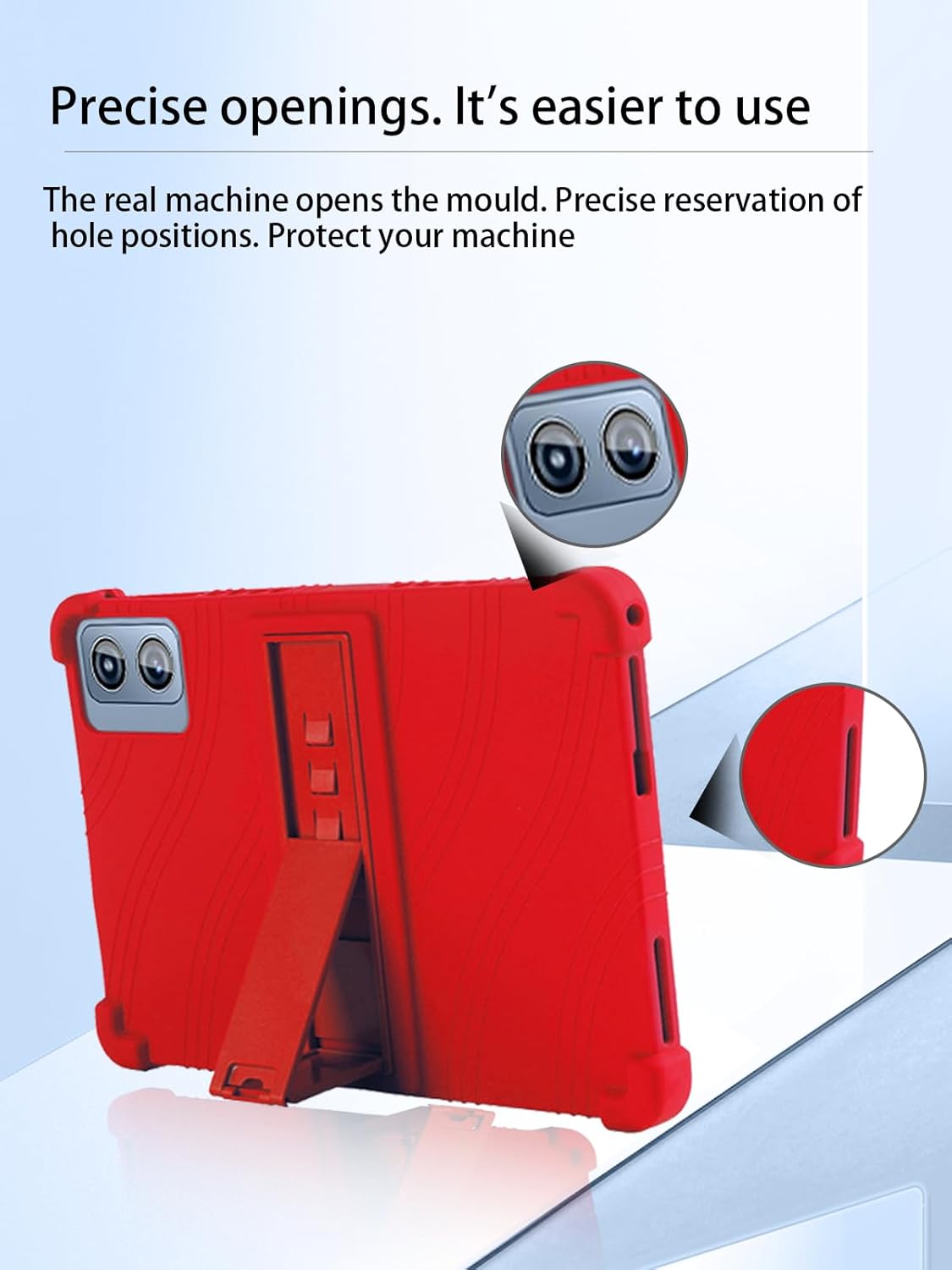
Fíor 1: The tablet case features precise cutouts, ensuring full access to all ports, buttons, and the camera without needing to remove the case. This image highlights the accurate alignment of the case with the tablet's functionalities.
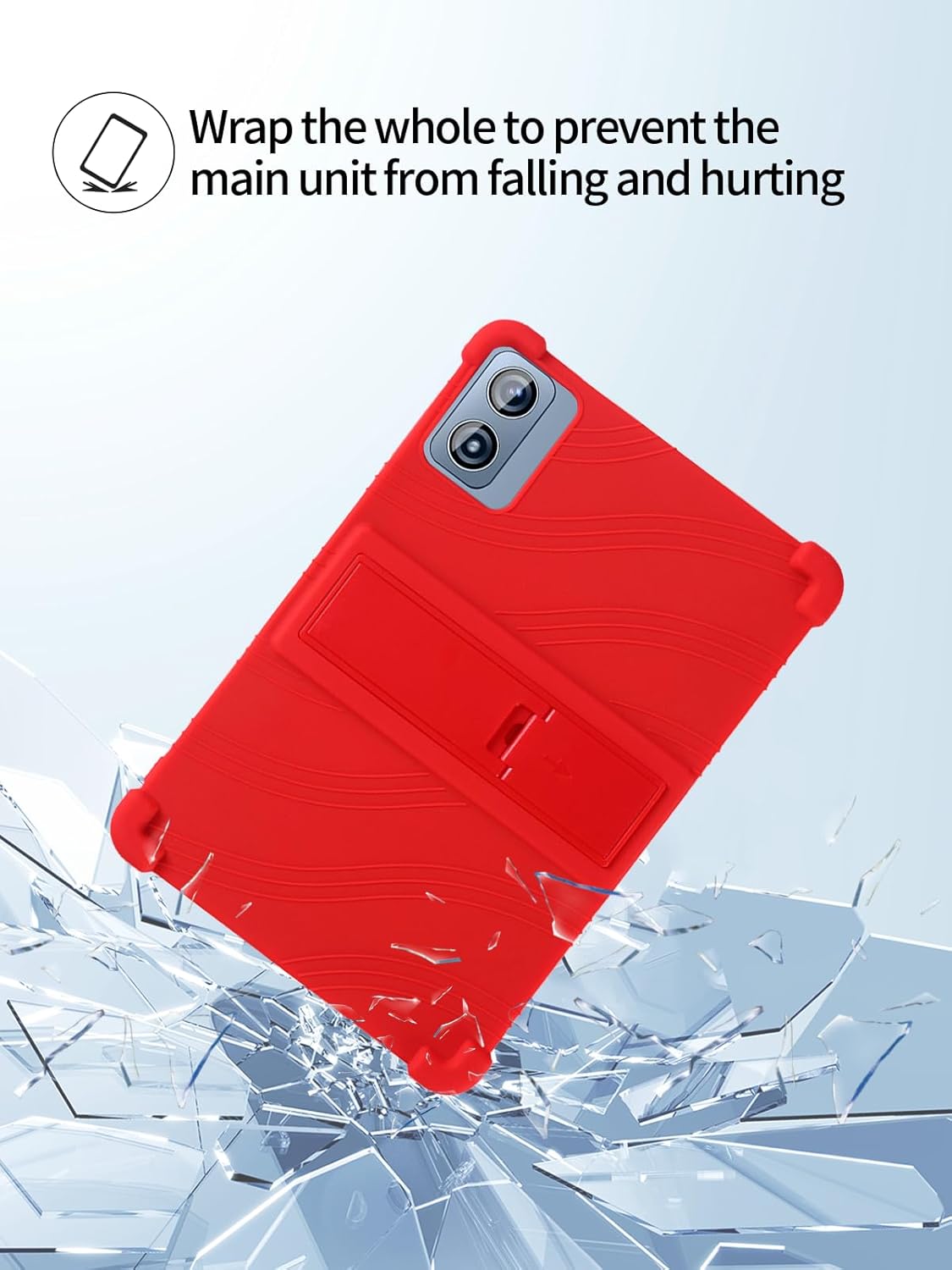
Fíor 2: The case is designed to fully wrap the tablet, providing comprehensive protection against accidental drops and impacts. The image illustrates the protective capability of the case against potential damage.
Treoracha Oibriúcháin
1. Ag Úsáid an tSeasamh Inchoigeartaithe
The tablet case includes a ruggedized, concealed bracket made of PC material. This stand can be easily deployed and adjusted to various angles for comfortable viewing agus clóscríobh.
- Locate the integrated stand on the back of the case.
- Gently pull out the stand until it locks into your desired viewing or typing angle.
- To retract the stand, push it back into its concealed position until it is flush with the case.

Fíor 3: The adjustable stand allows for hands-free viewing, making it convenient for watching videos or typing. The image demonstrates the stand supporting the tablet at an optimal angle.
2. Accessing Tablet Features
The precise design of the case ensures that all tablet features remain fully accessible:
- Ceamara: The camera cutouts allow for unobstructed photo and video capture.
- Poirt: Charging ports, headphone jacks, and other connectivity ports are easily accessible.
- Cnaipí: Power and volume buttons are covered by the soft silicone, providing tactile feedback while protecting them from dust and wear.
Cothabháil
1. Treoracha Glanadh
The soft silicone material of the case is designed for easy cleaning. To maintain its appearance and hygiene:
- Úsáid fógraamp cloth with mild soap and water to wipe down the surface of the case.
- For stubborn stains, the silicone material can be cleaned directly with water.
- Allow the case to air dry completely before reattaching it to your tablet.

Fíor 4: The high-quality silicone material is skin-friendly and durable, featuring properties such as ease of cleaning, resistance to oil and stains, and high resistance to deformation and wear.
2. Diomailt teasa
The interior of the case features a three-dimensional honeycomb design. This cellular cooling structure is engineered to effectively dissipate heat from your tablet, preventing overheating during extended use.

Fíor 5: The interior of the case features a honeycomb texture designed for cellular cooling, which helps to effectively dissipate heat and keep the tablet from overheating.
Fabhtcheartú
- Ní oireann an cás: Ensure your tablet is the Dghrti TAB20 2024 Android 14 Tablet. This case is model-specific.
- Tá na cnaipí righin: Ensure the tablet is correctly seated within the case and that the button covers are aligned. The silicone may require a short break-in period.
- Tá an seastán scaoilte: Check if the stand is fully extended and locked into position. If it feels excessively loose, inspect for any damage to the PC material bracket.
- Difficulty cleaning stains: While resistant, some stubborn stains may require a stronger, non-abrasive cleaner suitable for silicone. Always test on an inconspicuous area first.
Sonraíochtaí
| Gné | Sonraigh |
|---|---|
| Branda | UYRUREL |
| Uimhir Mhúnla | CMT20 |
| Gléasanna Comhoiriúnacha | Dghrti TAB20 |
| Fachtóir Foirme | Cás |
| Cineál Bhlaosc | bog |
| Ábhar Imfhálú | sileacain |
| Gnéithe Breise | Slim Fit, Adjustable Stand, Heat Dissipation |
Barántas agus Tacaíocht
UYRUREL is committed to providing high-quality products and customer satisfaction. If you encounter any issues with your product or packaging, please contact our customer service team.
- Seirbhís do Chustaiméirí: For assistance, please refer to the contact information provided with your purchase or visit the UYRUREL official websuíomh.
- Am Freagartha: We aim to provide a satisfactory solution within 24 hours of your inquiry.
Coinnigh do chruthúnas ceannaigh le haghaidh aon éilimh bharántais nó iarratais tacaíochta.