
1. Réamhrá
Thank you for choosing the AWEI T21 Bluetooth Earbuds. These wireless earbuds are designed to provide a high-quality audio experience with advanced features such as Bluetooth 5.3 connectivity, smart touch controls, and IPX6 waterproofing. This manual will guide you through the setup, operation, and maintenance of your new earbuds.

Íomhá: Tharview of AWEI T21 Earbuds key features including Bluetooth 5.3, TWS, HD Microphone, comfortable fit, Type-C fast charging, and touch control.
2. Ábhar Pacáiste
- AWEI T21 Wireless Bluetooth Headset (Left and Right Earbuds)
- Cás Muirir
- Cábla Muirearú USB-C
- User Instructions (This Manual)
3. Socrú
3.1 Muirearú Tosaigh
Before first use, fully charge the earbuds and the charging case. Connect the provided USB-C cable to the charging port on the case and to a power source. The charging case has a 300mAh capacity and takes approximately 1.5 hours to fully charge.

Image: The AWEI T21 charging case with its Type-C fast-fill port, shown connected to a power source.

Image: The AWEI T21 multi-function charging case highlighting its 300mAh capacity, 2.5 hours play time, and 130 hours standby time.
3.2 Péireáil le Gléas
- Oscail an cás luchtaithe. Cuirfidh na cluasáin tús leo go huathoibríoch agus rachaidh siad isteach sa mhodh péireála.
- Ar do ghléas (fón cliste, táibléad, ríomhaire glúine), cumasaigh Bluetooth.
- Cuardaigh le haghaidh "AWEI T21" in the list of available Bluetooth devices and select it to connect.
- Nuair a bheidh siad ceangailte, cloisfidh tú ton deimhnithe, agus beidh na cluasáin réidh le húsáid.
The earbuds feature Bluetooth 5.3 technology for a fast and stable connection, with a range of up to 10 meters.

Image: AWEI T21 earbuds in their charging case, illustrating instant connection via Bluetooth 5.3 upon removal.
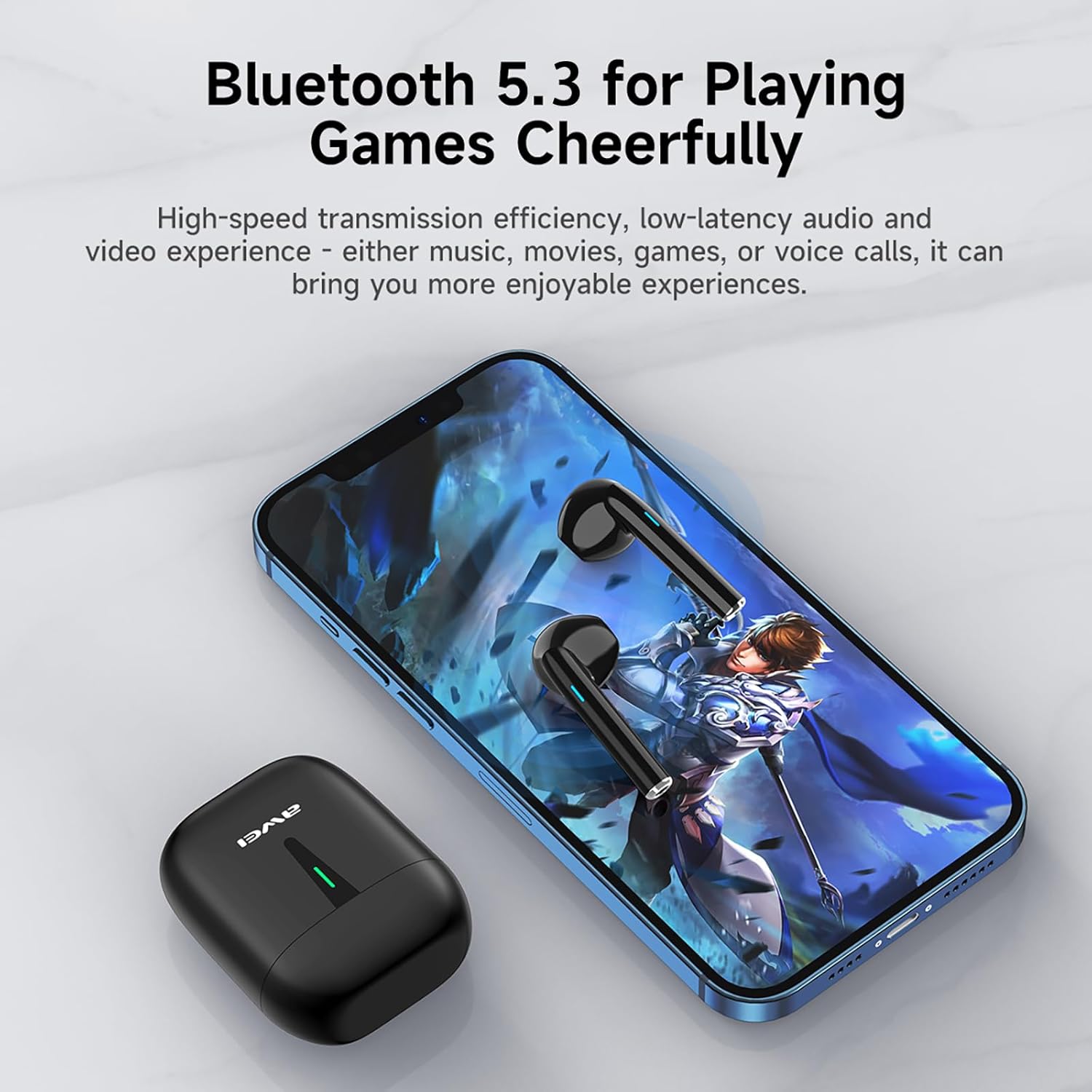
Image: A smartphone displaying a game, with AWEI T21 earbuds and their charging case nearby, emphasizing Bluetooth 5.3 for low-latency audio.
4. Treoracha Oibriúcháin
4.1 Cumhacht ar siúl / as
- Cumhacht ar: Cuirtear na cluasáin ar siúl go huathoibríoch nuair a bhaintear as an gcás luchtaithe iad.
- Múch: Cuir na cluasáin ar ais sa chás luchtaithe chun iad a mhúchadh go huathoibríoch agus tosú ag muirearú.
4.2 Rialuithe Tadhaill Chliste
The AWEI T21 earbuds feature intuitive touch controls on each earbud. Specific touch functions may vary slightly by device, but common controls include:
- Seinn/Sos: Tapáil amháin ar cheachtar cluasán.
- Amhrán Eile: Tapáil faoi dhó ar an gcluasán deas.
- Amhrán Roimhe Seo: Tapáil faoi dhó ar an gcluasán clé.
- Freagra/Deireadh Glao: Tapáil amháin ar cheachtar cluasán.
- Diúltaigh Glao: Brúigh agus coinnigh ceachtar den dá chluais ar feadh 2 shoicind.
- Rialú Toirte: (Specific gesture not detailed in product info, typically long press or multiple taps. Refer to device settings if needed.)
- Gníomhaigh Cúntóir Gutha: (Specific gesture not detailed in product info, typically triple tap or long press.)
4.3 Monaural and Binaural Modes
The earbuds support both single-ear (monaural) and dual-ear (binaural) usage modes.
- Mód Monarthanachta: Use one earbud independently while the other is in the charging case. This extends total listening time by allowing you to alternate earbuds.
- Mód Dénártha: Use both earbuds simultaneously for stereo sound.

Image: Illustration of AWEI T21 earbuds in both monaural (single earbud connected) and binaural (both earbuds connected for stereo) modes.
5. Cothabháil
5.1 Glanadh
- Cuimil na cluasáin agus an cás luchtaithe go réidh le héadach bog, tirim, saor ó lint.
- Ná húsáid glantóirí scríobacha, tuaslagóirí ná spraeanna aerasóil.
- Cinntigh go bhfuil na teagmhálacha luchtaithe ar na cluasáin agus ar an gcás glan agus tirim.
5.2 Friotaíocht Uisce
The AWEI T21 earbuds are rated IPX6 waterproof, meaning they are protected against high-pressure water jets from any direction. This makes them suitable for use during workouts or in light rain. However, they are not designed for submersion in water. Ensure earbuds are dry before placing them back in the charging case.
5.3 Stóráil
Nuair nach bhfuil siad in úsáid, stóráil na cluasáin ina gcás luchtaithe chun iad a chosaint agus iad a choinneáil luchtaithe. Stóráil in áit fhionnuar tirim amach ó theocht mhór.
6. Fabhtcheartú
| Fadhb | Réiteach Féideartha |
|---|---|
| Níl na cluasáin ag péireáil leis an ngléas. |
|
| Níl ach earbud amháin ag obair. |
|
| Níl na cluasáin ag muirearú. |
|
| Low sound quality or intermittent connection. |
|
7. Sonraíochtaí
| Ainm an tSamhail | T21 |
| Branda | Awei |
| Teicneolaíocht Nascachta | Gan sreang (Bluetooth) |
| Leagan Bluetooth | 5.3 |
| Raon Bluetooth | 10 Méadar |
| Socrúchán Cluas | I gCluas |
| Cineál Rialaithe | Rialú Dteagmhála |
| Leibhéal Friotaíocht Uisce | IPX6 uiscedhíonach |
| Saol Battery Earbud | 6 Hours (continuous use) |
| Cumas Cás Muirir | 300mAh |
| Am Súgartha Iomlán (le cás) | Up to 36 Hours (dual-ear mode), Up to 72 Hours (single-ear alternating) |
| Am Muirir (Cás) | 1.5 Hours (via Type-C) |
| Cineál tiománaí fuaime | Dynamic Driver (10mm speaker) |
| Ábhar | Silicone (ear caps) |
| Meáchan Mír | 0.09 cileagram |
| Comhpháirteanna San áireamh | USB-C Charging Cable, Wireless Bluetooth Headset, User Instructions, Wireless Bluetooth Headset Charging Case |
8. Faisnéis Bharántas
The AWEI T21 Bluetooth Earbuds come with a Barántas 1 bhliain from the date of purchase. This warranty covers manufacturing defects. Please retain your proof of purchase for warranty claims. The warranty does not cover damage caused by misuse, accidents, unauthorized modifications, or normal wear and tear.
9. Tacaíocht do Chustaiméirí
For further assistance, technical support, or warranty inquiries, please contact Awei customer service through the retailer where you purchased the product or visit the official Awei webláithreán gréasáin le haghaidh faisnéise teagmhála.