
Réamhrá
The realme Buds T110 are designed to deliver a high-quality audio experience with advanced features for both music and calls. These truly wireless earbuds offer powerful sound, clear communication, and a comfortable fit for daily use.
Key features include 10mm Dynamic Bass Drivers for rich audio, AI Environmental Noise Cancellation (ENC) for clear calls, Google Fast Pair for quick connectivity, 38 hours of total playback, fast charging capabilities, and an 88ms low latency gaming mode. The earbuds also feature an IPX5 water resistance rating, making them suitable for workouts and outdoor activities.

Íomhá: Tharview of realme Buds T110 key features including 38-hour playback, AI ENC, IPX5, and low latency.
Cad atá sa Bhosca
Upon opening your realme Buds T110 package, you will find the following items:
- realme Buds T110 Earbuds (Left and Right)
- Cás Muirir
- Cluaisíní (méideanna éagsúla le go n-oirfidh siad go barrmhaith)
- Cábla Muirearú USB
- Lámhleabhar Úsáideora

Image: realme Buds T110 earbuds in their charging case, showcasing the product's components.
Socrú
1. Muirearú na gCluasán agus an Chás
Before first use, fully charge the realme Buds T110 and their charging case. Connect the provided USB charging cable to the charging port on the case and a power source. The indicator light on the case will show charging status. A 10-minute charge provides up to 120 minutes of playback.

Íomhá: Barr view of the realme Buds T110 charging case with its indicator light.
2. Initial Pairing (Google Fast Pair)
- Cinntigh go bhfuil Bluetooth do ghutháin chliste cumasaithe.
- Open the charging case with the earbuds inside and hold it close to your Android phone.
- A Google Fast Pair pop-up will appear on your phone's screen. Tap 'Connect' to pair.
- For other devices, open the case, press and hold the function button on the case for 3 seconds until the indicator light flashes white, then select 'realme Buds T110' from your device's Bluetooth settings.
3. realme Link App Compatibility
Download the realme Link app from your device's app store to unlock additional features, customize touch controls, and update firmware for your realme Buds T110.

Image: The realme Link app logo, indicating compatibility for enhanced control.
Treoracha Oibriúcháin
1. Cumhacht Ar / As
- Cumhacht ar: Oscail an cás luchtaithe, agus cuirfear na cluasáin ar siúl go huathoibríoch agus ceanglóidh siad leis an bhfeiste péireáilte dheireanach.
- Múch: Cuir na cluasáin ar ais sa chás luchtaithe agus dún an clúdach. Dícheanglóidh agus múchfaidh siad go huathoibríoch.
2. Rialuithe Dteagmhála
The realme Buds T110 feature intuitive touch controls on each earbud. The specific functions can be customized via the realme Link app.
| Gníomh | Feidhm |
|---|---|
| Beartaíonn Dúbailte | Seinn / Sos ceol, Freagra / Deireadh glao |
| Tapáil Triple | An chéad rian eile |
| Brúigh agus Coinnigh (cluasán amháin) | Diúltú glaoch |
| Press and Hold (both earbuds) | Enter/Exit Gaming Mode |

Image: Close-up of the right realme Buds T110 earbud, highlighting its design and touch-sensitive area.
3. AI Environmental Noise Cancellation (ENC) for Calls
The AI ENC feature intelligently identifies and reduces background noise during calls, ensuring your voice is heard clearly by the person on the other end, even in noisy environments.
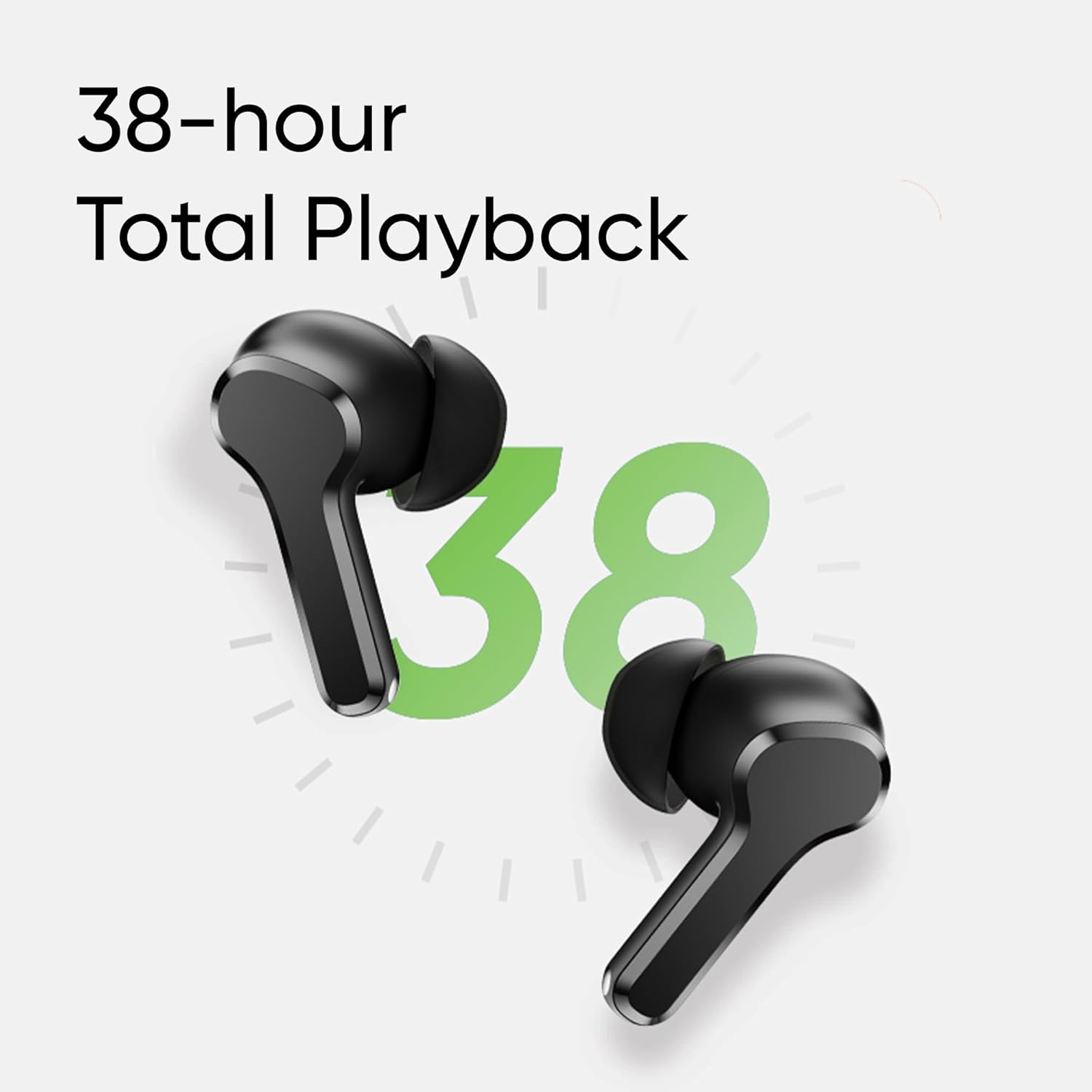
Image: Visual representation of AI ENC technology reducing background noise during calls.
4. Mód Cearrbhachais le Latency Íseal
Activate the 88ms low latency gaming mode for a synchronized audio-visual experience, reducing audio delay during gaming or video playback. This mode can be toggled by pressing and holding both earbuds simultaneously.
Cothabháil
1. Glanadh
- Glan na cluasáin agus an cás luchtaithe go rialta le héadach bog, tirim, saor ó lint.
- Bain na bairr chluas agus glan iad le gallúnach éadrom agus uisce, ansin triomaigh go maith iad sula n-athcheanglaítear iad.
- Cinntigh go bhfuil na teagmhálacha luchtaithe ar an dá chluasán agus ar an gcás saor ó dheannach agus smionagar.
2. Friotaíocht Uisce (IPX5)
The realme Buds T110 are rated IPX5 for water resistance, meaning they are protected against low-pressure water jets from any direction. This makes them resistant to sweat and light splashes. They are not designed for submersion in water or use during swimming.

Image: Visual representation of the IPX5 water resistance feature, showing water droplets around an earbud.
Fabhtcheartú
- Gan aon Fhadhbanna Fuaime/Nascachta: Ensure earbuds are charged. Place them back in the case, close the lid, then reopen to re-establish connection. Check your device's Bluetooth settings and ensure 'realme Buds T110' is connected. Try forgetting the device and re-pairing.
- Earbud amháin nach bhfuil ag obair: Ensure both earbuds are charged. Place both earbuds in the charging case, close the lid, wait a few seconds, then open it again. If the issue persists, try resetting the earbuds.
- Saincheisteanna Muirir: Cinntigh go bhfuil an cábla luchtaithe ceangailte go daingean leis an gcás agus leis an bhfoinse cumhachta araon. Glan na teagmhálacha luchtaithe ar na cluasáin agus taobh istigh den chás. Bain triail as cábla luchtaithe nó oiriúntóir cumhachta difriúil.
- Na Earbuds a Athshocrú: Place both earbuds in the charging case. Press and hold the function button on the case for 10 seconds until the indicator light flashes rapidly. This will reset the earbuds to factory settings and clear all pairing records. You will need to re-pair them with your device.
Sonraíochtaí
| Gné | Sonraíocht |
|---|---|
| Branda | ríocht |
| Uimhir Mhúnla | RMA2306 |
| Socrúchán Cluas | I gCluas |
| Fachtóir Foirme | Fíor gan sreang |
| Impedance | 32 Óm |
| Leagan Bluetooth | 5.4 |
| Cineál tiománaí fuaime | Tiománaí Dinimiciúla |
| Méid fuaime tiománaí | 10 Milliméadar |
| Meánshaol Battery | 38 Hours (Total Playback) |
| Am Muirear Ceallraí | 10 Minutes for 120 Minutes Playback |
| Leibhéal Friotaíocht Uisce | IPX5 |
| Rialú Torainn | Cealú Torainn Comhshaoil (ENC) |
| Latency Íseal | 88ms |
| Meáchan | 42 gram |
| Tír Bhunaidh | Vítneam |
Barántas agus Tacaíocht
Faisnéis Bharántas
The realme Buds T110 come with a Barántas Monaróra 1 Bliana from the date of purchase. Please retain your proof of purchase for warranty claims. The warranty covers manufacturing defects but does not cover damage caused by misuse, accidents, unauthorized modifications, or normal wear and tear.
Tacaíocht do Chustaiméirí
For further assistance, technical support, or warranty claims, please contact realme customer service through their official website or the realme Link app. You can also refer to the official realme support page for FAQs and additional resources.


