
HOMCOM CA833-222V80BK0231
HOMCOM High Gloss LED TV Cabinet Stand User Manual
Model: CA833-222V80BK0231
Branda: HOMCOM
1. Réamhrá
Thank you for choosing the HOMCOM High Gloss LED TV Cabinet Stand. This modern entertainment unit is designed to enhance your living space with its sleek high-gloss finish, integrated LED lighting, and ample storage. This manual provides essential information for assembly, operation, maintenance, and troubleshooting to ensure safe and optimal use of your new TV cabinet.

Image 1.1: The HOMCOM High Gloss LED TV Cabinet Stand in a modern living room setting, showcasing its illuminated shelves.
2. Faisnéis Sábháilteachta
Léigh agus tuig na treoracha sábháilteachta go léir sula ndéantar iad a chur le chéile agus a úsáid. Má theipeann ort na treoracha seo a leanúint, d’fhéadfadh gortú nó damáiste don táirge a bheith mar thoradh air.
- This product has a maximum load capacity of 176 lb (80 kg). Do not exceed this weight limit to prevent structural damage or collapse.
- The product contains small parts. Keep all small components and packaging materials away from children to prevent choking hazards.
- Ensure the product is stable and secure during assembly and after placement. Use anti-tip hardware if provided and recommended for your specific setup.
- Always assemble the unit on a soft, clean surface to prevent scratches to the high-gloss finish.
- Do not stand or climb on the TV cabinet.
- Seiceáil go tréimhsiúil na naisc agus na dúntóirí go léir lena chinntiú go bhfanann siad daingean agus slán.
3. Gnéithe Táirgí
The HOMCOM High Gloss LED TV Cabinet Stand offers a range of features designed for functionality and aesthetic appeal:
- Dazzling LED Lights: Integrated LED lighting system with 16 different colors and 4 light change modes (Flash, Strobe, Fade, Smooth). Light intensity is adjustable via the included remote control.
- Tógáil Sturdy: Constructed from quality engineered wood (MDF) for durability and stability. Features anti-slip foot pads for improved stability.
- AmpSpás Stórála: Includes 2 open shelves and 3 bottom drawers, providing convenient storage for remotes, game controllers, media devices, and other accessories.
- High Gloss Design: The sleek high-gloss finish adds a modern and stylish atmosphere to any home decor.
- Bainistíocht Cábla: Two strategically placed cable management holes on the back of the unit simplify wire organization and direct connection to power outlets.
- Comhoiriúnacht Teilifíse: Designed to accommodate TVs up to 75 inches.
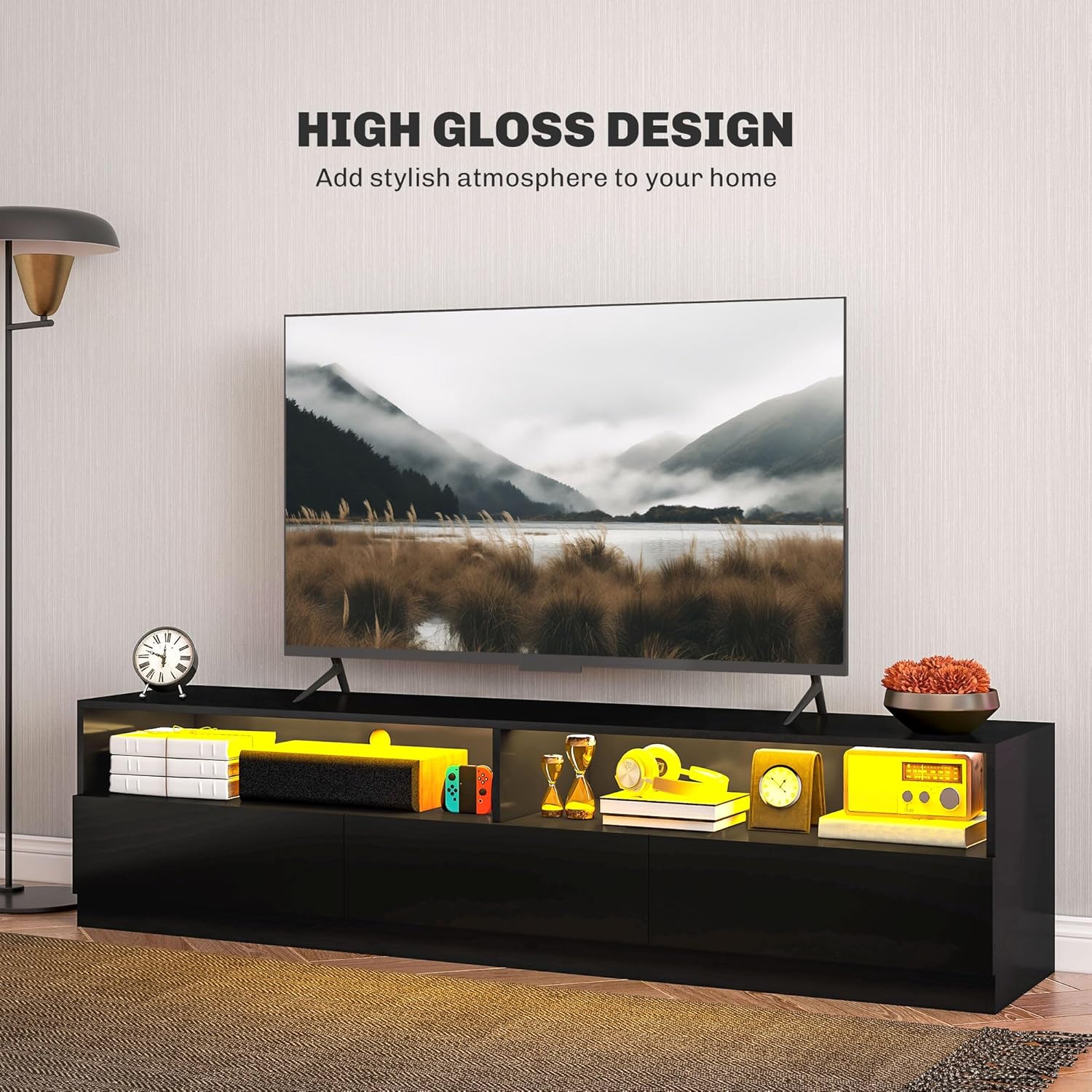
Image 3.1: The high gloss finish of the TV cabinet, designed to add a stylish atmosphere.

Image 3.2: Details of the TV cabinet, highlighting the smooth drawer slides, spacious storage, and convenient cable management holes.
4. Sonraíochtaí
| Tréith | Sonraigh |
|---|---|
| Toisí Foriomlána (L x W x H) | 70.9" x 15.7" x 17.3" (180 x 40 x 44 cm) |
| Cumas Meáchan uasta | 176 lb (80 kg) |
| Ábhar | Adhmad Innealtóireachta (MDF) |
| Dath | Snasta Ard Dubh |
| Líon na Tarraiceán | 3 |
| Líon na Seilfeanna | 2 (open) |
| Comhoiriúnacht Méid Teilifíse | Suas le 75 orlach |
| Uimhir Mhúnla | CA833-222V80BK0231 |
| Meáchan Mír | 35.83 kg |

Image 4.1: Dimensional diagram of the TV cabinet, including length, width, height, and weight capacity.
5. Socrú agus Tionól
Assembly of the HOMCOM High Gloss LED TV Cabinet Stand is required. It is recommended to have two people for assembly due to the weight and size of the components.
- Díphacáil agus Fíoraigh: Carefully unpack all components and hardware. Refer to the included assembly manual to ensure all parts are present and undamaged.
- Ullmhaigh Spás Oibre: Choose a spacious, clean, and soft surface (e.g., a carpeted area or a blanket) to prevent scratching the high-gloss finish during assembly.
- Lean na Treoracha: Adhere strictly to the step-by-step assembly instructions provided in the separate assembly manual. Each piece is typically labeled for easy identification.
- Naisc Shlán: Ensure all screws, cam locks, and other fasteners are tightened securely but do not overtighten, which could damage the engineered wood.
- Suiteáil Soilse LED: Follow the specific instructions for installing the LED light strip and connecting the power supply.
- Socrú Deiridh: Once assembled, carefully move the TV cabinet to its desired location. Ensure it is placed on a level surface.

Image 5.1: The product is delivered in one package, containing all necessary components for assembly.
6. Oibriú na Soilse LED
The integrated LED lighting system provides customizable ambiance for your entertainment area.
- Cumhacht ar siúl / as: Use the power button on the included remote control to turn the LED lights on or off.
- Roghnú Dathanna: The remote control allows you to choose from 16 different static colors. Press the corresponding color button to select your desired hue.
- Modhanna Solais: Cycle through 4 dynamic light change modes:
- Flash: Athruithe datha gasta.
- Strób: Flashing of a single color.
- Céimnithe: Aistriú de réir a chéile idir dathanna.
- Smooth: Slow, continuous color changes.
- Coigeartú Gile: Use the brightness control buttons on the remote to increase or decrease the intensity of the LED lights to suit different occasions and preferences.

Íomhá 6.1: Tharview of the RGB LED light features, including color options, modes, and remote control functionality.

Image 6.2: The TV cabinet with its LED lights set to a vibrant green, enhancing the room's ambiance.

Image 6.3: The TV cabinet displaying warm yellow LED lighting, creating a cozy atmosphere.
7. Cothabháil
Proper care will help maintain the appearance and longevity of your HOMCOM TV cabinet.
- Glanadh: Glan na dromchlaí le dry, soft cloth. Avoid using abrasive cleaners, harsh chemicals, or wet cloths, as these can damage the high-gloss finish.
- Dusadh: Regularly dust the unit to prevent buildup, which can dull the finish over time.
- Doirteadh: Glan aon doirteadh láithreach le héadach tirim chun cosc a chur ar dhaingniú nó damáiste don ábhar.
- Soilse faoi stiúir: Ensure the LED strip and remote control are kept dry. Do not attempt to clean the LED strip with liquids.
8. Fabhtcheartú
If you encounter any issues with your TV cabinet, refer to the following common troubleshooting steps:
| Fadhb | Cúis Féideartha | Réiteach |
|---|---|---|
| LED lights not turning on or responding to remote. |
|
|
| Cabinet appears unstable or wobbly. |
|
|
| Scratches or damage on high-gloss surface. |
|
|
9. Barántas agus Tacaíocht
For warranty information or technical support, please refer to the documentation included with your purchase or contact HOMCOM customer service directly. Keep your proof of purchase for any warranty claims.
Monaróir: Aosom Ceanada
Áit Ghnó: Markham, Ontario, CA
Contact: Tel. 1-416-792-6088
You can also visit the official HOMCOM store for more information: HOMCOM Store on Amazon.ca
Ask a question about this manual
Ask about setup, troubleshooting, compatibility, parts, safety, or missing instructions. Manuals+ will review the question and use this page’s manual context to help answer it.