
1. Réamhrá
This manual provides essential information for the safe and effective operation of your HAVIT Smart Life Series PJ211 PRO projector. Please read this manual thoroughly before using the device and retain it for future reference.
The HAVIT PJ211 PRO is a compact smart projector designed for home entertainment, gaming, and presentations. It features a native HD resolution of 1280x720, supporting up to 4K input, and integrates Android TV 9.0 for direct access to streaming services.
2. Ábhar Pacáiste
Tar éis díphacáil, déan cinnte go bhfuil na hearraí go léir i láthair agus i riocht maith:
- HAVIT Smart Life Series PJ211 PRO Projector
- Cábla Cumhachta
- Cianrialú
- Lámhleabhar Úsáideora (an doiciméad seo)
3. Táirge Tharview
Familiarize yourself with the projector's physical components and connection ports.
Íomhá: Cúl agus taobh view of the HAVIT PJ211 PRO projector, highlighting the power input, HDMI, USB, and audio ports.

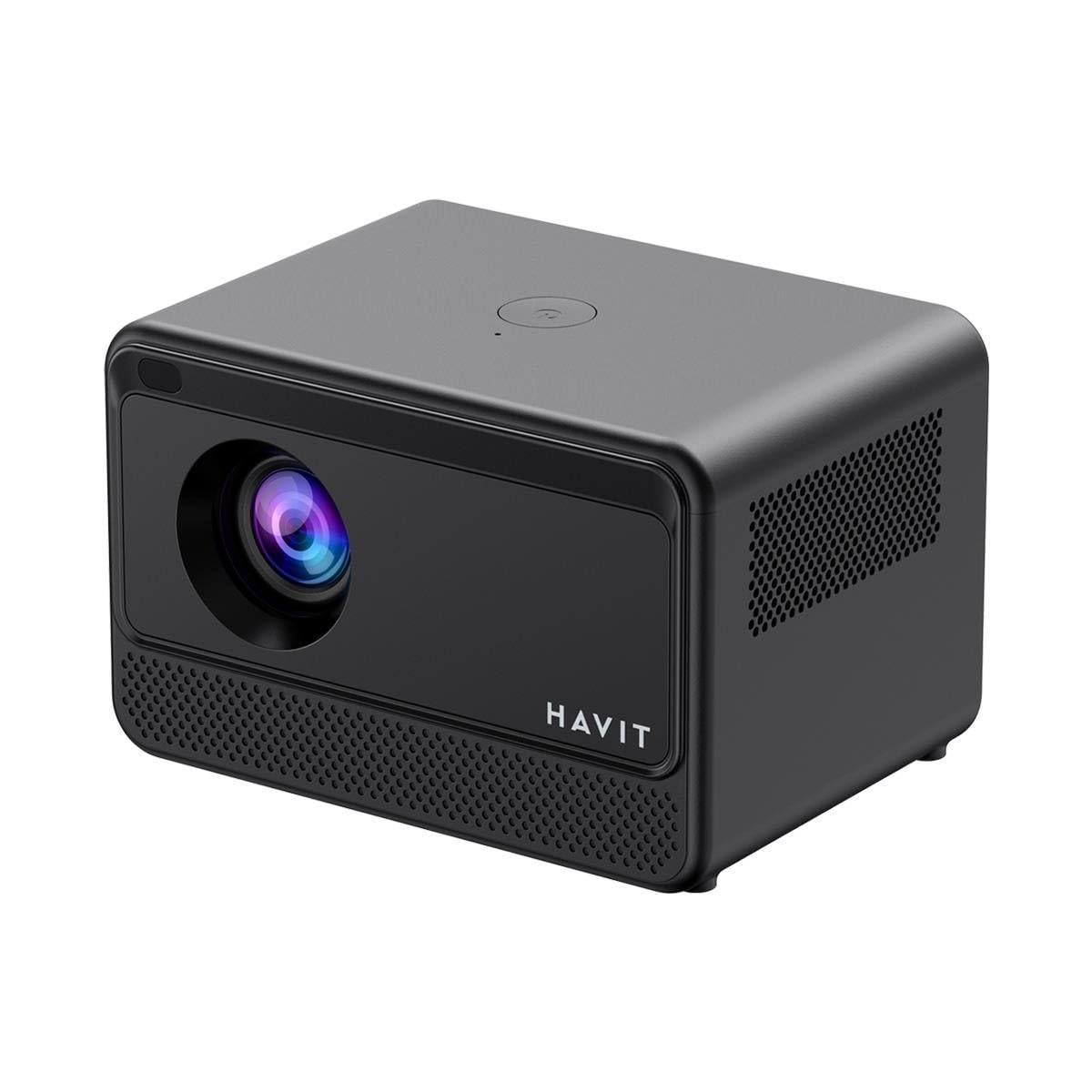
Íomhá: Tosaigh view of the HAVIT PJ211 PRO projector, showing the projection lens and front grille.
Calafoirt agus Rialuithe:
- Ionchur Cumhachta: Nascann sé leis an adapter cumhachta.
- Port HDMI: Chun foinsí físe seachtracha amhail ríomhairí glúine, consóil cearrbhachais, nó seinnteoirí Blu-ray a nascadh.
- Poirt USB: Chun gléasanna stórála USB a nascadh chun meáin a sheinm files or connect peripherals.
- Ionchur AV: Chun gléasanna níos sine a nascadh ag baint úsáide as cábla AV.
- Jack Fuaime 3.5mm: Chun cainteoirí seachtracha nó cluasáin a nascadh.
- Cnaipe Cumhachta: Located on the top panel for turning the projector on/off.
4. Socrú
4.1 Socrúchán
Position the projector on a stable, flat surface. Ensure there is adequate ventilation around the device. The optimal projection distance ranges from 1 to 4 meters, yielding a screen size between 32 and 150 inches.
4.2 Ceangal Cumhachta
- Ceangail an cábla cumhachta le port ionchuir cumhachta an teilgeora.
- Breiseán an ceann eile den chábla cumhachta isteach i soicéad leictreach oiriúnach.
4.3 Cumhacht Tosaigh Ar
Press the power button on the projector or the remote control to turn on the device. The projector will boot up and display the Android TV interface.
4.4 Fócas agus Ceartú Eochairchloiche
The PJ211 PRO features semi-auto focus and semi-auto keystone correction. The projector will attempt to adjust these settings automatically upon startup or movement. Fine-tuning can be done via the on-screen menu if needed.
4.5 Ceangal Líonra
To access online content, connect the projector to a Wi-Fi network.

Image: Illustration showing the projector's support for both 2.4G and 5G dual-band Wi-Fi connections, indicating improved transmission rates and smoother online viewing with 5G.
- Navigate to the 'Settings' menu on the Android TV interface.
- Roghnaigh 'Líonra & Idirlíon'.
- Roghnaigh an líonra Wi-Fi atá uait ón liosta.
- Enter the password if prompted and confirm the connection. The projector supports 2.4G and 5G dual-band Wi-Fi for stable connectivity.
5. Treoracha Oibriúcháin
5.1 Comhéadan Android TV 9.0
The projector runs on Android TV 9.0, providing access to various applications and streaming services. Use the remote control to navigate the interface, select apps, and adjust settings.
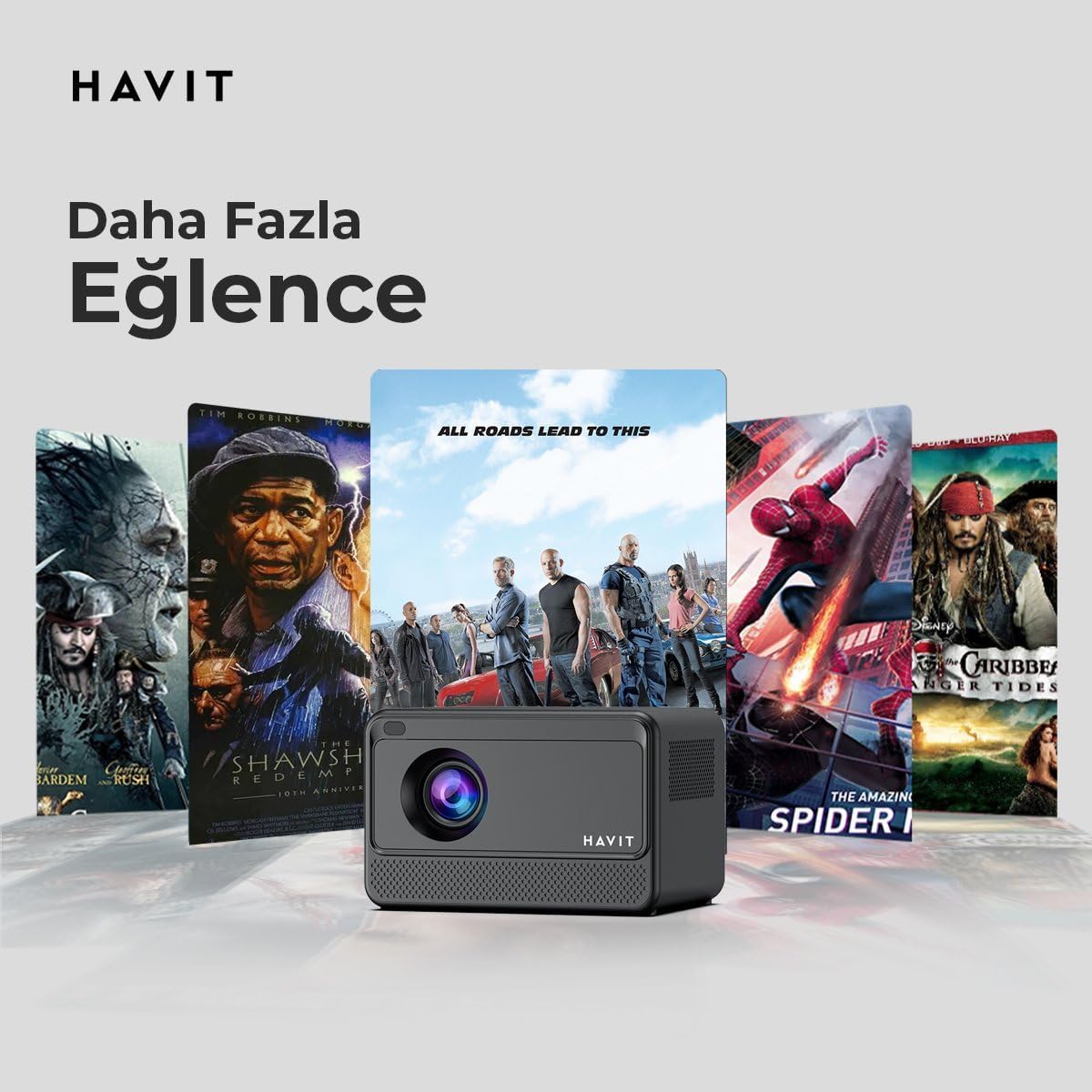
Image: The HAVIT PJ211 PRO projector displaying a selection of popular streaming service icons, illustrating its 'More Entertainment' capability through Android TV.
5.2 Gléasanna Seachtracha a Cheangal
You can connect various external devices to the projector:
- HDMI: Connect a device (e.g., laptop, game console) using an HDMI cable. Select the HDMI input source from the projector's input menu.
- USB: Insert a USB drive into a USB port. The projector's media player will typically detect the drive, allowing you to browse and play supported media files.
- DE: Use an AV cable to connect compatible devices. Select the AV input source.
- Aschur Fuaime (Seac 3.5mm): Connect external speakers or headphones for enhanced audio. The projector has a built-in 3W speaker for standard audio output.
6. Cothabháil
6.1 Glanadh
- Lionsa: Bain úsáid as éadach bog, saor ó lint atá deartha go sonrach le haghaidh lionsaí optúla. Ná húsáid glantóirí ná éadaí scríobacha.
- Taobh amuigh: Wipe the projector's exterior with a soft, dry cloth. Avoid using liquid cleaners directly on the device.
- Aeráil: Cinntigh go bhfuil na hoscailtí aerála saor ó dheannach agus ó bhacainní chun róthéamh a chosc.
6.2 Lamp Saol
An stiúir lamp in your PJ211 PRO projector has an estimated life of 30,000 hours, providing long-term reliability under normal usage conditions.
7. Fabhtcheartú
Má bhíonn fadhbanna agat le do teilgeoir, féach ar na fadhbanna agus na réitigh choitianta seo a leanas:
| Fadhb | Cúis Féideartha | Réiteach |
|---|---|---|
| Gan íomhá ar taispeáint | Power cable disconnected, incorrect input source, lens cap on. | Check power connection, select correct input source (HDMI, USB, AV), remove lens cap. |
| Tá an íomhá doiléir | Out of focus, incorrect projection distance. | Adjust focus manually via settings, ensure projector is within 1-4 meters of screen. |
| Gan fuaim | Volume too low, external speakers not connected properly, audio settings. | Increase volume, check external speaker connection, verify audio output settings. |
| Saincheisteanna maidir le ceangal Wi-Fi | Incorrect password, router issues, signal interference. | Re-enter Wi-Fi password, restart router, ensure projector is within Wi-Fi range. |
8. Sonraíochtaí
Detailed technical specifications for the HAVIT Smart Life Series PJ211 PRO projector:

Image: A visual representation of the HAVIT PJ211 PRO projector's specifications, including system, resolution, projection distance, brightness, and connectivity.
- Teicneolaíocht Taispeána: LCD
- Taifeach Dúchais: 1280×720 (HD)
- Taifeach Tacaithe: Up to 3840 x 2160 (4K)
- Gile: Over 5000 lumens (180+ ANSI lumens)
- Cóimheas Codarsnachta: 1500:1
- Cóimheas Gné: 16:9 / 4:3
- Fad Teilgean: 1 – 4 méadar
- Raon Méid an Scáileáin: 32 - 150 orlach
- Coigeartú Fócas: Semi-Auto Focus
- Ceartúchán Eochairchloch: Semi-Auto Keystone
- Cainteoir Insuite: 3W
- Córas Oibriúcháin: Android TV 9.0
- Nascacht Gan Sreang: Wi-Fi (2.4G/5G Dual-Band)
- Calafoirt Ionchuir: HDMI, USB, AV, 3.5mm audio jack
- Lamp Cineál: stiúir
- Lamp Saol: 30,000 uair
- Tomhaltas Cumhachta: 65W
- Meáchan Mír: 2.3 cileagram
- Dath: Dubh
9. Barántas agus Tacaíocht
9.1 Faisnéis Bharántas
The HAVIT Smart Life Series PJ211 PRO projector comes with a Barántas 1 Bliana ón dáta ceannaigh. Clúdaíonn an bharántas seo lochtanna déantúsaíochta agus mífheidhmeanna faoi ghnáthúsáid. Coinnigh do chruthúnas ceannaigh le haghaidh éilimh bharántais.
9.2 Tacaíocht do Chustaiméirí
For technical assistance, troubleshooting beyond this manual, or warranty inquiries, please contact HAVIT customer support through their official website or the retailer where the product was purchased. Please have your model number (PJ211 PRO) and purchase details ready when contacting support.