
1. Réamhrá
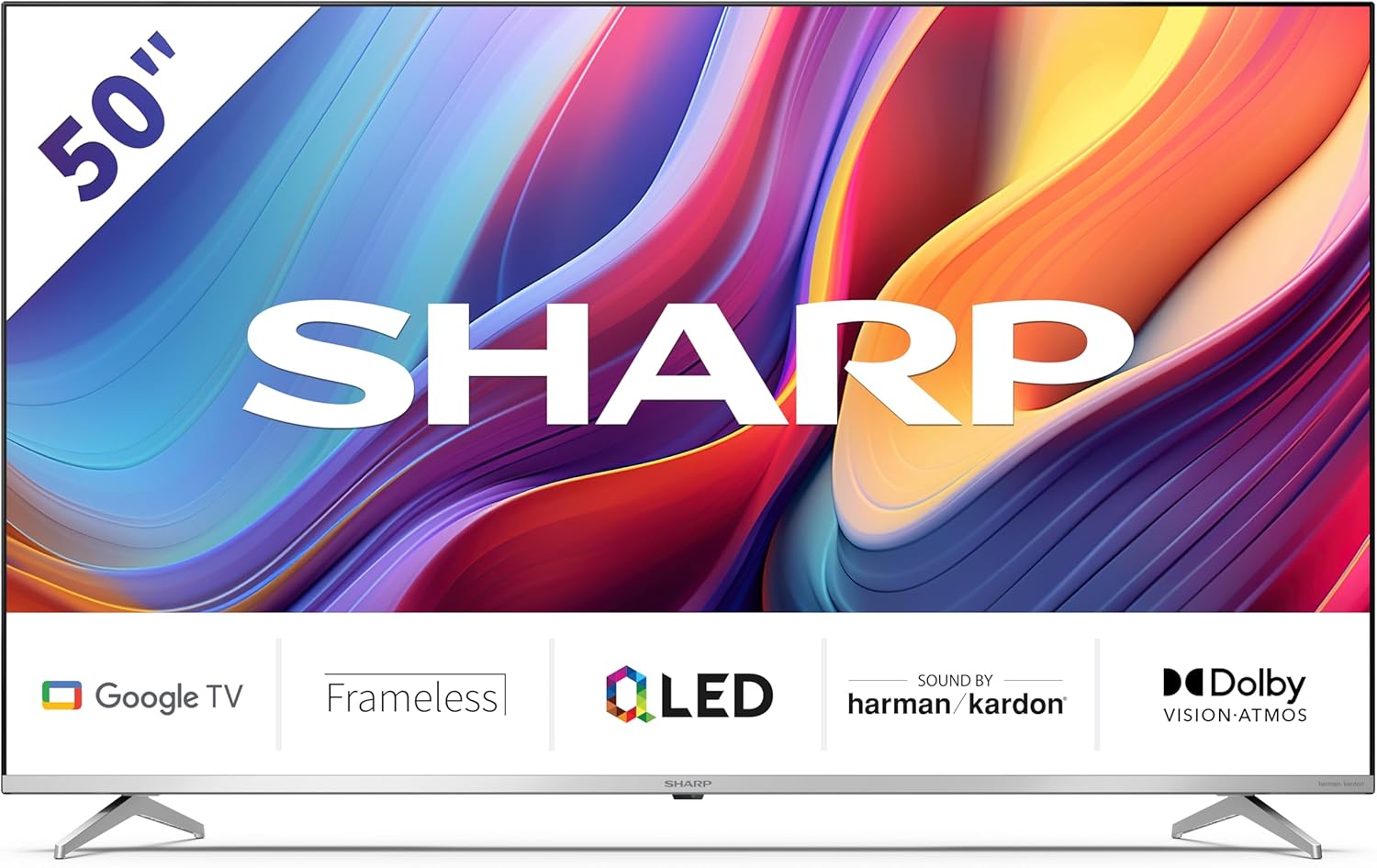
Welcome to the user manual for your new Sharp 50GP6265E 50-inch QLED 4K Ultra HD Google TV. This manual provides essential information for the safe and efficient use of your television. Please read it thoroughly before operating the device and retain it for future reference.
Eolas Tábhachtach Sábháilteachta
- Ensure the television is placed on a stable surface to prevent it from falling.
- Do not block ventilation openings. Proper airflow is crucial to prevent overheating.
- Cosain an téad cumhachta ó bheith ag siúl air nó á phionnadh.
- Do not expose the TV to rain or moisture to reduce the risk of fire or electric shock.
- Déan gach seirbhísiú a tharchur chuig pearsanra seirbhíse cáilithe.
2. Cad atá sa Bhosca
Tar éis díphacáil, cinntigh le do thoil go bhfuil na comhpháirteanna seo a leanas go léir san áireamh:
- Sharp 50GP6265E 50-inch QLED 4K Ultra HD Google TV
- Cianrialú
- 2 x AAA batteries (for remote control)
- Treoir tús tapaidh
- TV stands (if not wall-mounted)
- Cábla cumhachta
3. Socrú
3.1 Díphacáil
Carefully remove the television from its packaging. It is recommended to keep the original packaging for potential future transport or servicing.
3.2 Suiteáil Seas
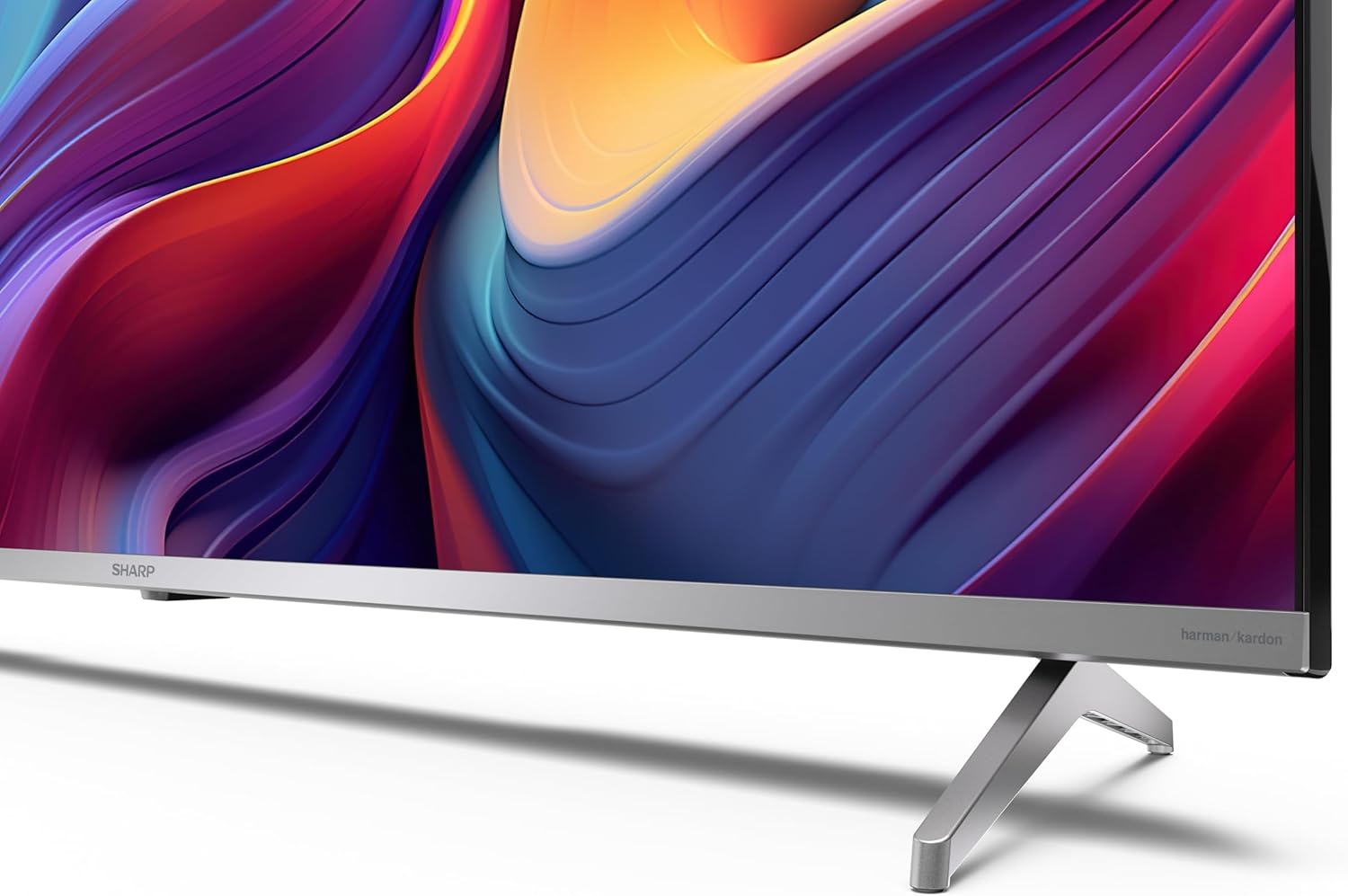
If you are not wall-mounting the television, attach the included stands to the bottom of the TV. Ensure the screws are securely fastened. Refer to the quick start guide for detailed diagrams.
3.3 Feistiú Balla
For wall mounting, the VESA dimensions required are 400 x 300 mm. Use a compatible wall mount bracket (sold separately) and follow the instructions provided with the bracket. Ensure the wall can support the weight of the television (9.7 kg net weight).

3.4 Forimeallaigh a Nascadh
Your Sharp TV offers various connectivity options:
- HDMI: Connect external devices such as Blu-ray players, gaming consoles, or set-top boxes using the 4 HDMI 2.1 ports. One port supports eARC for enhanced audio return channel functionality.
- USB: Use the 2 USB ports for connecting external storage devices to play media or for service updates.
- Ethernet: Le haghaidh nasc idirlín sreangaithe cobhsaí.
- Wi-Fi: Le haghaidh nascacht idirlín gan sreang.
- Bluetooth: Ceangail cluasáin gan sreang, barraí fuaime, nó gabhálais eile atá cumasaithe le Bluetooth.

3.5 Socrú den Chéad Uair
After connecting the power cable and turning on the TV, follow the on-screen instructions to complete the initial setup. This typically includes language selection, network connection, and Google account sign-in for Google TV features.
4. Do Theilifíseán a Oibriú
4.1 Cianrialtán
The included remote control allows you to navigate the TV's interface, adjust volume, change channels, and access smart features. Insert the 2 AAA batteries into the remote control, ensuring correct polarity.
4.2 Comhéadan Google TV
Your Sharp TV runs on Google TV, which organizes movies, shows, and live TV from all your apps and subscriptions. The home screen provides personalized recommendations and quick access to your favorite content.

Supported internet services include Netflix, Amazon Prime Video, HBO, Disney+, Movistar+, DAZN, Atresmedia, KODI, IPTV, Steamlink, Twitch, VLC, YouTube, Puffin TV Browser, Spotify, Deezer, TuneIn Radio, and many more available on Google Play for Google TV.
4.3 Socruithe Pictiúr
Experience stunning visuals with 4K Ultra HD resolution and Quantum Dot technology for vibrant colors. The TV supports Dolby Vision and HDR10 for enhanced contrast and brightness. Access picture settings through the TV menu to customize brightness, contrast, color, and sharpness to your preference. AQUOS Smooth Motion technology provides image interpolation for smoother motion.
4.4 Socruithe Fuaime
The integrated Harman/Kardon speaker system (2 x 12 W) delivers immersive audio. With Dolby Atmos support, you can enjoy a rich, multi-dimensional sound experience. Adjust sound modes and equalizer settings in the audio menu.
4.5 Gnéithe Cliste
- Cúntóir Google: Bain úsáid as orduithe gutha chun ábhar a chuardach, gléasanna baile cliste a rialú, agus faisnéis a fháil.
- Chromecast Insuite: Cast content from your smartphone, tablet, or computer directly to your TV screen.
5. Cothabháil
5.1 Glanadh an teilifíseáin
- Díphlugáil an teilifís i gcónaí sula ndéantar é a ghlanadh.
- Bain úsáid as éadach bog, tirim chun an scáileán agus an comh-aireachta a ghlanadh. I gcás marcanna righne, déan é a ghlanadh go héadrom.ampNigh an t-éadach le huisce nó le glantóir scáileáin speisialaithe.
- Seachain ag baint úsáide as glantóirí scríobach, céir, nó tuaslagóirí.
5.2 Nuashonrú Bogearraí
D’fhéadfadh nuashonruithe bogearraí a bheith ar fáil do do theilifís chun feidhmíocht a fheabhsú agus gnéithe nua a chur leis. Cinntigh go bhfuil do theilifís ceangailte leis an idirlíon chun na nuashonruithe seo a fháil go huathoibríoch nó seiceáil de láimh iad sa roghchlár socruithe.
6. Fabhtcheartú
Má bhíonn fadhbanna agat le do theilifís, féach ar na fadhbanna agus na réitigh choitianta seo a leanas:
| Fadhb | Réiteach Féideartha |
|---|---|
| Gan chumhacht | Seiceáil an bhfuil an cábla cumhachta ceangailte go daingean leis an teilifís agus leis an asraon cumhachta. Cinntigh go bhfuil an t-asraon ag feidhmiú go maith. |
| Gan pictiúr, ach tá fuaim ann | Deimhnigh go bhfuil an fhoinse ionchuir cheart roghnaithe. Seiceáil naisc na ngléasanna seachtracha. |
| Gan fuaim, ach tá pictiúr ann | Check the volume level and mute status. Ensure audio cables are correctly connected for external devices. |
| Cianrialtán nach bhfuil ag obair | Cuir na cadhnraí AAA ina n-áit. Cinntigh nach bhfuil aon bhacainní idir an cianrialtán agus braiteoir infridhearg an teilifíseáin. |
| Saincheisteanna maidir le ceangal Wi-Fi | Restart your router and the TV. Re-enter the Wi-Fi password. Ensure the TV is within range of your Wi-Fi network. |
7. Sonraíochtaí
| Gné | Sonraigh |
|---|---|
| Branda | Géar |
| Uimhir Mhúnla | 50GP6265E |
| Méid an Scáileáin | 50 Orlach |
| Teicneolaíocht Taispeána | QLED, Quantum Dot |
| Rún | 4K Ultra HD (3840 × 2160 picteilín) |
| Ráta Athnuachana | 60 Hz |
| Córas Oibriúcháin | Teilifíse Google |
| Tacaíocht HDR | Dolby Vision, HDR10 |
| Córas Fuaime | Harman/Kardon (2 x 12 W), Dolby Atmos |
| Nascacht | 4x HDMI 2.1 (with eARC), 2x USB, Wi-Fi, Bluetooth, Ethernet |
| Gnéithe Speisialta | Google Assistant, Chromecast built-in, AQUOS Smooth Motion |
| Sliabh Balla VESA | 400 x 300 mm |
| Toisí (le seastán) | 111.6P x 26.5l x 69.3H cm (1116.4 x 692.9 x 264.7 mm) |
| Toisí (gan seastán) | 111.6P x 9.2l x 65.1H cm (1116.4 x 651.3 x 91.5 mm) |
| Meáchan Glan | 9.7 kg |
| Aicme Éifeachtúlachta Fuinnimh (SDR) | G (69 kWh/1000u) |
| Aicme Éifeachtúlachta Fuinnimh (HDR) | G (98 kWh/1000u) |

Chun faisnéis mhionsonraithe faoin táirge agus sonraí éifeachtúlachta fuinnimh a fháil, féach ar bhunachar sonraí EPREL: https://eprel.ec.europa.eu/qr/1942440
8. Barántas agus Tacaíocht
Information regarding spare parts availability and software updates is not explicitly provided for a guaranteed period. Please refer to the manufacturer's official website for the most up-to-date warranty terms and support information.
Monaróir: SHARP
oifigeach Websuíomh: www.sharpconsumer.com
For customer service inquiries, please visit the Sharp consumer website or contact their support channels as listed on their official site.