
BINNUNE BW01
Lámhleabhar Úsáideora Cluasán Cearrbhachais Gan Sreang BINNUNE
Samhail: BW01
Branda: BINNUNE
Réamhrá
Thank you for choosing the BINNUNE Wireless Gaming Headset. This manual provides detailed instructions on how to set up, operate, and maintain your headset to ensure optimal performance and a superior gaming experience. Please read this manual thoroughly before using the product.
Cad atá sa Bhosca
Upon unboxing your BINNUNE Wireless Gaming Headset, please verify that all the following components are included:
- BINNUNE Wireless Gaming Headset (Blue)
- Dongle USB 2.4GHz
- Cábla Fuaime 3.5mm
- Cábla Muirearú USB
- Lámhleabhar Úsáideora (an doiciméad seo)

Image: The BINNUNE Wireless Gaming Headset in blue, accompanied by its 2.4GHz USB dongle and a 3.5mm audio jack. These are the primary components included in the product package.
Táirge Tharview
Familiarize yourself with the key features and components of your BINNUNE Wireless Gaming Headset:
- Banda Ceann Inchoigeartaithe: Chun oiriúnach compordach.
- Cluasáin bhoga: Large-size memory foam earmuffs (110mm diameter, 45mm thickness) made of breathable PU leather and mesh material for extended comfort.
- Tiománaithe 50mm: High-performance 50mm driver units for clear and rich stereo sound.
- Unidirectional Noise-Canceling Microphone: A 120° adjustable boom mic designed to filter out background noise for clear communication.
- Rialuithe ar chluasáin: Buttons for power, volume adjustment, and microphone mute.

Íomhá: Mionsonraithe view of the BINNUNE Wireless Gaming Headset's unidirectional boom microphone, highlighting its flexible design and noise-canceling capabilities.

Image: An exploded diagram illustrating the internal components of the 50mm audio drivers within the BINNUNE headset, emphasizing their design for rich, full-range sound.
Socrú
An Headset á mhuirearú
Before first use, fully charge the headset. A full charge takes approximately 3 hours. A 10-minute quick charge can provide up to 3 hours of battery life. The headset offers up to 80 hours of continuous use in 2.4GHz mode and up to 120 hours in Bluetooth mode.
- Ceangail an cábla luchtaithe USB le port luchtaithe na gcluasán.
- Ceangail an ceann eile den chábla USB le foinse cumhachta USB comhoiriúnach (m.sh., port USB ríomhaire, oiriúntóir balla USB).
- The LED indicator on the headset will show charging status (refer to the headset's LED guide for specific indications).

Image: The BINNUNE Wireless Gaming Headset displayed alongside a visual representation of its impressive 120-hour battery life, indicating extended usage time.
Roghanna Nascachta
Your BINNUNE headset supports three connection modes:
- 2.4GHz Wireless (USB Dongle): Provides ultra-low latency (15ms) for gaming. Ideal for PS5, PS4, PC, and Mac.
- Bluetooth 5.3: For wireless connection to mobile phones, tablets, PC, and Mac.
- Ceangal Wired 3.5mm: Universal compatibility with any device featuring a 3.5mm audio jack.
2.4GHz Wireless Connection (for PS5, PS4, PC, Mac)
- Insert the 2.4GHz USB dongle into an available USB port on your PS5, PS4, PC, or Mac.
- Power on the headset. It will automatically attempt to connect to the dongle.
- Once connected, the LED indicator on the headset will confirm the connection (refer to LED guide).
- On your device, ensure the BINNUNE headset is selected as the audio output and input device.
Bluetooth 5.3 Connection (for PC, Mac, Mobile Phone, Tablet)
- Ensure the headset is powered on and in Bluetooth pairing mode (usually indicated by a blinking LED). If not, double-press the power button to switch to Bluetooth mode.
- On your device (PC, Mac, mobile phone, tablet), go to Bluetooth settings and search for available devices.
- Select "BINNUNE BW01" (or similar) from the list of found devices to pair.
- Once paired, the LED indicator will show a solid light (refer to LED guide).
3.5mm Wired Connection (for All Platforms)
- Ceangail ceann amháin den chábla fuaime 3.5mm le port 3.5mm na gcluasán.
- Connect the other end of the 3.5mm audio cable to the 3.5mm audio jack on your device (e.g., PS4/PS5 controller, PC, mobile phone).
- The headset will function in passive wired mode. Note that some headset features (like LED lighting or specific controls) may be limited in wired mode.
Note: The BINNUNE Wireless Gaming Headset is not compatible with Xbox consoles.
Comhoiriúnacht Tharview
The following table provides a quick reference for device compatibility across different connection modes:

Image: A visual compatibility chart detailing which devices (PC, PS4/PS5 Console, PS4/PS5 Controller, Switch, Cell Phone, Tablet) support sound, microphone, and microphone mute functions across 2.4GHz Wireless (USB Dongle), Bluetooth 5.3, and 3.5mm Wired connection modes.
Treoracha Oibriúcháin
Cumhacht ar / As
- Cumhacht ar: Brúigh agus coinnigh an cnaipe Cumhachta ar feadh thart ar 3 shoicind go dtí go lasann an táscaire LED suas.
- Múch: Brúigh agus coinnigh an cnaipe Cumhachta ar feadh thart ar 3 soicind go dtí go múchfaidh an táscaire LED.
Switching Between 2.4GHz and Bluetooth Modes
The headset supports simultaneous wireless operation, allowing quick toggling between 2.4GHz and Bluetooth modes.
- Chun Modhanna a Athrú: Double-press the Power button. The headset will switch between 2.4GHz wireless mode and Bluetooth mode.
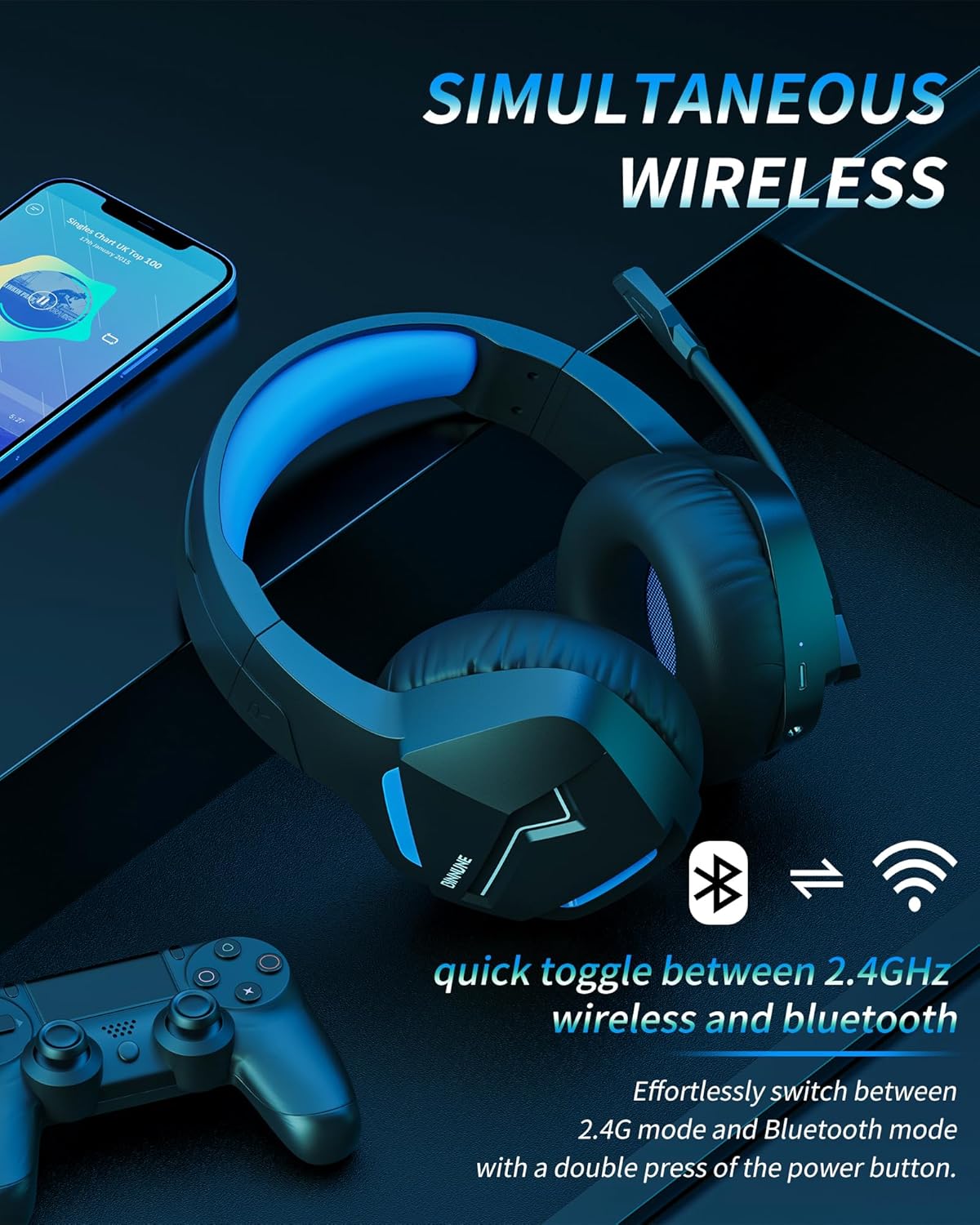
Image: The BINNUNE Wireless Gaming Headset shown with icons representing both 2.4GHz wireless and Bluetooth connectivity, indicating its ability to switch between these modes for versatile use.
Rialú Imleabhar
- Toirt a Mhéadú: Brúigh an cnaipe Ardaigh an Toirt (+).
- Laghdaigh Imleabhar: Brúigh an cnaipe Ísliú Toirte (-).
Rialú Micreafón
- Balbhaigh/Díbhalbhaigh an Micreafón: Press the Microphone Mute button. A red LED on the microphone tip usually indicates it is muted.
- Coigeartaigh suíomh an mhicreafóin: The 120° adjustable memory line microphone can be freely shaped and adjusted to your ideal angle.
Feidhmíocht Cearrbhachais
The headset is designed for an immersive gaming experience with features like:
- Accurate Sound Positioning: The 50mm drivers provide clear and rich stereo sound, allowing you to accurately pinpoint in-game sounds like footsteps and environmental details.
- Lagacht Íseal: The 2.4GHz wireless technology ensures an ultra-low latency of 15ms, providing synchronized audio and video for competitive gaming.
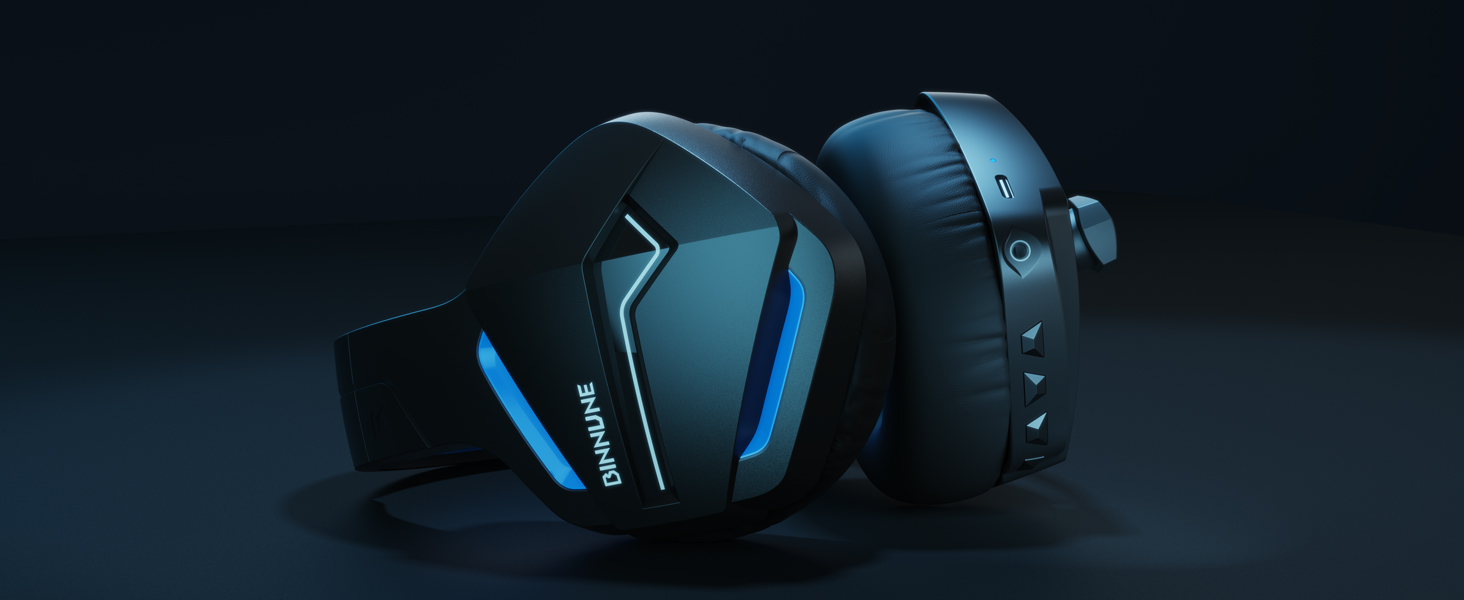
Image: A gamer immersed in a game, wearing the BINNUNE headset, highlighting the benefits of low latency and stable wireless connection for an enhanced gaming experience.
Cothabháil
Proper maintenance ensures the longevity and performance of your BINNUNE Wireless Gaming Headset.
- Glanadh:
- Use a soft, dry, lint-free cloth to clean the headset's surfaces.
- For earmuffs, gently wipe with a slightly damp éadach agus lig dó triomú go hiomlán san aer roimh úsáid.
- Ná húsáid ceimiceáin ghránna, tuaslagóirí glantacháin, nó glantaigh láidre.
- Stóráil:
- Stóráil na cluasáin in áit fhionnuar, thirim amach ó sholas díreach na gréine agus ó theochtaí foircneacha.
- Seachain rudaí troma a chur ar na cluasáin.
- Cúram Battery:
- Seachain an ceallraí a dhíluchtú go hiomlán go minic.
- If storing for a long period, charge the headset to about 50% every few months to preserve battery health.
Fabhtcheartú
If you encounter issues with your BINNUNE Wireless Gaming Headset, please refer to the following common solutions:
| Fadhb | Cúis Féideartha | Réiteach |
|---|---|---|
| Gan Fuaim / Toirt Íseal |
|
|
| Micreafón Gan Obair |
|
|
| Connection Issues (Intermittent/No Connection) |
|
|
| Headset Not Compatible with Xbox |
|
|
Sonraíochtaí
Detailed technical specifications for the BINNUNE Wireless Gaming Headset (Model: BW01):
| Gné | Sonraigh |
|---|---|
| Ainm an tSamhail | BW01 |
| Teicneolaíocht Nascachta | Wireless (2.4GHz USB Dongle, Bluetooth 5.3), Wired (3.5mm Jack) |
| Teicneolaíocht Cumarsáide Gan Sreang | Bluetooth 5.3 |
| Raon Bluetooth | Suas le 10 méadar (33 troigh) |
| Moill Fuaime (2.4GHz) | 15ms (Ultra Stable 2.4GHz Wireless Connection) |
| Cineál tiománaí fuaime | Tiománaí Dinimiciúla |
| Méid fuaime tiománaí | 50 milliméadar |
| Freagra Minicíochta | 20 Hz - 20,000 Hz |
| Íogaireacht | 96 dB |
| Micreafón | Unidirectional Noise-Canceling Mic (120° adjustable) |
| Saol Battery | Up to 80 hours (2.4GHz mode), Up to 120 hours (Bluetooth mode) |
| Am Muirir | Thart. 3 uair an chloig le haghaidh táille iomlán |
| Cruth Cluas | Oval (110mm diameter, 45mm thickness memory foam) |
| Ábhar | Plastic (headset), PU leather and mesh (earmuffs) |
| Meáchan Mír | 10.7 Unsa (thart ar 303 gram) |
| Toisí Táirge | 8.27 x 7.48 x 4.33 orlach |
| Gléasanna Comhoiriúnacha | Gaming Consoles (PS4, PS5), Laptops, PC, Mac, Mobile Phones, Tablets |
| Cineál Rialaithe | Rialú Cnaipe |
| Comhpháirteanna San áireamh | User Manual, 2.4GHz USB Dongle, 3.5mm Audio Cable, USB Charging Cable |
Faisnéis Bharántas
BINNUNE products are manufactured with high-quality standards. While specific warranty details are not provided in this manual, BINNUNE typically offers a limited warranty against defects in materials and workmanship. For detailed warranty terms, conditions, and registration, please refer to the official BINNUNE websuíomh nó déan teagmháil le tacaíocht do chustaiméirí.
Tacaíocht do Chustaiméirí
For further assistance, technical support, or inquiries regarding your BINNUNE Wireless Gaming Headset, please contact BINNUNE customer support through the following channels:
- Official BINNUNE Websuíomh: Visit the official BINNUNE websuíomh le haghaidh Ceisteanna Coitianta, acmhainní tacaíochta, agus foirmeacha teagmhála.
- Siopa Amazon: Is féidir leat cuairt a thabhairt freisin ar an Siopa BINNUNE ar Amazon le haghaidh faisnéise faoi tháirgí agus roghanna teagmhála díoltóirí.
Please have your product model (BW01) and purchase details ready when contacting support.
Ask a question about this manual
Ask about setup, troubleshooting, compatibility, parts, safety, or missing instructions. Manuals+ will review the question and use this page’s manual context to help answer it.