
1. Réamhrá
The MAGIC-REFINER AKL680 is an ultra-thin wireless mechanical keyboard designed for versatility and comfort. It features an updated low-latency wireless chip, enabling connection to up to three wireless devices simultaneously: one via 2.4G wireless and two via Bluetooth. The compact 68-key layout prioritizes practicality, including a full set of arrow keys and frequently used control keys. This keyboard is battery-powered (batteries not included) and offers extended usage thanks to its smart hibernation function and non-backlit design.
This manual provides essential information for setting up, operating, and maintaining your keyboard.
2. Ábhar Pacáiste
- 1 x MAGIC-REFINER AKL680 Wireless Mechanical Keyboard
- 1 x Tarraingitheoir Keycap
- 1 x USB Receiver (2.4G dongle)
- 1 x lámhleabhar úsáideora
3. Táirge Tharview
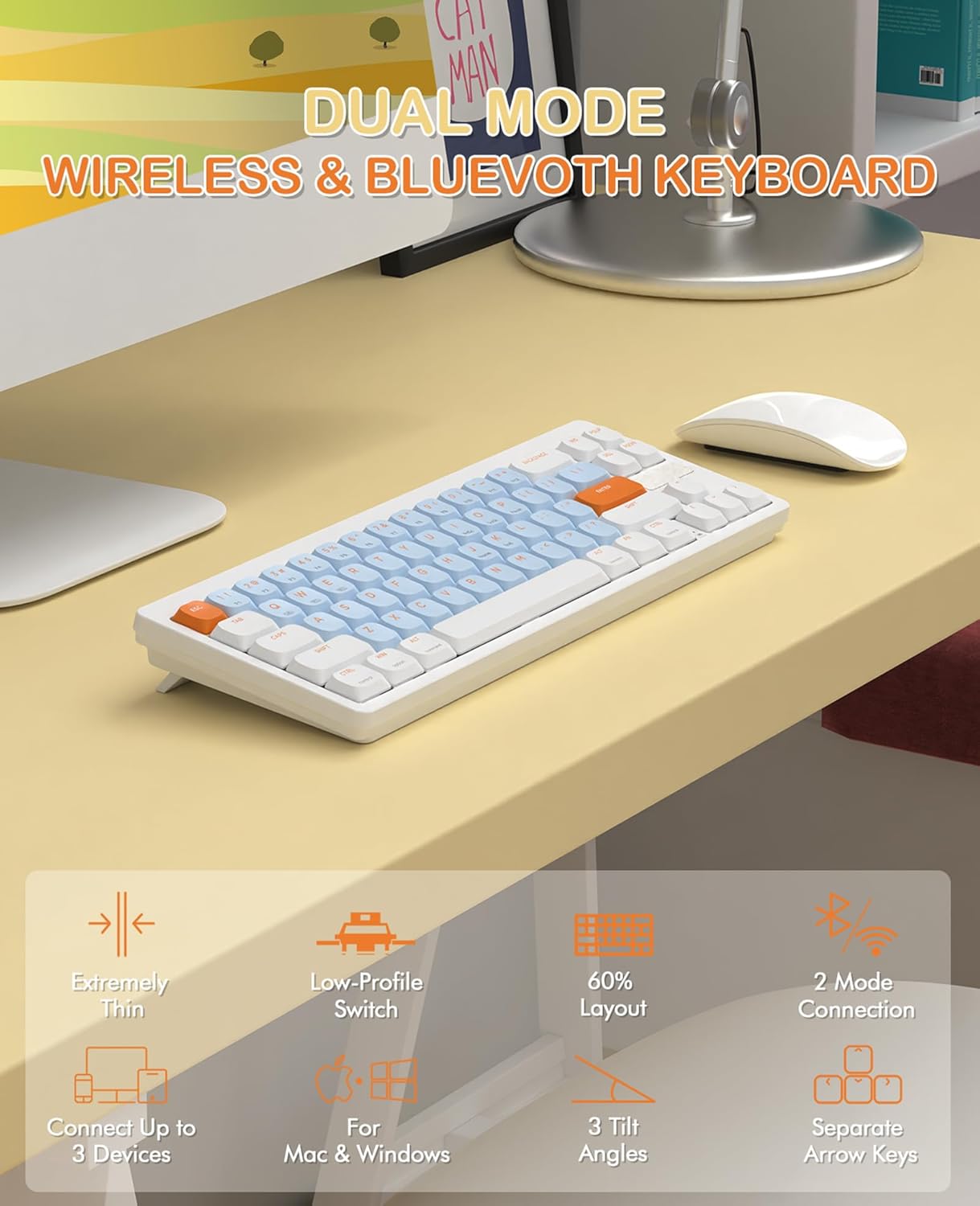
Image 3.1: The MAGIC-REFINER RKL680 keyboard showcasing its dual wireless modes and compact design with low-profile switches and adjustable tilt angles.
Príomhghnéithe:
- Dearadh Ultra-Thin: Caol profile and lightweight (450g) for portability and reduced wrist strain.
- Mód Gan Sreang Déach: Supports 2.4 GHz wireless and Bluetooth 5.0 connectivity.
- Nascacht Ilghléas: Connects up to three devices simultaneously (1 x 2.4G, 2 x Bluetooth).
- Leagan Amach 68 Eochair: Compact yet practical, including dedicated arrow keys and essential control keys.
- Íseal-Profile Tactile Brown Switches: Ensures faster response, easier typing, and quiet operation with tactile feedback.
- Adjustable Tilt Angles: Dual-stage kickstands provide 3 different typing angles for ergonomic comfort.
- Eochracha buana: Double-shot ABS keycaps are oil and wear-resistant.
- Comhoiriúnacht Córais Leathan: Supports Windows XP/7/8/10/11, Mac OS, Android, and iOS.
- Saol Fada Battery: Non-backlit design and smart hibernation allow up to 6 months of use (batteries not included).
4. Socrú
4.1 Suiteáil Battery
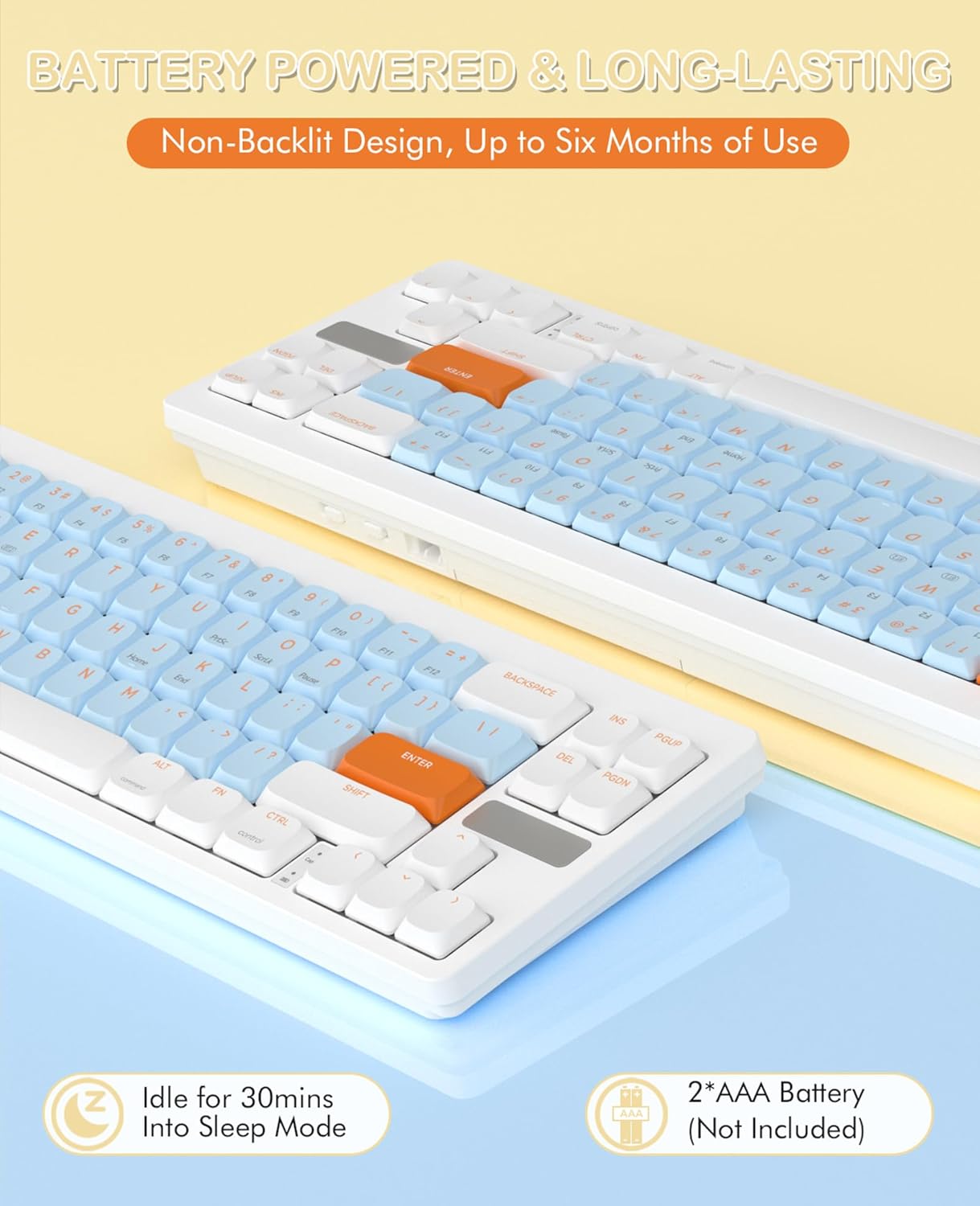
Image 4.1: The keyboard requires two AAA batteries, which are not included in the package. Locate the battery compartment on the underside of the keyboard.
- Aimsigh clúdach urrann na ceallraí ar thaobh íochtair an mhéarchláir.
- Sleamhnaigh nó oscail an clúdach go réidh.
- Cuir isteach dhá chadhnraí AAA, ag cinntiú go bhfuil an polaraíocht cheart (+/-).
- Dún an clúdach urrann ceallraí go daingean.
4.2 Nascacht

Image 4.2: The keyboard supports simultaneous connections to up to three devices using 2.4GHz wireless and Bluetooth 5.0.
Mód Gan Sreang 2.4 GHz:
- Locate the USB receiver (dongle) in the package.
- Breiseán an glacadóir USB isteach i gcalafort USB-A atá ar fáil ar do ríomhaire.
- Ar an méarchlár, brúigh Fn + Q. to switch to 2.4G wireless mode. The keyboard should automatically connect.
Bluetooth Mode (up to 2 devices):
- Ar an méarchlár, brúigh Fn + W. or Fn+E to select a Bluetooth channel.
- The keyboard will enter pairing mode.
- On your device (PC, laptop, smartphone, tablet), open Bluetooth settings.
- Cuardaigh le haghaidh available devices and select "AKL680" or "AKL6802" (depending on the channel selected) to pair.
- Once paired, the keyboard will be connected. Repeat for a second Bluetooth device using the other channel.
4.3 System Switching (Windows/Mac)

Image 4.3: The keyboard supports both Windows and Mac operating systems, allowing seamless switching.
The keyboard features a toggle switch to adapt its layout for Windows or Mac OS. Locate the switch on the back or side of the keyboard and set it to the appropriate operating system for optimal key functionality.
5. Treoracha Oibriúcháin
5.1 Teaglamaí Eochracha FN
The Function (Fn) key allows access to secondary functions printed on certain keys. Press and hold the Fn eochair, ansin brúigh an eochair feidhme atá uait.
- Fn + Q: Switch to 2.4G wireless mode.
- Fn + W: Switch to Bluetooth device 1.
- Fn + E: Switch to Bluetooth device 2.
- Other Fn combinations may be indicated on the keycaps for multimedia control or system functions (e.g., F1-F12, volume control).
5.2 Coigeartú Eirgeanamaíochta
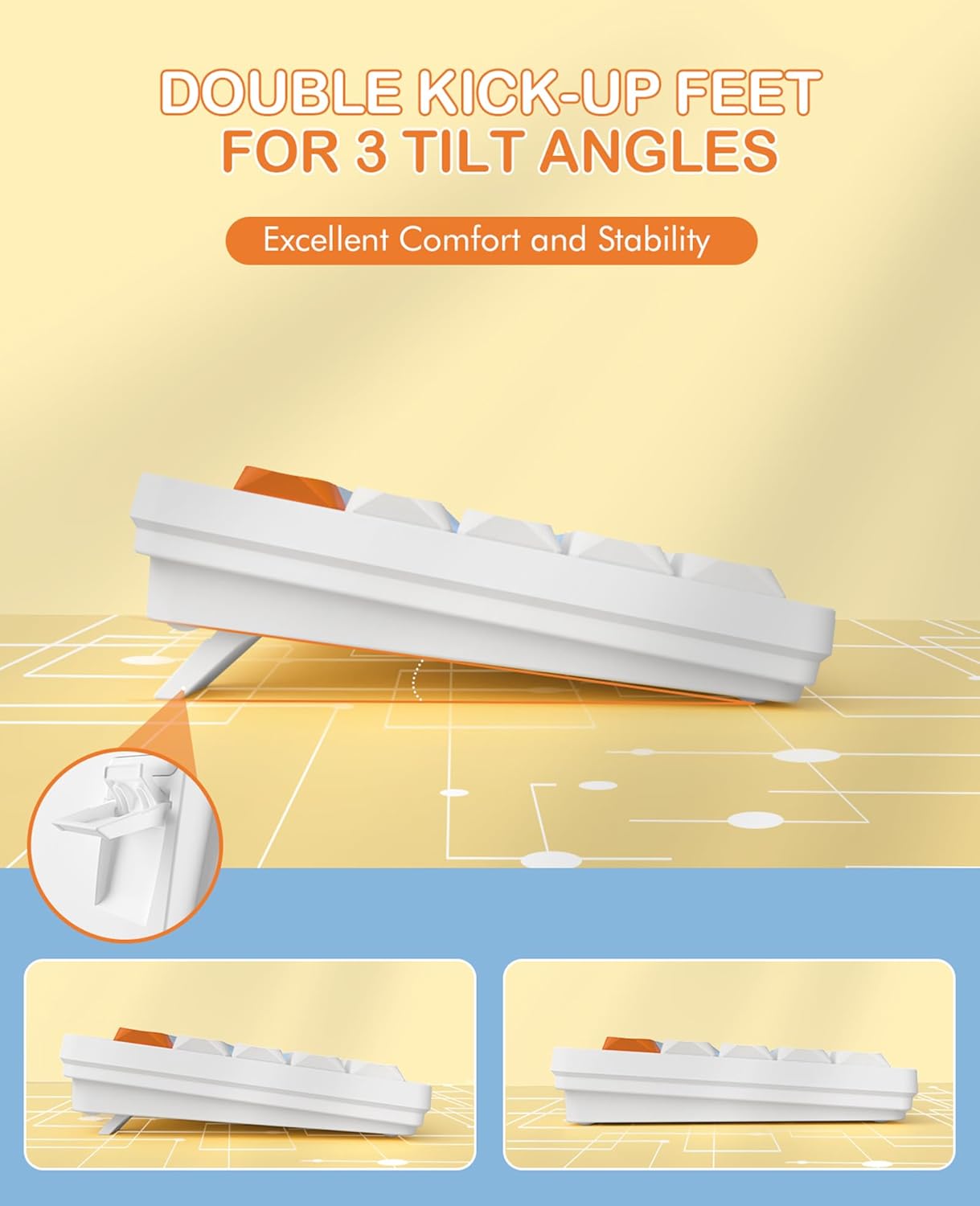
Image 5.1: The keyboard features dual-stage kickstands for three adjustable tilt angles, enhancing typing comfort.
The keyboard is equipped with dual-stage kickstands on its underside. Extend these feet to adjust the typing angle to one of three available positions, optimizing comfort and reducing wrist strain during prolonged use.
6. Cothabháil
6.1 Glanadh an Mhéarchláir
- Turn off the keyboard and disconnect it from any devices.
- Bain úsáid as éadach bog, saor ó lint beagán dampened with water or a mild cleaning solution to wipe the keycaps and surface. Avoid excessive moisture.
- For deeper cleaning, use the provided keycap puller to carefully remove keycaps. Clean the switches and keyboard plate with compressed air or a small brush.
- Ensure all parts are completely dry before reattaching keycaps and using the keyboard.
6.2 Athsholáthar Ceallra
When the keyboard's performance degrades or it stops responding, it may be time to replace the batteries. Follow the steps in Section 4.1 to replace the two AAA batteries.
7. Fabhtcheartú
- Níl an méarchlár ag freagairt:
- Cinntigh go bhfuil na cadhnraí suiteáilte i gceart agus go bhfuil dóthain luchta iontu. Athraigh iad más gá.
- Check that the keyboard is powered on.
- Verify the correct connection mode (2.4G or Bluetooth) is selected using Fn+Q or Fn+W/E.
- For 2.4G mode, ensure the USB receiver is securely plugged into your device. Try a different USB port.
- For Bluetooth mode, ensure Bluetooth is enabled on your device and the keyboard is paired. Try re-pairing the keyboard.
- Ensure the system switch (Windows/Mac) is set correctly for your operating system.
- Nasc uaineach nó moill:
- Bog an méarchlár níos gaire do do ghléas chun cur isteach a laghdú.
- Avoid using the keyboard near other wireless devices that may cause interference.
- Cinntigh go bhfuil tiománaithe do ghléis cothrom le dáta.
- Eochracha sonracha nach bhfuil ag obair:
- Carefully remove the keycap using the keycap puller and check for any debris obstructing the switch. Clean if necessary.
- Ensure the keycap is properly seated on the switch.
8. Sonraíochtaí

Image 8.1: Detail of the low-profile design and mechanical switches, highlighting the slim profile.
| Branda | MAGIC-REFINER |
| Uimhir Mhúnla | AKL680 |
| Dath | Blue (silent brown switches) |
| Líon na nEochracha | 68 |
| Teicneolaíocht Nascachta | 2.4 GHz Wireless / Bluetooth 5.0 |
| Gléasanna Comhoiriúnacha | Ríomhaire Glúine, Ríomhaire Pearsanta, Fón Cliste, Táibléad |
| Tacaíocht Córas Oibriúcháin | Windows XP/7/8/10/11, Mac OS, Android, iOS |
| Toisí Méarchláir | 31.2L x 10.2W x 4.2H centimeters (approx. 12.3 x 4 x 1.65 inches) |
| Ábhar | Plastic or aluminum |
| Gnéithe Speisialta | Lightweight, Ultra-thin, Low-profile switches, Adjustable tilt angles |
| Foinse Cumhachta | 2 x Cadhnraí AAA (gan a bheith san áireamh) |
| Éifeachtaí Soilsithe | Neamh-backlit |
9. Barántas agus Tacaíocht
For warranty information and technical support, please refer to the documentation provided with your purchase or contact MAGIC-REFINER customer service through their official websuíomh nó an miondíoltóir inar ceannaíodh an táirge.