
Réamhrá
Thank you for choosing the JISULIFE Handheld Portable Mini Fan. This manual provides essential information for the safe and efficient operation of your new device. Please read it thoroughly before use and retain it for future reference.
This compact and powerful fan is designed to provide personal cooling wherever you go. Its key features include:
- Ceallraí In-athluchtaithe 4500mAh: Offers extended use and easy recharging via USB.
- 3 Wind Speed Gears: Customize your airflow from light breeze to strong wind with a single button.
- Dearadh Inaistrithe: Lightweight and compact, easily fitting into small bags for on-the-go cooling.
- Oibríocht Áisiúil: Simple 1-click design for power and speed adjustments.
Cad atá sa Bhosca
Nuair a osclaítear an pacáiste, déan cinnte go bhfuil na comhpháirteanna seo a leanas i láthair:
- Fan ríomhaire boise
- Cábla Muirir Cineál-C
- Lámhleabhar Úsáideora
Socrú
Ag luchtú an Fan
Before first use, it is recommended to fully charge the fan. The fan features a built-in 4500mAh rechargeable battery.
- Locate the Type-C charging port on the fan's handle.
- Connect the provided Type-C charging cable to the fan's charging port.
- Connect the other end of the USB charging cable to a compatible USB power source (e.g., wall adapter, laptop, power bank). For quick charging, ensure the power source meets 5V/2A current.
- The fan will be fully charged in approximately 4.5 hours.
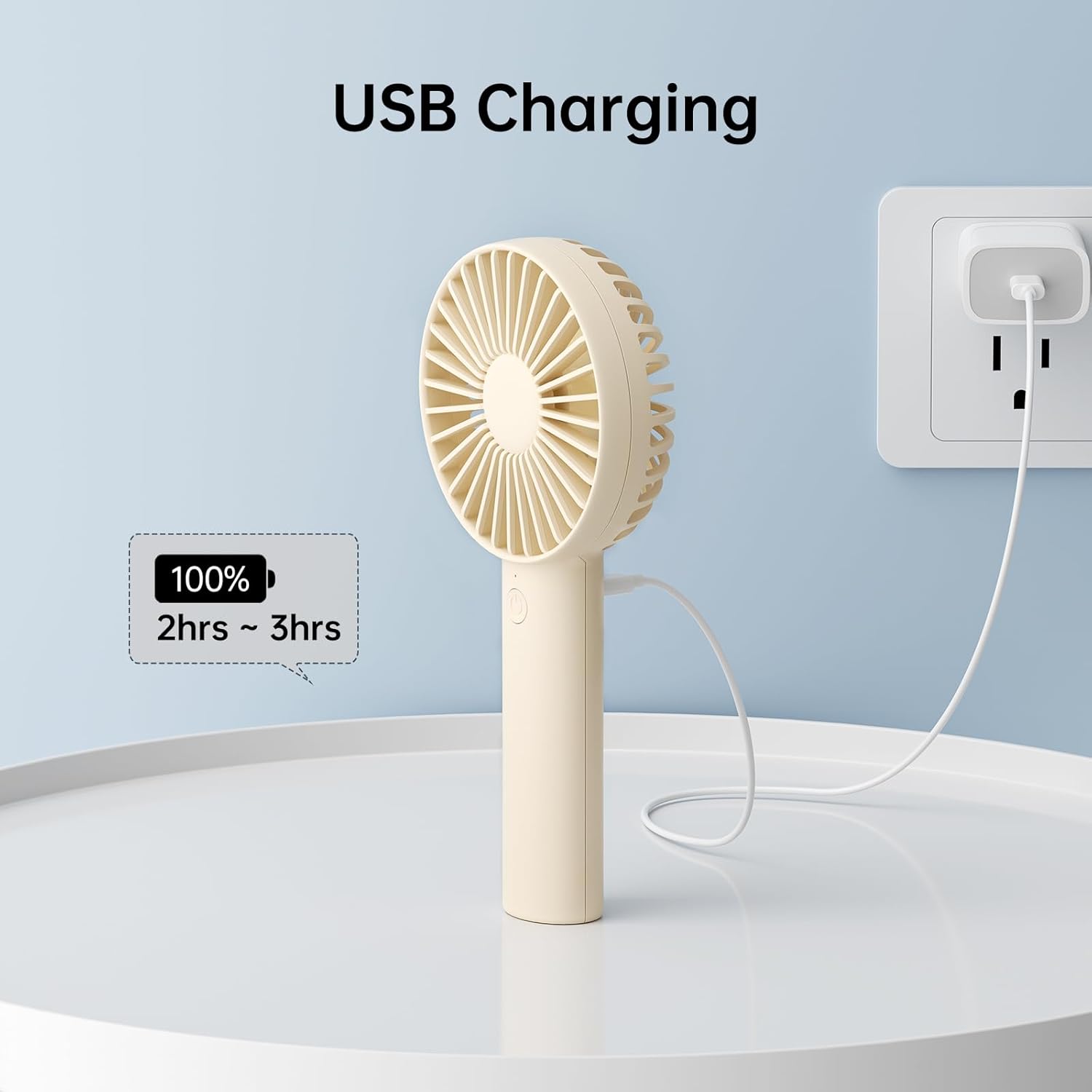
Image: The fan connected to a USB power source for charging.
Treoracha Oibriúcháin
Cumhacht Ar Siúl/As agus Coigeartú Luais
The fan operates with a simple one-button control:
- Chun Cumhacht a Chur ar: Short press the power button once. The fan will start at Speed 1 (light wind).
- Chun Luas a Choigeartú: Continue to short press the power button to cycle through the speeds: Speed 1 (light wind), Speed 2 (soft wind), and Speed 3 (strong wind).
- Chun Cumhacht as: Long press the power button for 3 seconds from any speed setting.
Battery Life per Speed Setting:
- Speed 1 (Light Wind): Approximately 16 hours
- Speed 2 (Soft Wind): Approximately 9 hours
- Speed 3 (Strong Wind): Approximately 4.5 hours
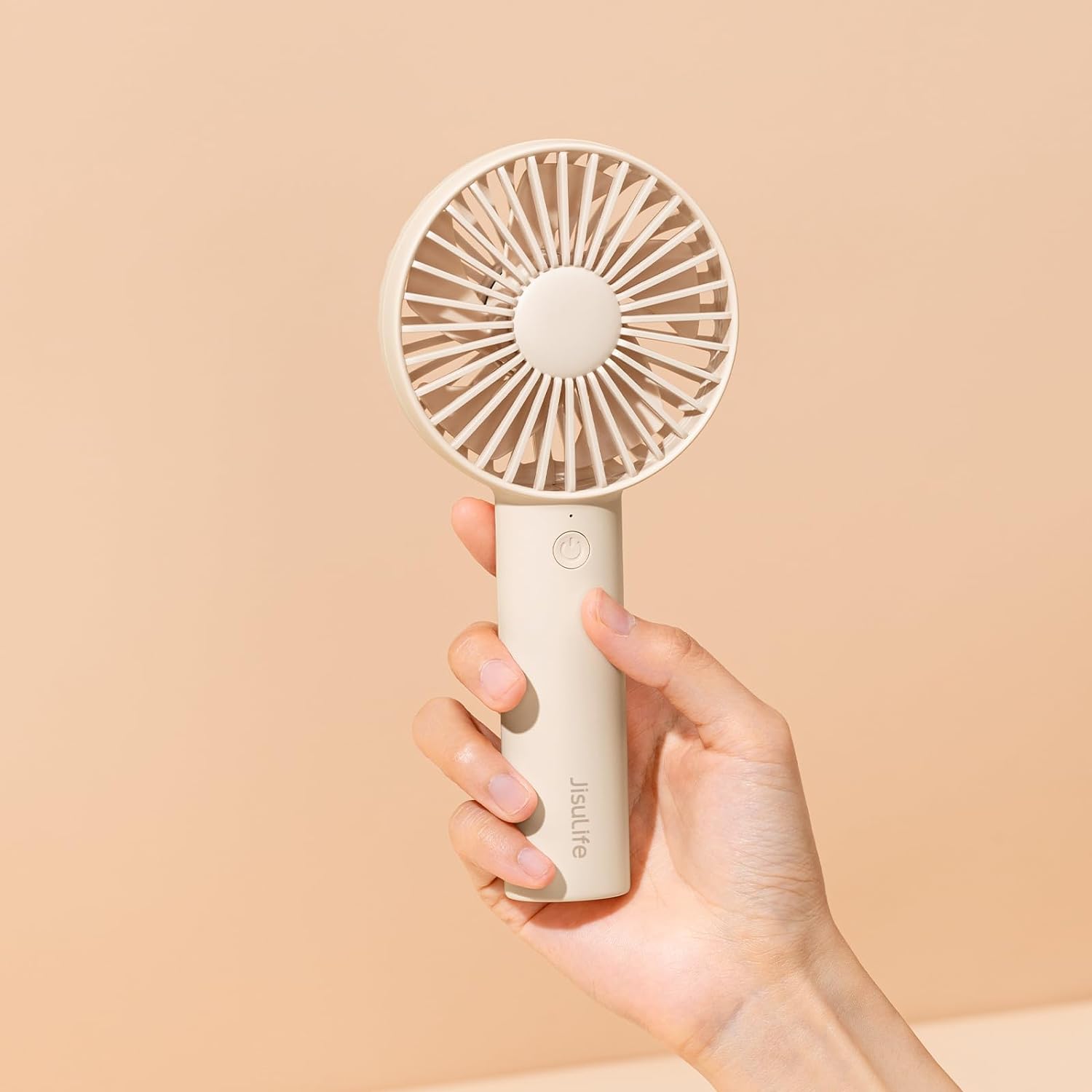
Image: A hand holding the JISULIFE Handheld Portable Mini Fan, demonstrating its compact size.
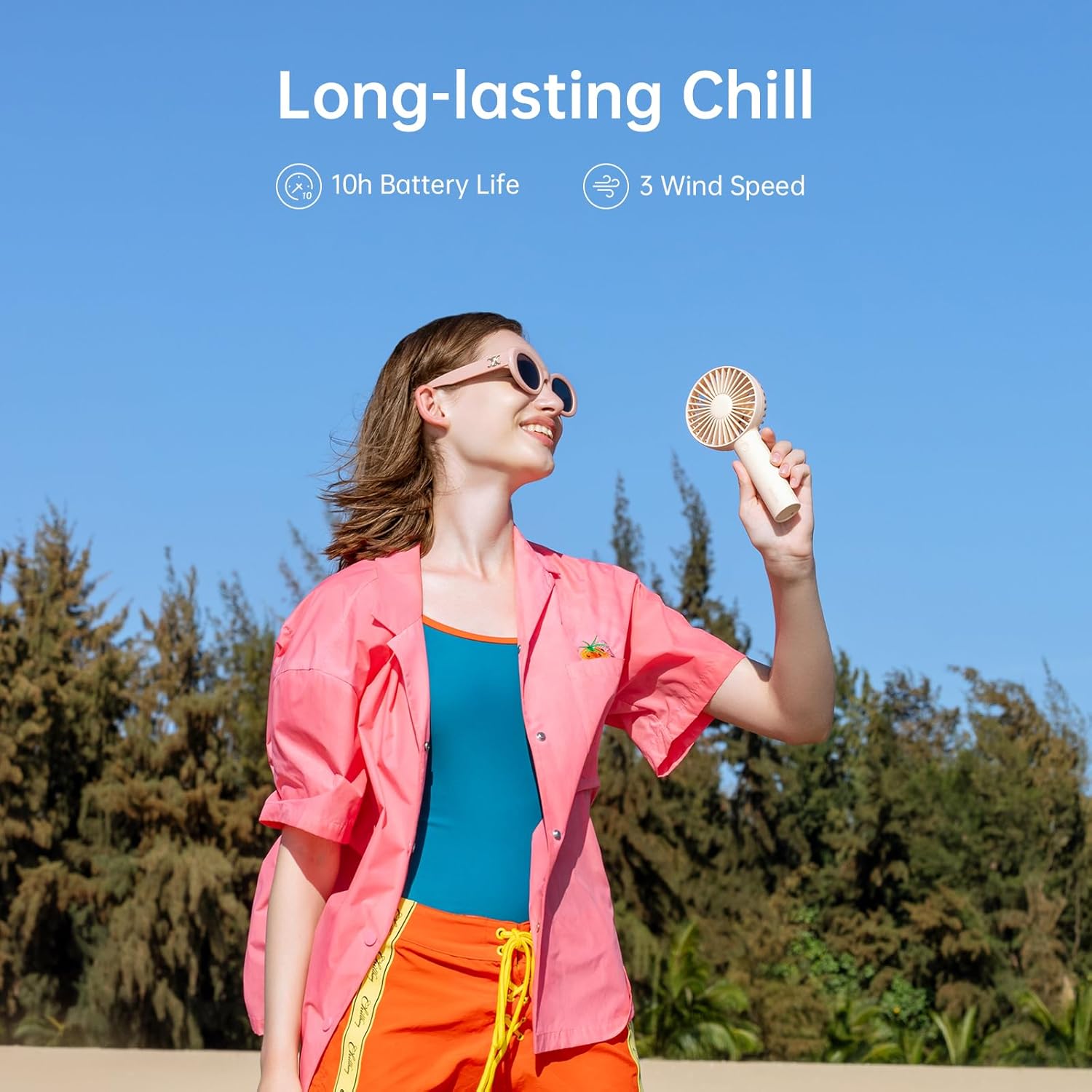
Image: A person enjoying the fan's cooling effect outdoors, highlighting its long-lasting chill.
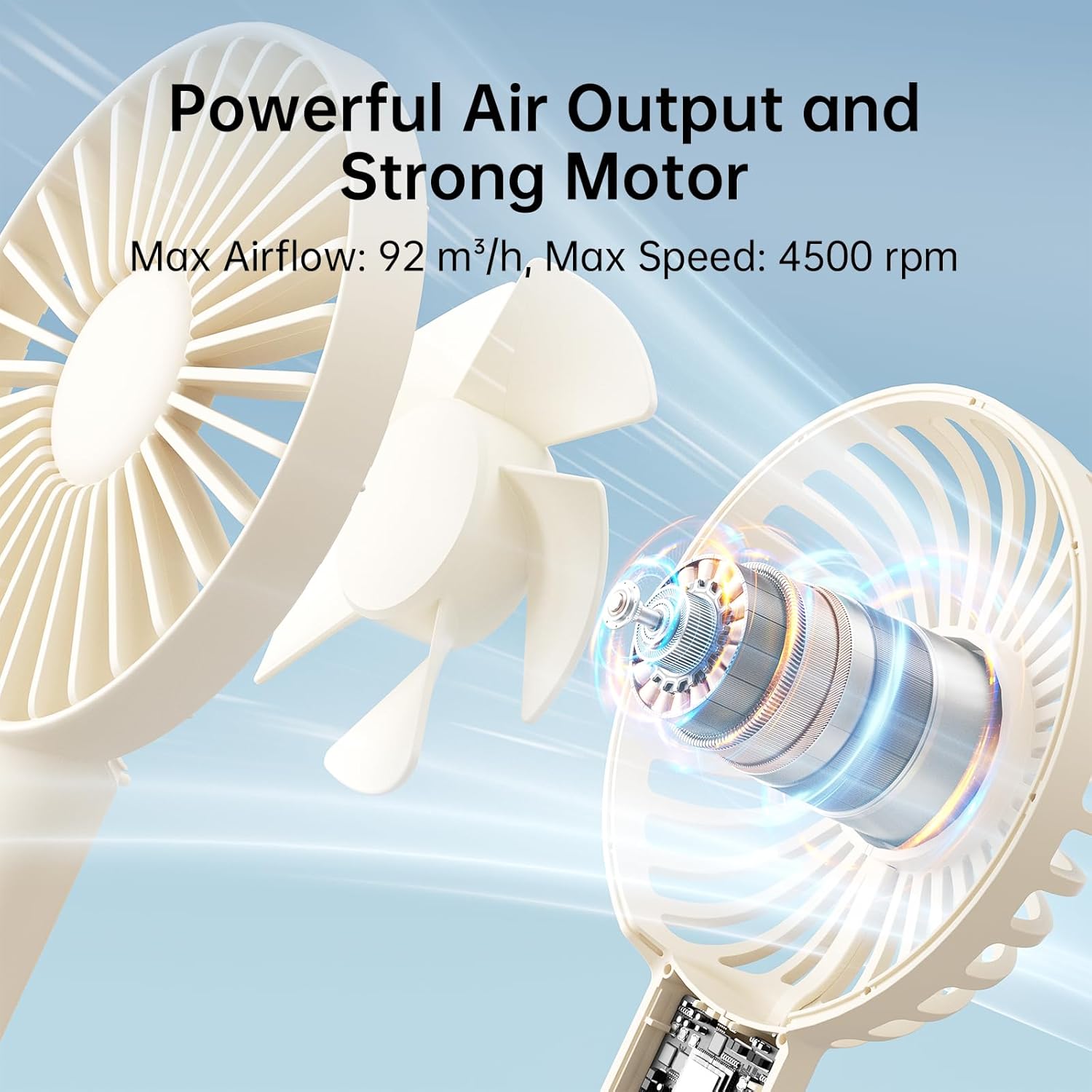
Image: An illustration detailing the powerful air output and strong motor of the fan.
Cothabháil
To ensure the longevity and optimal performance of your JISULIFE Handheld Portable Mini Fan, follow these maintenance guidelines:
- Glanadh: Bain úsáid as éadach bog, tirim chun taobh amuigh an lucht leanúna a ghlanadh. Ná húsáid glantóirí scríobacha agus ná tum an lucht leanúna in uisce.
- Stóráil: Nuair nach bhfuil sé in úsáid ar feadh tréimhsí fada, stóráil an lucht leanúna in áit fhionnuar tirim amach ó sholas díreach na gréine agus ó theocht mhór.
- Seachain Baic: Ensure the fan blades and air inlets/outlets are free from dust, lint, or other obstructions to maintain optimal airflow.
Fabhtcheartú
| Fadhb | Cúis Féideartha | Réiteach |
|---|---|---|
| Ní chasann an lucht leanúna air. | Tá ceallraí ídithe. | Charge the fan fully using the provided USB cable. |
| Airflow lag. | Obstruction in fan blades or vents. | Ensure no foreign objects are blocking the fan blades or air vents. Clean if necessary. |
| Stopann an luchtóir go tobann. | Ceallraí íseal. | Athluchtaigh an lucht leanúna. |
| Charging light not illuminating. | Fadhb le cábla nó foinse cumhachta. | Try a different USB port or power adapter. Ensure the cable is securely connected. |
Sonraíochtaí
| Gné | Sonraigh |
|---|---|
| Branda | JISULIFE |
| Ainm an tSamhail | FA21 |
| Dath | beige |
| Foinse Cumhachta | Ceallraí Powered |
| Cumas Battery | 4500mAh (Ian Litiam) |
| Líon na Leibhéal Cumhachta | 3 |
| Toisí Táirge | 1.35"D x 3.62"W x 7.67"H |
| Meáchan Mír | 6.5 unsa (185 gram) |
| Imltage | 5 Volta |
| Wattage | 5 vata |
| Modh Rialaithe | Dteagmháil |
| Cineál nascóirí | USB Cineál A |
| Ábhar Blade | Plaisteach |
| Úsáid Laistigh / Lasmuigh | Allamuigh, Indoor |
| Bliain Déantúsaíochta | 2023 |
| Sonraíocht Met | CE, UKCA, PSE, FCC, RoHS |
Barántas agus Tacaíocht
JISULIFE products are manufactured to the highest quality standards. For any questions, technical support, or warranty claims, please refer to the contact information provided on the product packaging or visit the official JISULIFE websuíomh.
Coinnigh d’admháil ceannaigh mar chruthúnas ceannaigh chun críocha bharántais.


