
Réamhrá
Welcome to the user manual for your BoxWave DualTip Capacitive Stylus. This versatile stylus is engineered to enhance your interaction with capacitive touchscreen devices, offering two distinct tips for various applications. It provides a natural and precise input experience without the need for batteries or Bluetooth pairing.
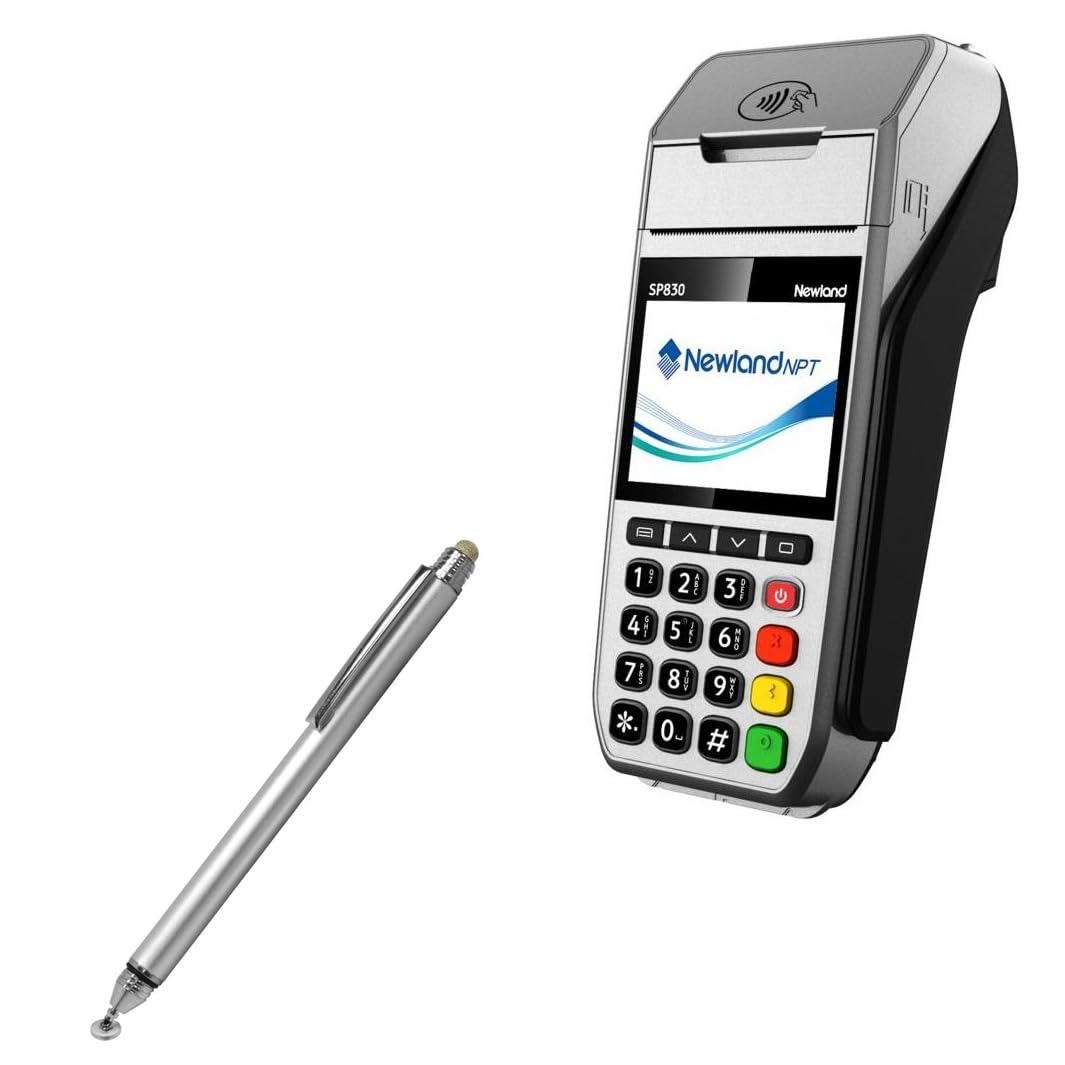
Image: The BoxWave DualTip Capacitive Stylus in metallic silver.
Gnéithe Táirge
- Dual Tip Design: Features both a FiberMesh soft tip and a FineTouch clear disc tip, providing versatility for different tasks.
- FiberMesh Soft Tip: A tightly woven conductive fabric mesh that is durable and provides ultra-accurate, pressure-sensitive feedback.
- FineTouch Clear Disc Tip: An innovative transparent disc tip that allows for vision-enhancing precision, showing the exact contact point on the screen for detailed work.
- Comhoiriúnacht Uilíoch: Works effectively with the Newland SP830 and other capacitive touchscreen devices.
- Dearadh eirgeanamaíochta: Constructed with a metallic aluminum body, offering a comfortable grip and a balanced, lightweight feel.
- Easy Access Clip: Includes a built-in metal clip for convenient attachment to clothing or cases.
- No Pairing Required: Operates instantly without the need for Bluetooth connection or batteries.

Image: The stylus showcasing its two distinct tips: FiberMesh and FineTouch.

Íomhá: Mionsonraithe view of the FineTouch Clear Disc Tip and EverTouch FiberMesh Tip.
Socrú
The BoxWave DualTip Capacitive Stylus is designed for immediate use. No complex setup, pairing, or charging is required.
- Remove the stylus from its packaging.
- Identify the desired tip for your task: the FiberMesh tip (soft, rounded) or the FineTouch clear disc tip (precision disc).
- Begin using the stylus directly on your capacitive touchscreen device.
Treoracha Oibriúcháin
Using the FiberMesh Tip
The FiberMesh tip is ideal for general navigation, scrolling, and broad strokes. Its soft, cushioned feel provides a comfortable experience for extended use. It offers a natural, pressure-sensitive response for tasks like sketching or handwriting.
Using the FineTouch Clear Disc Tip
For tasks requiring high precision, such as detailed drawing, precise writing, or accurate tapping on small icons, use the FineTouch clear disc tip. The transparent disc allows you to see the exact point of contact on your screen, ensuring accuracy.
Leideanna Úsáide Ginearálta
- Both tips function effectively from any angle, providing flexibility in how you hold the stylus.
- The stylus simulates a finger touch, so no special software or device settings are required.
- The built-in metal clip allows you to securely attach the stylus to your shirt, jacket, jeans, or device case for easy portability.

Image: User demonstrating the stylus in use on a tablet.

Image: The stylus enables natural tapping, swiping, and writing on a digital screen.
Cothabháil
Proper care will ensure the longevity and optimal performance of your stylus.
- Cleaning the Stylus Body: Wipe the metallic aluminum body with a soft, dry cloth to remove fingerprints and smudges.
- Cleaning the FiberMesh Tip: If necessary, gently wipe the FiberMesh tip with a slightly damp, lint-free cloth. Ensure the tip is completely dry before using it on your device.
- Cleaning the FineTouch Clear Disc Tip: Keep the clear disc free of dust, debris, or oils for optimal accuracy. A soft, dry cloth is usually sufficient. Avoid harsh chemicals.
- Cosaint Leid: Use the built-in threaded cap to protect the FineTouch clear disc tip when the stylus is not in use. This prevents damage and keeps the tip clean.

Image: The threaded cap protects the FineTouch clear disc tip.
Fabhtcheartú
Stylus Not Responding or Inaccurate Input
- Clean Screen and Tips: Ensure your device's touchscreen is clean and free of smudges, dust, or debris. Also, check that both stylus tips are clean and intact. Oils or dirt can interfere with capacitive touch.
- Comhoiriúnacht an Ghléis: Confirm that your device uses a capacitive touchscreen. This stylus is designed for capacitive screens, such as those found on smartphones and tablets.
- FineTouch Disc Position: When using the FineTouch clear disc tip, ensure the disc is making full, flat contact with the screen. The disc is designed to pivot slightly to maintain contact.
- Atosaigh Gléas: If issues persist, try restarting your device. This can often resolve minor software glitches affecting touchscreen responsiveness.
Sonraíochtaí
| Gné | Sonraigh |
|---|---|
| Ainm an tSamhail | DualTip Capacitive Stylus |
| Comhoiriúnacht | Newland SP830 and other capacitive touchscreens |
| Cineálacha Leid | FiberMesh, FineTouch Clear Disc |
| Ábhar Coirp | Metallic Aluminum |
| Meáchan Mír | 1.3 unsa |
| Monaróir | BoxWave |
| ASIN | B0C6YR4DFT |
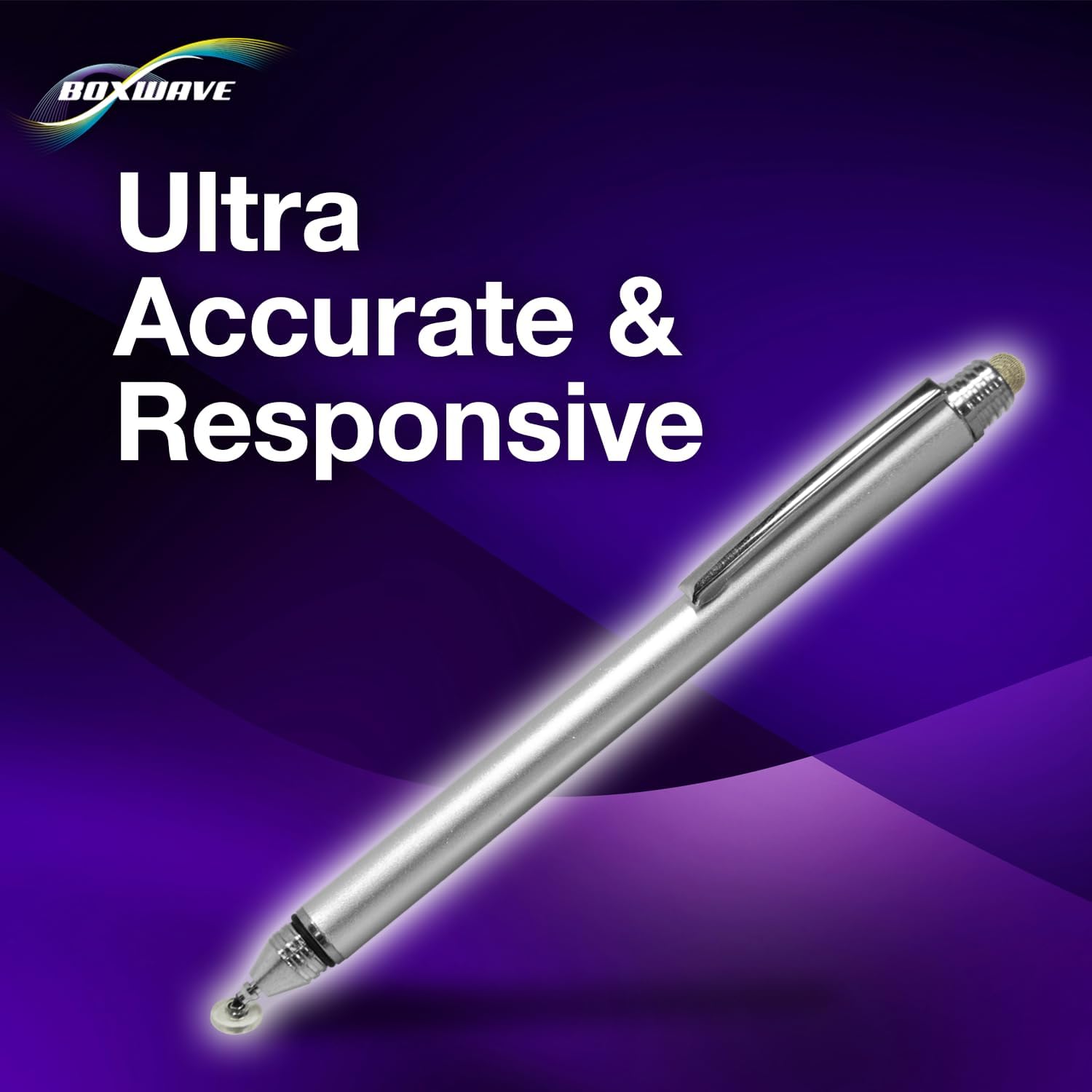
Image: The stylus is designed for ultra-accurate and responsive performance.
Eolas Tacaíochta
For technical assistance or inquiries regarding your BoxWave DualTip Capacitive Stylus, please refer to the limited 3rd party tech support details provided with your product purchase. This typically includes up to 3 inquiries via messaging.
For general product information and updates, please visit the official BoxWave websuíomh.