
1. Réamhrá
The BuzzTV B5 is an advanced Android 11 TV Box designed to deliver a superior 4K UHD streaming experience. This device allows you to access a wide range of entertainment, including movies, TV shows, and applications, directly on your television. This manual provides essential information for the proper setup, operation, maintenance, and troubleshooting of your BuzzTV B5.
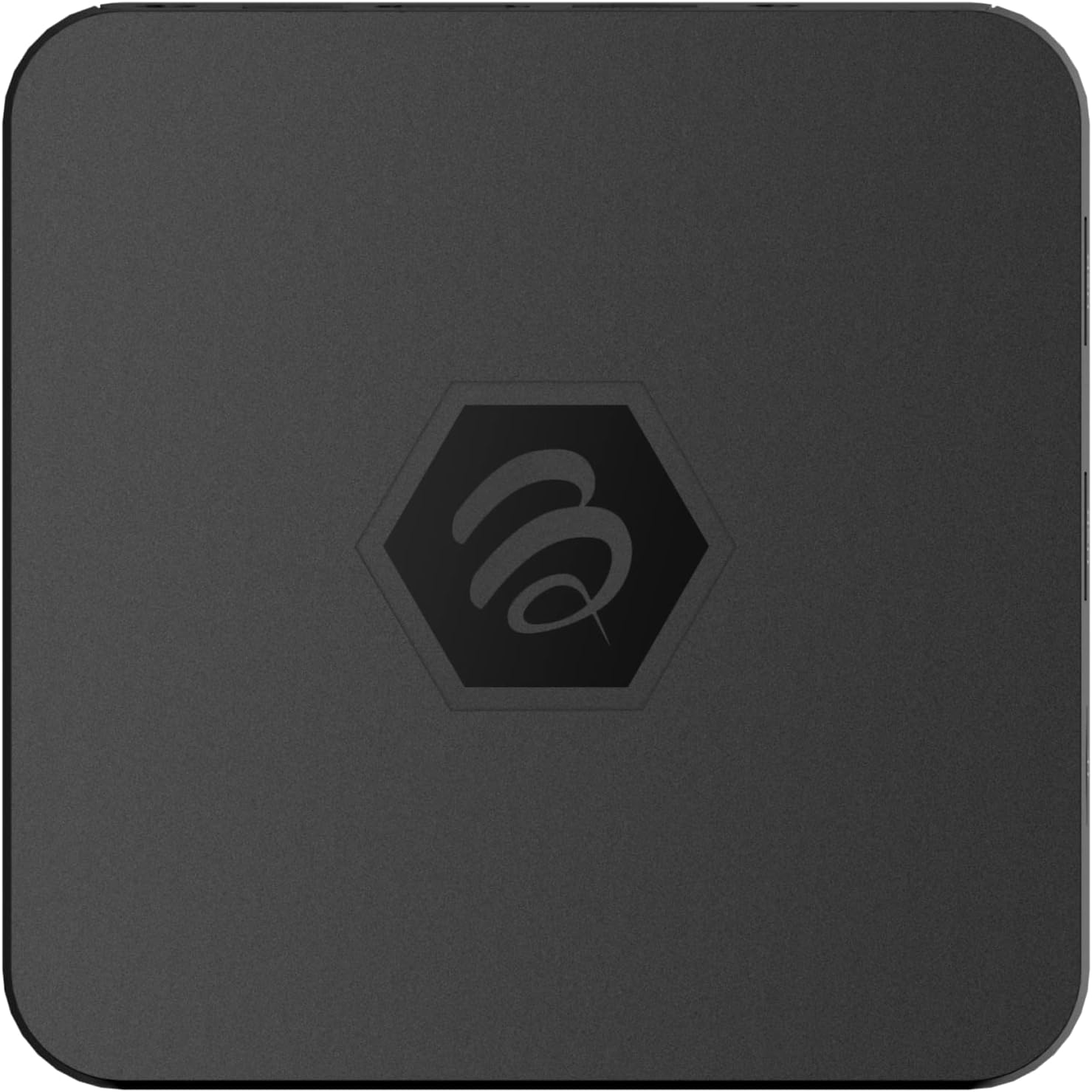
Íomhá 1.1: Barr view of the BuzzTV B5 Android 11 TV Box.
2. Ábhar Pacáiste
Please verify that all items listed below are included in your BuzzTV B5 package:
- BuzzTV B5 Set Top Box
- IR-100 Remote Control
- Cuibheoir Soláthair Cumhachta
- 2x Ceallraí AAA (le haghaidh rialú iargúlta)
- Cábla HDMI
- Lámhleabhar Úsáideora (an doiciméad seo)

Image 2.1: Contents included in the BuzzTV B5 retail package.
3. Treoir Socraithe
Follow these steps to set up your BuzzTV B5 TV Box:
- Ceangail leis an teilifís: Connect one end of the provided HDMI cable to the HDMI port on the BuzzTV B5 and the other end to an available HDMI input on your television.
- Cumhacht Ceangail: Plug the power supply adapter into the DC 5V port on the BuzzTV B5, then plug the adapter into a wall outlet. The device should power on automatically or can be powered on using the remote control.
- Cuir Ceallraí isteach sa Chianrialtán: Open the battery compartment on the back of the IR-100 Remote Control and insert the two AAA batteries, ensuring correct polarity (+/-).
- Ceangal Líonra: Once the device boots up, follow the on-screen instructions to connect to your network. You can choose between Wi-Fi (wireless) or Ethernet (wired) connection. For a wired connection, connect an Ethernet cable from your router to the Ethernet port on the BuzzTV B5.
- Socrú Tosaigh: Complete the initial Android setup process, which may include language selection, Google account login, and time zone settings.

Image 3.1: Rear ports of the BuzzTV B5 for connectivity.
4. Treoracha Oibriúcháin
The BuzzTV B5 operates on Android 11, providing a user-friendly interface for navigation and content access.
4.1 Feidhmeanna Cianrialtáin
The IR-100 Remote Control is your primary interface for the BuzzTV B5. Key functions include:
- Cnaipe Cumhachta: Cuireann sé an gléas ar siúl nó as.
- Ceap Loingseoireachta (Suas/Síos/Clé/Deas/Ceart go leor): Úsáidtear é chun nascleanúint a dhéanamh trí bhiachláir agus míreanna a roghnú.
- Cnaipe Ar Ais: Filleann sé ar an scáileán nó roghchlár roimhe seo.
- Cnaipe Baile: Returns to the main Android home screen.
- Cnaipí Toirt: Coigeartaíonn an méid fuaime.
- App/Menu Buttons: Accesses specific applications or context menus.

Image 4.1: Layout of the IR-100 Remote Control.
4.2 Rochtain a fháil ar Iarratais
From the home screen, you can access pre-installed applications like Netflix and YouTube, or download new applications from the Google Play Store. Use the navigation pad on your remote to select and launch applications.
4.3 4K UHD Streaming
The BuzzTV B5 supports 4K UHD resolution. Ensure your television is 4K compatible and that you are using a high-speed HDMI cable for optimal picture quality. Streaming quality will also depend on your internet connection speed and the content source.
5. Cothabháil
To ensure the longevity and optimal performance of your BuzzTV B5, consider the following maintenance tips:
- Glanadh: Bain úsáid as éadach bog, tirim chun taobh amuigh an fheiste a ghlanadh. Seachain glantóirí leachtacha nó ábhair scríobacha.
- Aeráil: Cinntigh go bhfuil an gléas suite in áit aeráilte go maith chun róthéamh a chosc. Ná clúdaigh na hoscailtí aerála.
- Nuashonruithe Bogearraí: Periodically check for and install system updates to benefit from new features, performance improvements, and security patches. These can usually be found in the device's settings menu.
- Timthriall Cumhachta: Mura bhfreagraíonn an gléas, dícheangail an t-oiriúntóir cumhachta, fan 10 soicind, agus ansin athcheangail é chun timthriall cumhachta a dhéanamh.
6. Fabhtcheartú
If you encounter issues with your BuzzTV B5, refer to the following common problems and solutions:
| Fadhb | Cúis Féideartha | Réiteach |
|---|---|---|
| Gan Cumhacht | Níl an t-oiriúntóir cumhachta ceangailte; níl an asraon ag obair. | Cinntigh go bhfuil an t-oiriúntóir cumhachta ceangailte go daingean leis an bhfeiste agus le hasraon cumhachta atá ag obair. Bain triail as asraon eile. |
| No Signal on TV | Incorrect HDMI input selected; faulty HDMI cable. | Select the correct HDMI input on your TV. Check HDMI cable connections or try a different HDMI cable. |
| Cianrialtán Gan Freagra | Dead batteries; remote not paired (if applicable); obstruction. | Replace AAA batteries. Ensure no obstructions between remote and device. |
| Saincheisteanna Nasc Líonra | Pasfhocal Wi-Fi mícheart; fadhbanna leis an ródaire; comhartha lag. | Verify Wi-Fi password. Restart your router. Move the device closer to the router or use an Ethernet cable. |
| Applications Crashing/Freezing | Insufficient memory; outdated app; software glitch. | Close background apps. Update the app or the device's firmware. Clear app cache/data in settings. |
7. Sonraíochtaí
Detailed technical specifications for the BuzzTV B5 Android 11 TV Box:
- Córas Oibriúcháin: Android OS 11
- LAP: Amlogic S905W2 Quad-Core A-35
- GPU: Mailí-G31 MP2
- RAM: 2GB DDR
- Stóráil: 16GB eMMC
- Wi-Fi: Dual Band AC
- LAN: Ethernet 10/100 Mbps
- Bluetooth: 4.2
- Poirt USB: 2x USB 2.0
- Sliotán MicroSD: 1
- Comhéadan Cumhachta: DC 5V
- Aschur HDMI: 1
- Aschur Fuaime Optúil: 1
- Taifeach Aschuir: 4K (32 FPS)
- Toisí: 9.06 x 5.63 x 2.32 orlach
- Meáchan Mír: 1.01 punt

Image 7.1: BuzzTV B5 with a summary of its technical specifications.
8. Faisnéis Bharántas
For detailed warranty information regarding your BuzzTV B5, please refer to the warranty card included in your product packaging or visit the official BuzzTV websuíomh. Féadfaidh téarmaí agus coinníollacha an bharántais a bheith éagsúil de réir réigiúin agus miondíoltóra.
9. Tacaíocht
If you require further assistance or have questions not covered in this manual, please contact BuzzTV customer support or visit their official websuíomh le haghaidh Ceisteanna Coitianta, íoslódálacha bogearraí, agus acmhainní breise.
BuzzTV Official Websuíomh: www.buzztv.com