
1. Réamhrá
This manual provides detailed instructions for the safe and efficient operation of your Zebronics Zeb-Buddy 100 Portable Bluetooth Speaker. Please read this manual thoroughly before using the device and retain it for future reference.
2. Táirge Tharview agus Gnéithe
The Zebronics Zeb-Buddy 100 is a portable Bluetooth v5.0 speaker designed for versatile audio playback. It features a compact design with an integrated handle for easy transport and a mobile holder for hands-free use. Key features include:
- Bluetooth v5.0 Connectivity: Le haghaidh sruthú fuaime gan sreang.
- Feidhm TWS: Allows pairing of two Zeb-Buddy 100 speakers for stereo audio.
- Micreafón Sreangaithe: Includes a 6.3mm wired microphone for karaoke.
- Il-Roghanna Athsheinm: Supports AUX, micro SD card, and USB input.
- Raidió FM ionsuite: For listening to radio stations.
- Rialuithe Meán: Integrated buttons for easy control of playback.
- Ceallraí In-athluchtaithe: Provides up to 5 hours of playback time.
- Modhanna Solais RGB: Multiple light modes for enhanced ambiance.
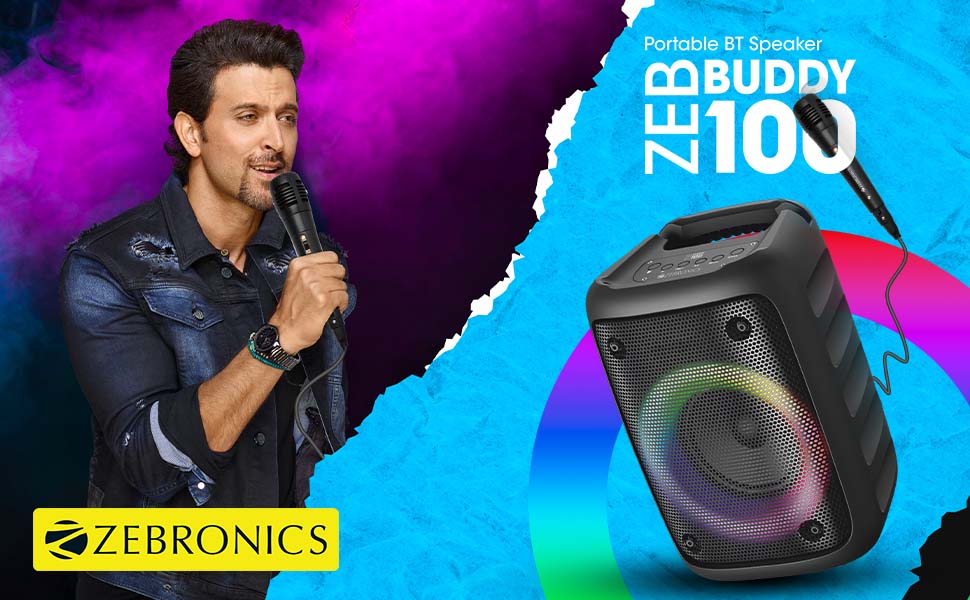
Image: The Zeb-Buddy 100 speaker shown with its included wired microphone, highlighting its portable design and control panel.
Íomhá: Uilleach view of the Zeb-Buddy 100 speaker, showcasing its compact form factor and side details.
3. Socrú
3.1 Muirearú an Chainteora
- Ceangail an cábla luchtaithe le port luchtaithe an chainteora.
- Ceangail an ceann eile den chábla le hoiriúntóir cumhachta USB oiriúnach (nach bhfuil san áireamh).
- The charging indicator will illuminate. A full charge takes approximately 4 hours.
3.2 Péireáil Bluetooth
- Cumhacht ar an gcainteoir tríd an gcnaipe cumhachta a bhrú agus a shealbhú.
- The speaker will enter Bluetooth pairing mode, indicated by a flashing LED.
- Ar do ghléas soghluaiste, cumasaigh Bluetooth agus déan cuardach do ghléasanna atá ar fáil.
- Select "Zeb-Buddy 100" from the list to pair.
- Once paired, the speaker will confirm the connection, and the LED will stop flashing.
Péireáil 3.3 TWS (Fíor-Steirió Gan Sreang)
To experience stereo audio, you can pair two Zeb-Buddy 100 speakers together:
- Ensure both Zeb-Buddy 100 speakers are powered on and not connected to any Bluetooth device.
- Ar chainteoir amháin (is é seo an príomhchainteoir), brúigh agus coinnigh an cnaipe TWS.
- Déanfaidh an príomhchainteoir cuardach ar an gcainteoir tánaisteach.
- Once connected, both speakers will indicate a successful TWS pairing.
- Now, connect your mobile device to the primary speaker via Bluetooth as described in section 3.2. Audio will play in stereo through both speakers.

Image: Three Zeb-Buddy 100 speakers demonstrating their multiple RGB light modes, illustrating the TWS capability.
4. Treoracha Oibriúcháin
4.1 Roghnú Mód
Press the 'M' (Mode) button on the speaker to switch between Bluetooth, AUX, Micro SD, USB, and FM Radio modes.
4.2 Athsheinm Fuaime
- Seinn/Sos: Brúigh an cnaipe Seinn/Sos.
- An Chéad Amhrán Eile: Brúigh an cnaipe 'Ar Aghaidh'.
- Rian Roimhe Seo: Brúigh an cnaipe 'Roimhe Seo'.
- Imleabhar Suas: Press and hold the 'Next' button.
- Imleabhar an Dúin: Press and hold the 'Previous' button.
4.3 Feidhm Karaoke
- Connect the wired microphone to the 6.3mm microphone input port on the speaker.
- Adjust the microphone volume using the dedicated knob on the speaker (if available) or through the main volume controls.
- Ensure music is playing from your chosen source (Bluetooth, AUX, etc.) for background audio.
Oibriú Raidió 4.4 FM
- Switch to FM Radio mode using the 'M' button.
- Press the Play/Pause button once to auto-scan and save available FM channels.
- Use the 'Next' and 'Previous' buttons to navigate between saved channels.
5. Cothabháil
To ensure the longevity and optimal performance of your Zeb-Buddy 100 speaker:
- Coinnigh an cainteoir ar shiúl ó uisce, taise, agus solas díreach na gréine.
- Glan an cainteoir le héadach bog, tirim. Ná húsáid ceimiceáin ghéara ná glantóirí scríobacha.
- Seachain an cainteoir a thit nó a chur faoi thionchar tionchair láidre.
- Stóráil in áit fhionnuar, tirim nuair nach bhfuil sé in úsáid ar feadh tréimhsí fada.
6. Fabhtcheartú
| Fadhb | Cúis Féideartha | Réiteach |
|---|---|---|
| Ní lasann an cainteoir. | Ceallraí íseal nó gan aon mhuirear. | Luchtaigh an cainteoir go hiomlán. |
| Ní féidir péireáil trí Bluetooth. | Níl an cainteoir i mód péireála; tá Bluetooth an ghléis múchta; tá sé rófhada ón gcainteoir. | Ensure speaker is in pairing mode. Turn Bluetooth on/off on your device. Move device closer to speaker. |
| Gan fuaim. | Volume too low; incorrect mode selected; faulty cable (AUX/USB). | Increase volume. Select correct input mode. Check/replace cables. |
| Theip ar phéireáil TWS. | Tá cainteoirí ceangailte le gléas eile cheana féin; rófhada óna chéile. | Disconnect speakers from other devices. Ensure speakers are close to each other. |
| Micreafón nach bhfuil ag obair. | Microphone not fully plugged in; volume too low. | Ensure microphone is securely connected. Adjust microphone volume. |
7. Sonraíochtaí
- Branda: ZEBRONICS
- Ainm an tSamhail: Zeb-Buddy 100
- Teicneolaíocht Nascachta: Cúnta, Bluetooth, USB, Gan Sreang
- Leagan Bluetooth: v5.0
- Uaschumhacht Aschuir Cainteoir: 15 Watts
- Freagra Minicíochta: 100Hz - 20kHz
- Modh Aschuir Fuaime: Steirió (le TWS)
- Méid an chainteora: 52 Millimetres (Driver)
- Foinse Cumhachta: Ceallraí Powered
- Am Táille Ceallraí: 4 Uair
- Am Athsheinm: 5 Uair
- Modh Rialaithe: Rialú Dteagmhála
- Gléasanna Comhoiriúnacha: Fón cliste, táibléad
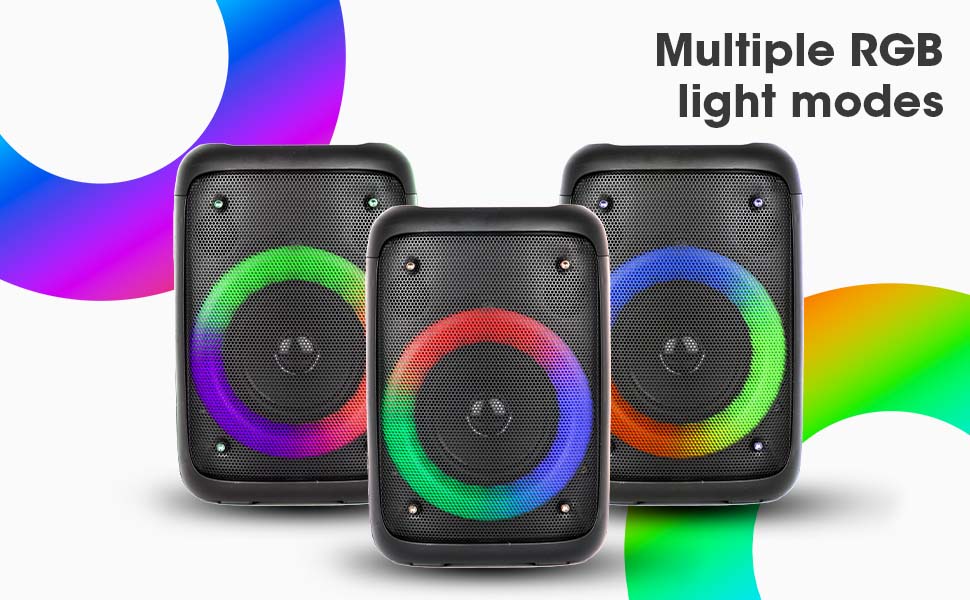
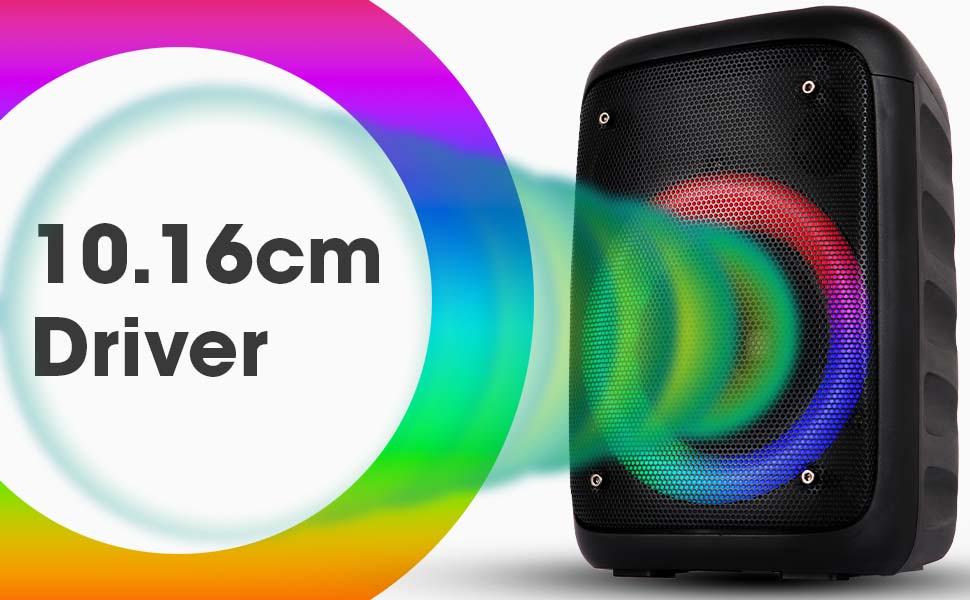
Image: The Zeb-Buddy 100 speaker with an overlay indicating its 10.16cm (4-inch) driver size.
8. Barántas agus Tacaíocht
The Zebronics Zeb-Buddy 100 comes with a 1-year carry-in warranty to the service center. For any support, service, or warranty claims, please contact Zebronics customer support or visit their official website for service center locations and contact information.
Coinnigh d’admháil ceannaigh le haghaidh bailíochtú an bharántais.