
Réamhrá
This manual provides comprehensive instructions for the Baseus Amblight 30000mAh 65W Power Bank, model PPLG000101. It covers essential information regarding product features, setup, operation, maintenance, and troubleshooting to ensure optimal performance and longevity of your device.
Táirge Tharview
The Baseus Amblight Power Bank is a high-capacity portable charger designed to power multiple devices simultaneously. Featuring a 30000mAh battery, 65W fast charging capability, and multiple output ports including USB-A and USB-C, it is suitable for charging smartphones, tablets, and even laptops.

Figure 1: The Baseus Amblight Power Bank, showcasing both black and white versions with included USB-C cables.
The power bank is equipped with a digital display that provides real-time information on battery percentage, voltage, and current, allowing for precise monitoring of charging status.

Fíor 2: Mionsonraithe view of the large LED screen, displaying charging information such as current battery percentage.
It features multiple input and output ports for versatile charging options.

Figure 3: Illustration of the power bank's multiple ports, indicating 5 output and 3 input capabilities for various devices.
Socrú
Muirearú Tosaigh an Bhainc Cumhachta
- Before first use, fully charge the power bank. Connect a compatible USB-C charging cable to the power bank's input port and to a wall adapter (not included).
- The LED display will show the charging progress. A full charge is indicated when the display shows 100%.
Gléasanna a Nascadh
- Use appropriate charging cables for your devices. The power bank supports USB-A and USB-C outputs.
- Connect one end of your device's charging cable to an available output port on the power bank and the other end to your device.
- The power bank will automatically begin charging your device. The LED display will show the output status.
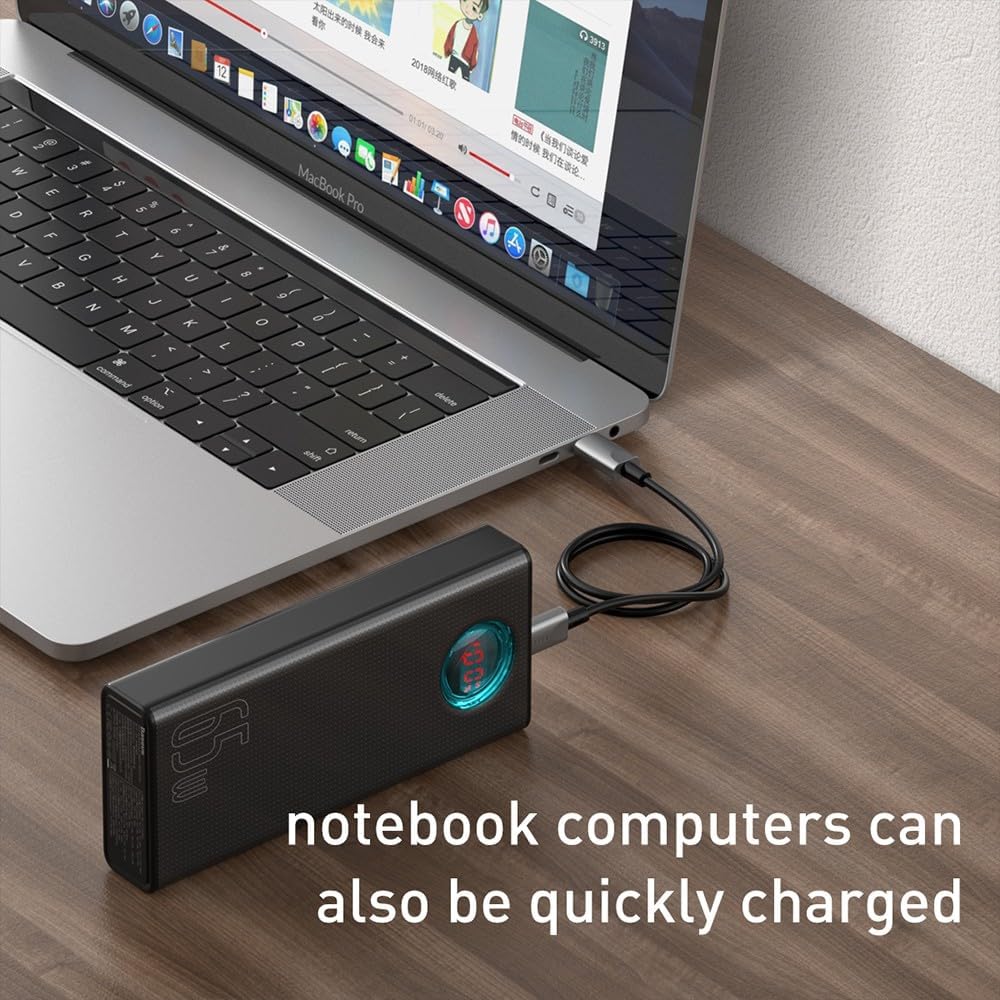
Figure 4: A smartphone being charged by the Baseus Power Bank, demonstrating its ability to quickly charge mobile devices.
Oibríocht
High Capacity and Multi-Device Charging
The power bank's 30000mAh capacity allows for multiple charges of various devices. For example, it can charge a typical smartphone up to 12 times. The Baseus Amblight Power Bank can also charge multiple devices simultaneously using its various output ports.
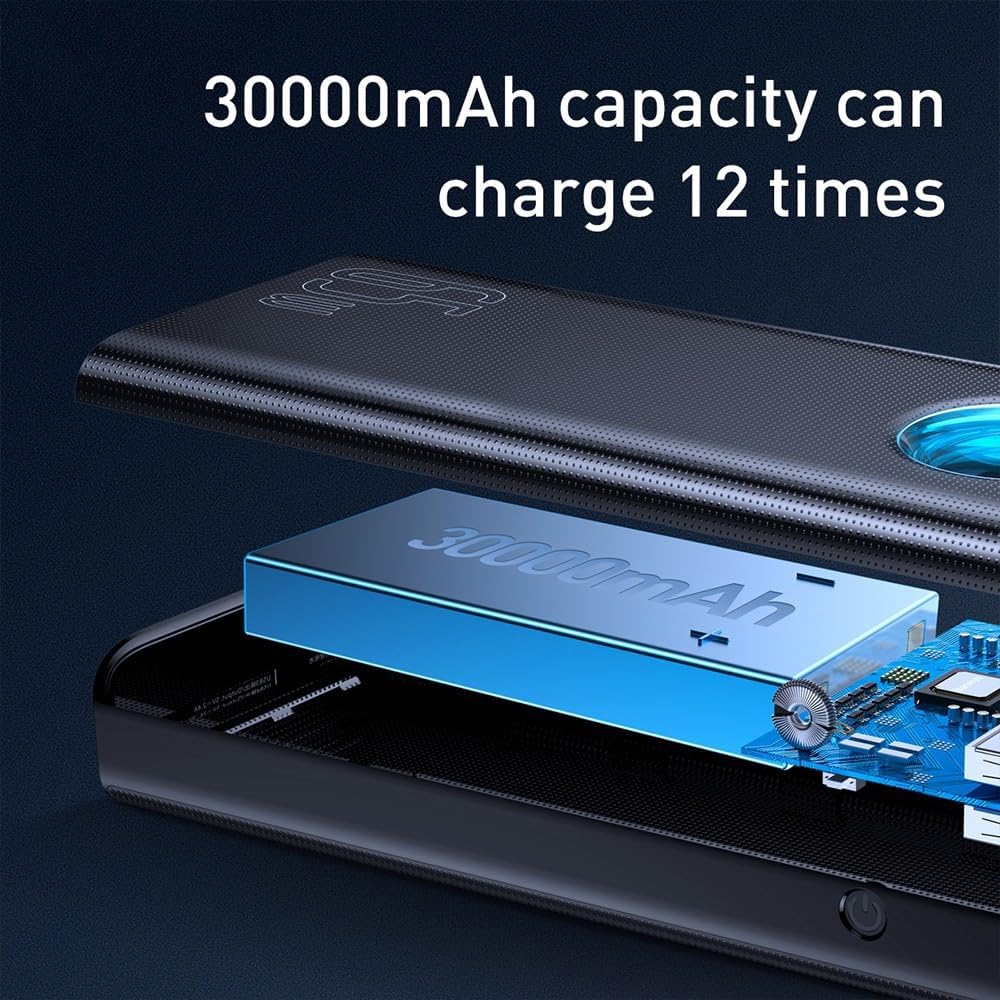
Figure 5: Visual representation of the 30000mAh capacity, illustrating its capability to provide multiple charges for devices.
Aschur Ardchumhachta (65W)
The 65W output capability allows for fast charging of compatible devices, including laptops that support USB-C Power Delivery (PD). Ensure your device and cable support 65W PD for optimal charging speeds.
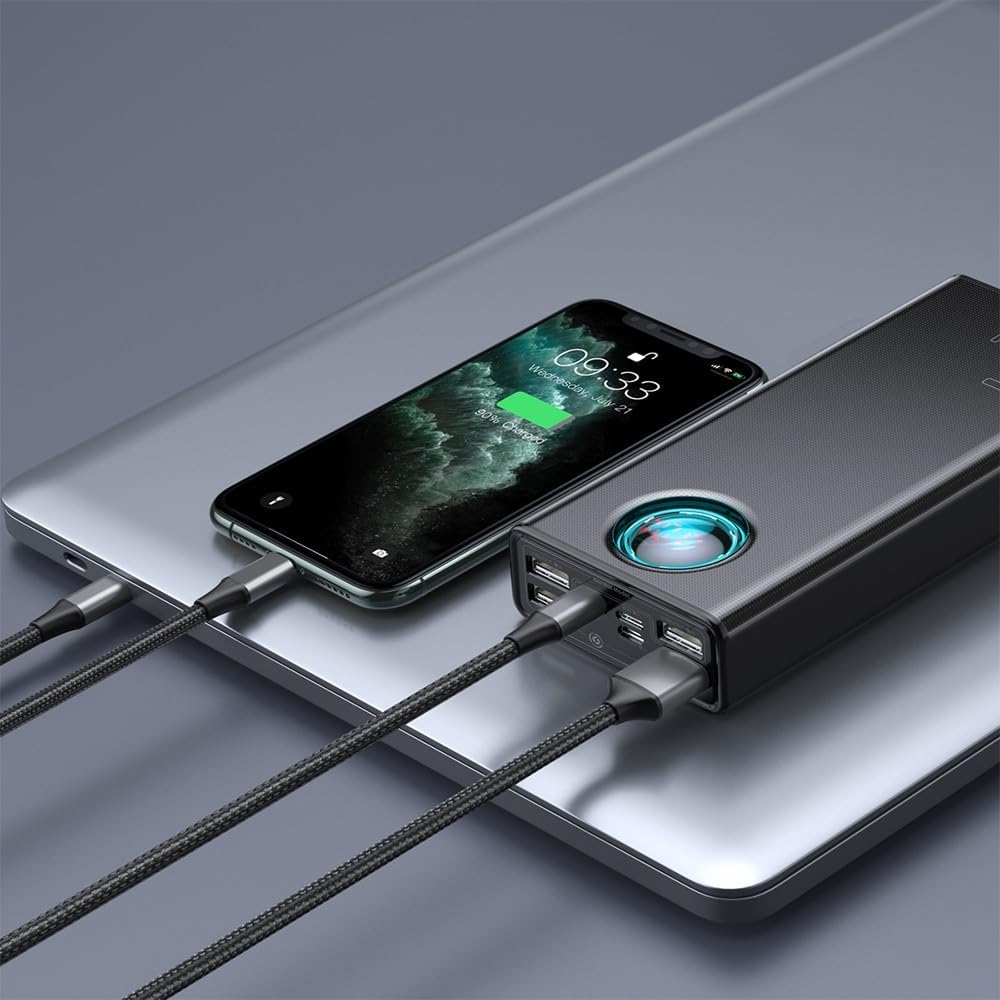
Figure 6: A laptop being charged by the Baseus Power Bank, demonstrating its high-power output suitable for notebooks.

Figure 7: The power bank highlighting its 65W high power output, suitable for demanding devices.
Cothabháil
Cúram Battery
- Chun saolré na ceallraí a fhadú, seachain an banc cumhachta a dhíluchtú go hiomlán go minic. Athluchtaigh é nuair a bhíonn leibhéal na ceallraí íseal.
- Stóráil an banc cumhachta in áit fhionnuar, thirim, amach ó sholas díreach na gréine agus ó theocht mhór.
- If storing for an extended period, charge the power bank to approximately 50-70% every three months.
Glanadh
- Wipe the exterior of the power bank with a soft, dry cloth.
- Ná húsáid ceimiceáin ghránna nó glantóirí scríobacha.
- Ensure no moisture enters the ports.
Fabhtcheartú
- Banc Cumhachta Gan Muirearú:
- Ensure the charging cable and wall adapter are functioning correctly.
- Verify the cable is securely connected to both the power bank's input port and the power source.
- Try a different cable or adapter.
- Gléas nach bhfuil ag muirearú ón mbanc cumhachta:
- Seiceáil an bhfuil táille leordhóthanach ag an mbanc cumhachta.
- Ensure the charging cable connecting your device to the power bank is not damaged and is securely connected.
- Deimhnigh go bhfuil do ghléas comhoiriúnach le sonraíochtaí aschuir an bhainc chumhachta.
- Bain triail as port aschuir difriúil ar an mbanc cumhachta.
- Muirearú Mall:
- Cinntigh go dtacaíonn an banc cumhachta agus do ghléas araon le prótacail luchtaithe tapa.
- Use a high-quality, compatible charging cable.
- D’fhéadfadh sé go laghdófaí luas luchtaithe aonair má mhuirearaítear roinnt gléasanna ag an am céanna.
- LED Display Not Working:
- Brúigh an cnaipe cumhachta go hachomair chun an taispeáint a ghníomhachtú.
- If the issue persists, the power bank may require service.
If you encounter issues not covered here, please refer to the warranty and support section for further assistance.
Sonraíochtaí
| Gné | Sonraigh |
|---|---|
| Branda | Baseus |
| Uimhir Mhúnla | PPLG000101 |
| Cumas | 30000mAh |
| Calafoirt Aschuir | 4x USB-A, 1x USB-C |
| Calafoirt Ionchuir | USB-C (PD), Micro USB, Lightning |
| Cumhacht Aschuir Uasta | 65W |
| Dath | Dubh |
Barántas agus Tacaíocht
For warranty information, please refer to the documentation included with your product packaging or visit the official Baseus websuíomh. Féadfaidh téarmaí agus coinníollacha an bharántais a bheith éagsúil de réir réigiúin.
If you require technical support or have questions regarding your Baseus Amblight Power Bank, please contact Baseus customer service through their official channels. Contact details are typically available on the manufacturer's websuíomh.