
VTech CS2051
VTech CS2051 Cordless Phone User Manual
Samhail: CS2051 | Branda: VTech
Réamhrá
This user manual provides comprehensive instructions for the setup, operation, maintenance, and troubleshooting of your VTech CS2051 Cordless Phone system. Please read this manual thoroughly before using your new phone to ensure proper functionality and to take full advantage dá ghnéithe.
The VTech CS2051 is a DECT cordless phone system designed for home and office use, featuring two handsets and an integrated answering machine. It offers advanced features such as call blocking, ECO mode for energy efficiency, and a clear backlit display.
Socrú
Ábhar an Phacáiste
Cinntigh go bhfuil na míreanna uile i láthair sa phacáiste:
- 1 x Aonad Bonn
- 2 x Láimhseálacha Gan Sreang
- 2 x Handset Chargers (for additional handsets)
- 2 x Ceallraí In-athluchtaithe NiMH
- 1 x Oiriúntóir Cumhachta don Aonad Bonn
- 1 x Corda Líne Teileafóin
- Lámhleabhar Úsáideora (an doiciméad seo)

Image: The VTech CS2051 cordless phone system, showing the main base unit with one handset docked, and a second standalone handset with its charger.
Suiteáil Battery
- Oscail clúdach urrann na ceallraí ar chúl gach gléas láimhe.
- Insert the supplied NiMH rechargeable battery, observing the correct polarity (+ and -).
- Dún an clúdach urrann ceallraí.
An Bunaonad a nascadh
- Ceangail ceann amháin den sreang teileafóin leis an seac TEL LINE ar an aonad bonn.
- Ceangail an ceann eile den chábla teileafóin le seac balla do theileafóin.
- Connect the small end of the power adapter to the POWER jack on the base unit.
- Breiseán ceann mór an oiriúntóra cumhachta isteach i soicéad leictreach caighdeánach.
- Place the main handset on the base unit to charge.
Connecting Additional Handset Chargers
- Connect the power adapter for each additional charger to the POWER jack on the charger.
- Plugáil an cuibheoir cumhachta isteach in asraon caighdeánach leictreach.
- Place the additional handset(s) on their respective chargers to charge.
Lig do na gléasanna láimhe luchtú ar feadh 16 uair an chloig ar a laghad roimh an gcéad úsáid chun feidhmíocht is fearr na ceallraí a chinntiú.
Treoracha Oibriúcháin
Glaonna a Dhéanamh agus a Fháil
- Chun Glao a Dhéanamh: Tóg suas fón láimhe, diailigh an uimhir, agus brúigh an Glaoigh cnaipe.
- Chun Glao a Fháil: Nuair a bhíonn an fón ag glaoch, brúigh an Glaoigh cnaipe.
- Hands-Free (Speakerphone): Le linn glao, brúigh an Cainteoir cnaipe chun an fón cainteoir a ghníomhachtú.

Image: A VTech CS2051 handset with a speech bubble indicating hands-free communication, demonstrating the ease of making or receiving calls without holding the handset.
Adjusting Volume and Ringtones
You can adjust the handset's earpiece volume during a call using the navigation buttons. Ringtone volume and melody can be customized through the handset's menu settings.

Image: A VTech CS2051 handset on its base, with a visual representation of sound waves emanating from it, indicating adjustable ringtone volume and melody settings.
Glao ar Blocáil
The VTech CS2051 allows you to block unwanted and intimidating calls. You can block up to 30 numbers by adding them to a blacklist. Refer to the handset menu for instructions on adding numbers to the call block list.
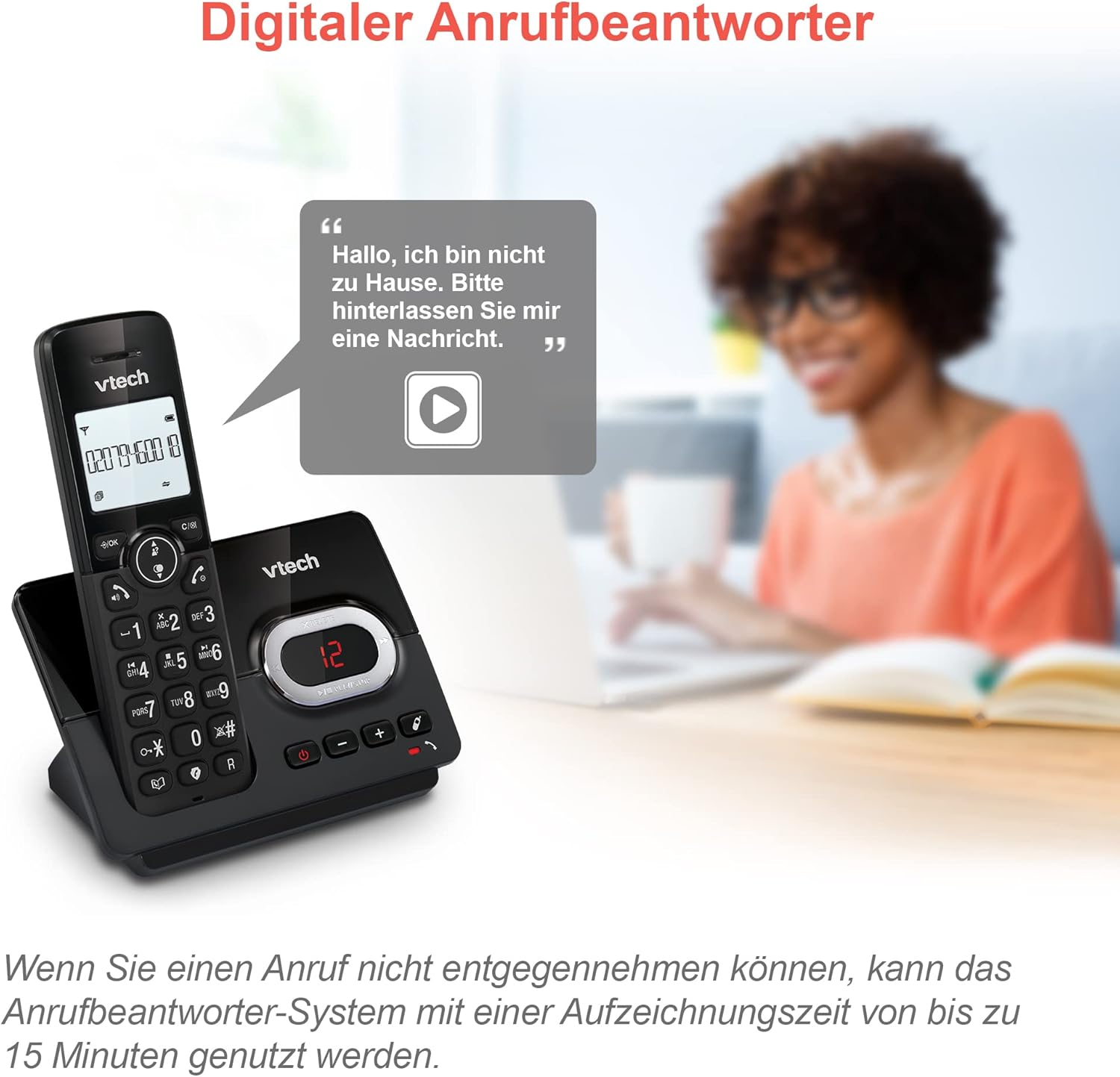
Image: A VTech CS2051 handset next to a television screen, with a "No Entry" symbol over a phone icon, illustrating the call blocking feature for unwanted and unknown calls.
Meaisín Freagartha
The integrated answering machine offers up to 15 minutes of recording time. It will automatically answer calls when you are unavailable. The digital message counter on the base unit indicates the number of new messages.
- Teachtaireachtaí a Sheinm: Brúigh an IMIR/STAIDIR cnaipe ar an aonad bonn.
- Teachtaireacht Amach á Taifeadadh: Access the answering machine settings via the handset menu.

Image: A VTech CS2051 handset on its base, with a speech bubble showing a voicemail message, highlighting the digital answering machine function with up to 15 minutes of recording time.
Phonebook and Redial
- Leabhar Fón: Store up to 30 names and numbers in the integrated phonebook for quick dialing.
- Athchraoladh: Easily redial the last 10 numbers called by pressing the Redial button.
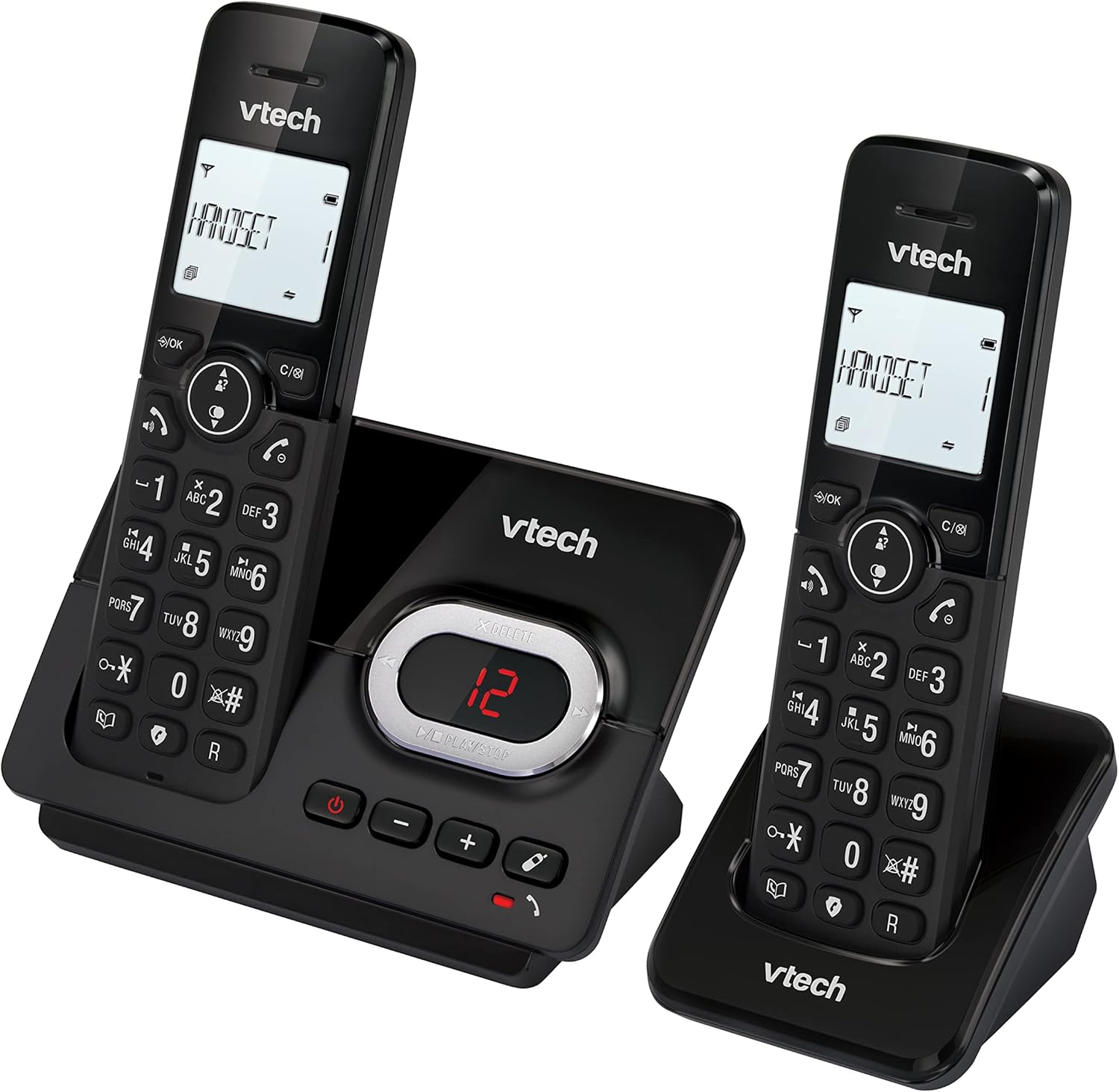
Image: A VTech CS2051 handset on its base, with an overlay showing a phonebook interface, indicating the ability to store up to 30 names and numbers.
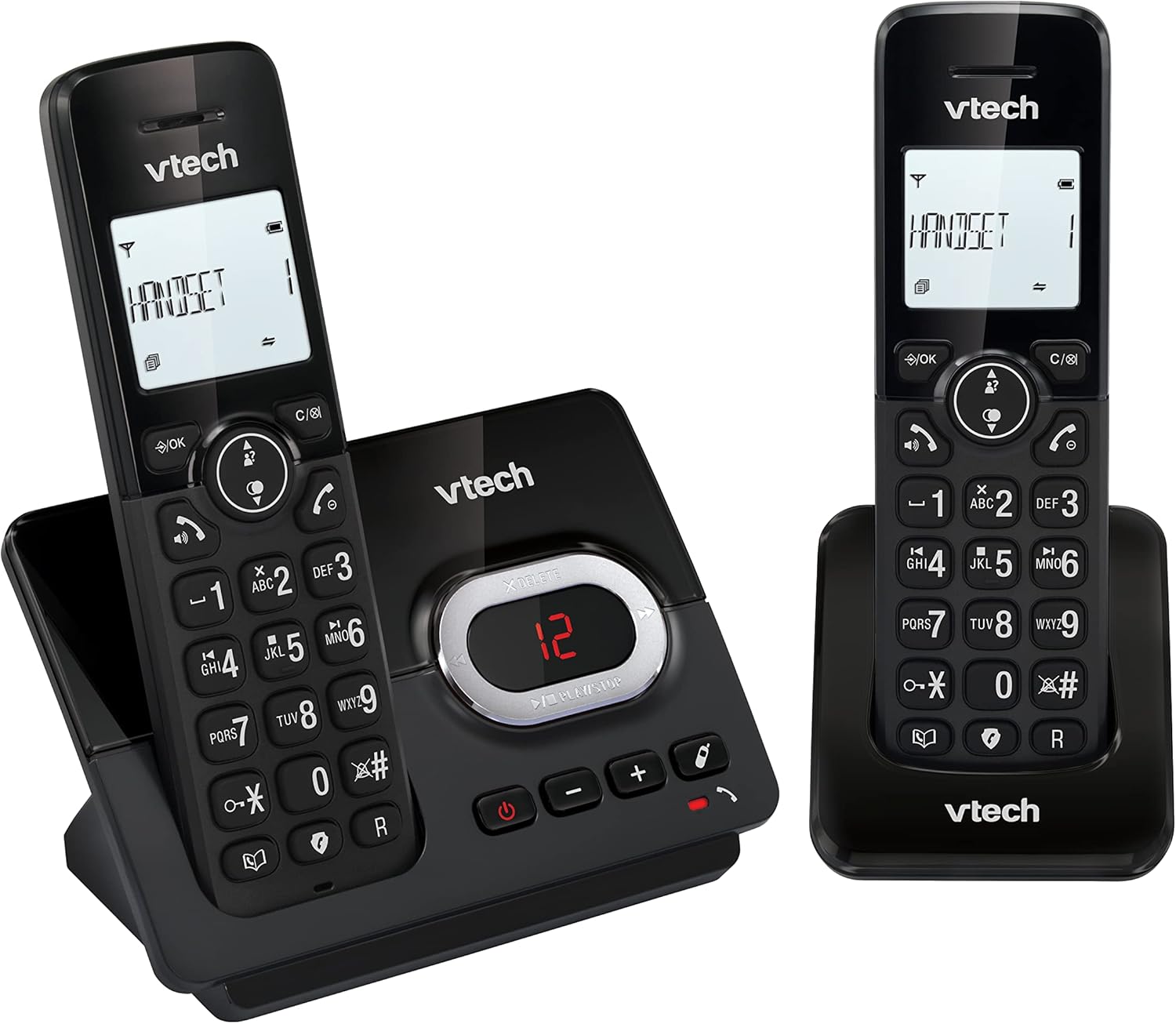
Image: A close-up of the VTech CS2051 handset's navigation buttons, with a circle highlighting the redial button, indicating the ability to redial the last 10 numbers.
Aitheantas Glaoiteora agus Feitheamh Glaonna
With Caller ID and Call Waiting features, you can see who is calling before you answer. The handset display shows the caller's name, number, time, and date of incoming calls.

Image: A VTech CS2051 handset on its base, with the screen displaying caller information, illustrating the Caller ID and Call Waiting features that show who is calling.
Mód ECO
The handset automatically adjusts the radio frequency power based on its distance from the base unit. In full ECO mode, there is no transmission power in standby mode, contributing to energy saving.
Cothabháil
- Glanadh: Glan an fón agus an bonn le clúdach bog,amp éadach. Ná húsáid spraeanna glantacháin ná ceimiceáin ghéara.
- Cúram Battery: Use only the supplied rechargeable NiMH batteries. If the phone will not be used for an extended period, remove the batteries from the handsets.
- Socrúchán: Place the base unit and chargers in a dry, stable location away from direct sunlight, heat sources, and moisture. Ensure adequate ventilation.
Fabhtcheartú
| Fadhb | Cúis / Réiteach Féideartha |
|---|---|
| Uimh ton dhiailiú |
|
| Níl an fón póca ag muirearú |
|
| Droch-chaighdeán glaonna / Statach |
|
| Meaisín freagartha gan taifeadadh |
|
Sonraíochtaí
- Múnla: CS2051
- Teicneolaíocht: DECT 6.0
- Taispeáin: 1.8-inch Backlit LCD
- Gléas freagartha: Digiteach, suas le 15 nóiméad d'am taifeadta
- Acmhainn Leabhar Teileafóin: 30 entries (names and numbers)
- Cumas Blocála Glaonna: Suas le 30 uimhir
- Cuimhne aitheantais an ghlaoiteora: Stores last 20 calls
- Cineál Battery: NiMH rechargeable battery (included)
- Raon: Suas le 300 méadar (páirc oscailte)
- Dath: Dubh
- Meáchan: 660 Grams (approximate, for the system)
- Gléasanna Comhoiriúnacha: Analog telephone networks, router with analog connection
Barántas agus Tacaíocht
VTech products are manufactured to high quality standards. For warranty information, please refer to the warranty card included in your product packaging or visit the official VTech websuíomh do do réigiún. Coinnigh d’admháil ceannaigh mar chruthúnas ceannaigh.
For technical support or service inquiries, please contact VTech customer support. Contact details can typically be found on the VTech websuíomh nó i bpacáistiú an táirge.
Acmhainní Ar Líne: For the latest information, FAQs, and support, please visit the official VTech support websuíomh.
Ask a question about this manual
Ask about setup, troubleshooting, compatibility, parts, safety, or missing instructions. Manuals+ will review the question and use this page’s manual context to help answer it.