
SLuB T16
SLuB Bluetooth Earphones T16 User Manual
Model: T16 | Brand: SLuB
1. Réamhrá
Go raibh maith agat as an gceannachasing the SLuB Bluetooth Earphones Model T16. These true wireless stereo earphones are designed to provide a high-quality audio experience with convenient features such as Bluetooth 5.1 connectivity, Hi-Fi sound, automatic pairing, and touch controls. This manual will guide you through the setup, operation, and maintenance of your new earphones to ensure optimal performance and longevity.
2. Faisnéis Sábháilteachta
- Ná díchóimeáil, ná deisiú ná ná modhnaigh an táirge. D’fhéadfadh sé seo tine, turraing leictreach nó damáiste iomlán don táirge a chur faoi deara.
- Keep the product away from extreme temperatures, humidity, and corrosive environments.
- Seachain an táirge a thit nó a chur faoi thionchar tionchair láidre.
- Coinnigh as teacht leanaí agus peataí.
- Ná húsáid ach an cábla luchtaithe a chuirtear ar fáil nó cábla Cineál-C deimhnithe le haghaidh luchtaithe.
- D’fhéadfadh nochtadh fada do fhuaimeanna arda damáiste éisteachta a dhéanamh. Coigeartaigh an toirt go leibhéal measartha.
3. Ábhar Pacáiste
Seiceáil ábhar an phacáiste le do thoil chun a chinntiú go bhfuil na hearraí go léir i láthair:
- SLuB T16 Earbuds (Left and Right)
- Cás Muirir
- Cábla Muirir USB Cineál-C
- Lámhleabhar Treoraithe
4. Táirge Tharview
The SLuB T16 earphones feature a compact and lightweight design, making them easy to carry and comfortable for extended wear. The charging case provides additional battery life on the go.
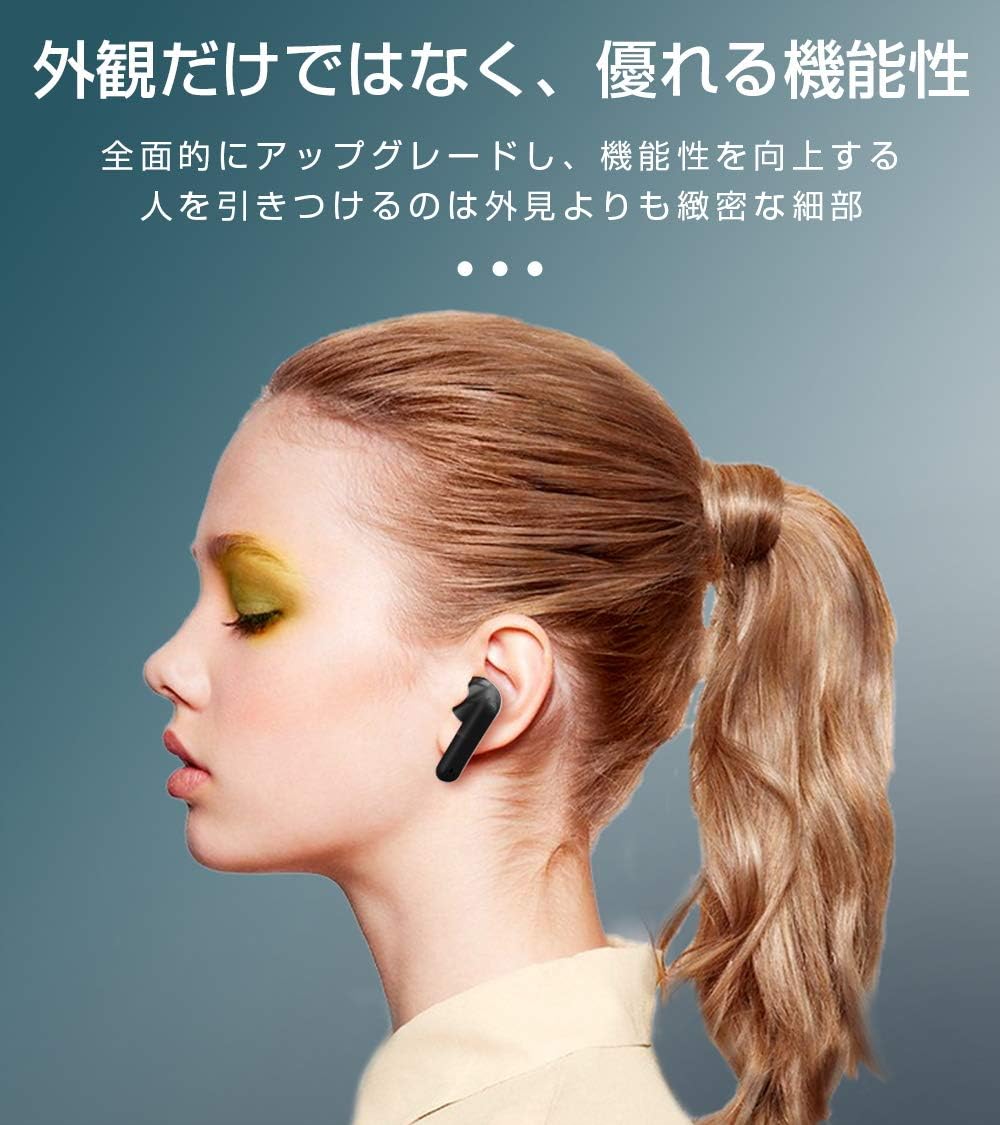
Image: SLuB T16 Earbuds securely placed in their charging case.
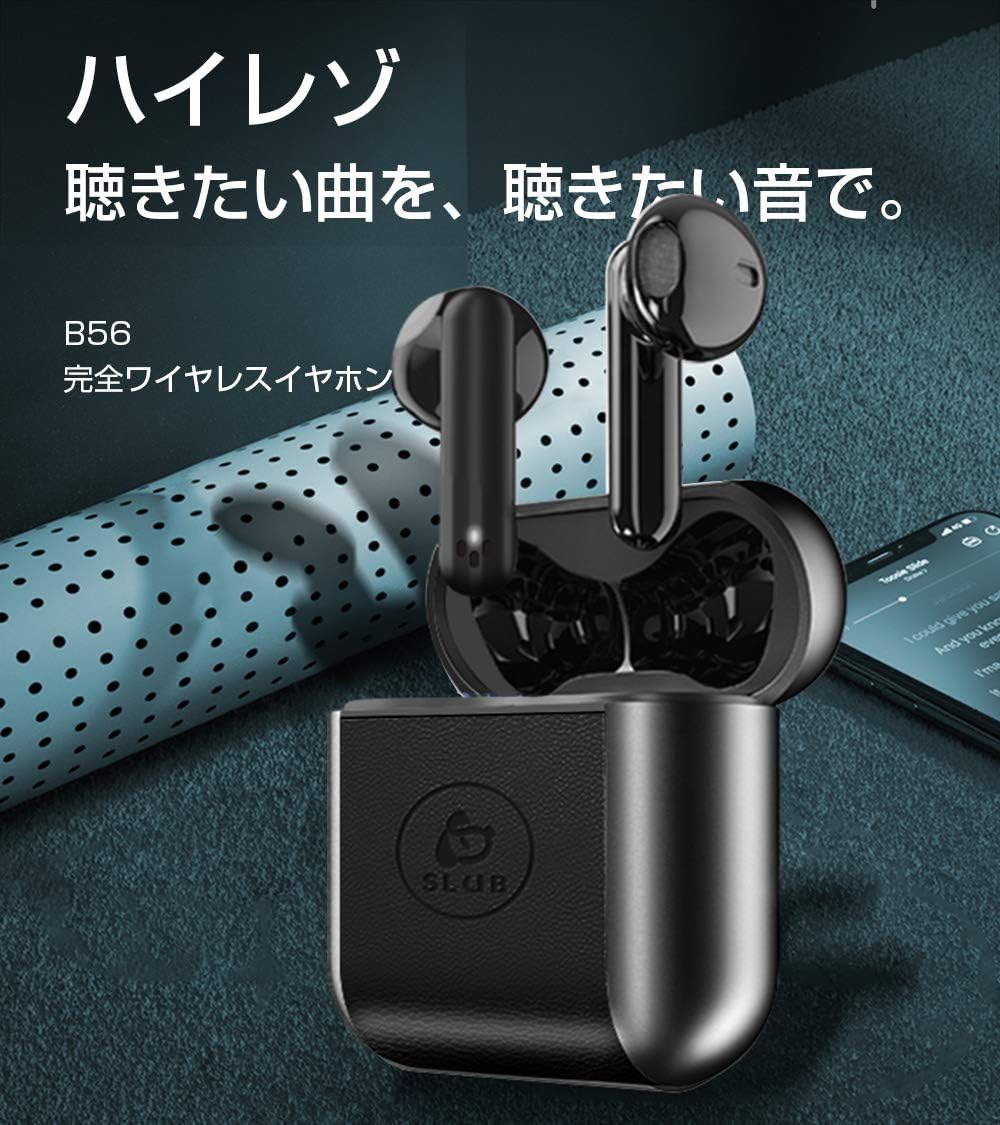
Image: A single SLuB T16 earbud comfortably fitted in a user's ear, highlighting its ergonomic design.
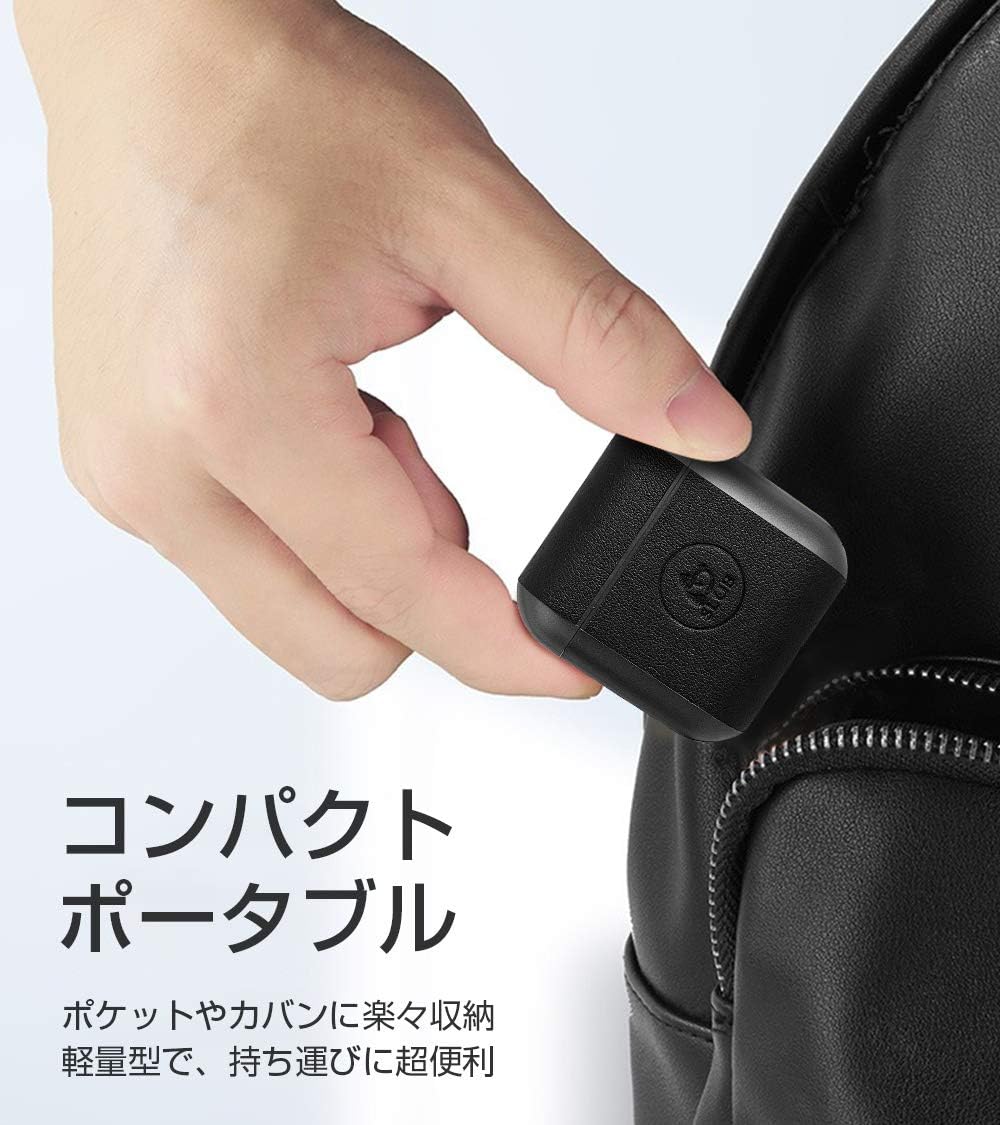
Image: A hand holding the compact SLuB T16 charging case, demonstrating its portability.
5. Socrú
5.1. Muirearú na gCluasán agus an Chás
Roimh an gcéad úsáid, luchtaigh na cluasáin agus an cás luchtaithe go hiomlán.
- Cuir na cluasáin isteach sa chás luchtaithe. Cinntigh go bhfuil siad suite i gceart.
- Connect the provided USB Type-C cable to the charging port on the case and plug the other end into a USB power adapter (not included) or a computer's USB port.
- Taispeánfaidh na soilse táscaire ar an gcás stádas an mhuirearaithe. Nuair a bheidh an mhuirearú iomlán déanta, léireoidh na soilse go bhfuil an mhuirear críochnaithe nó múchfaidh siad é.
A full charge for the earbuds takes approximately 1.5 hours, providing 2-3 hours of playback. The charging case takes about 2 hours to fully charge and can provide 5-6 full charges for the earbuds.
5.2. Péireáil Tosaigh
The SLuB T16 earphones feature automatic pairing for ease of use.
- Oscail an cás luchtaithe. Cuirfidh na cluasáin tús leo go huathoibríoch agus rachaidh siad isteach sa mhodh péireála.
- Ar do ghléas (fón cliste, táibléad, srl.), cumasaigh Bluetooth agus déan cuardach ar ghléasanna atá ar fáil.
- Select "T16" from the list of found devices to connect.
- Once successfully paired, you will hear a confirmation sound, and the earbud indicator lights will change.
After the initial pairing, the earbuds will automatically reconnect to your last paired device when taken out of the charging case, provided Bluetooth is enabled on your device.
6. Treoracha Oibriúcháin
6.1. Rialuithe Dteagmhála
The SLuB T16 earphones utilize touch-sensitive areas for various functions. Refer to the diagram below for specific actions:

Image: Visual guide detailing the touch control functions for the SLuB T16 earbuds.
- Seinn/Cuir Ceol ar sos: Single touch on either earbud's touch area.
- Freagra/Deireadh Glao: Single touch on either earbud's touch area.
- Diúltaigh Glao: Long press on either earbud's touch area.
- An Chéad Amhrán Eile: Double touch the right earbud's touch area.
- Rian Roimhe Seo: Double touch the left earbud's touch area.
- Imleabhar Suas: Triple touch the left earbud's touch area.
- Imleabhar an Dúin: Triple touch the right earbud's touch area.
- Gníomhaigh Cúntóir Gutha: Long press for 3 seconds on either earbud's touch area.
6.2. Single and Twin Earbud Mode
The SLuB T16 earphones support both single and twin earbud usage modes.
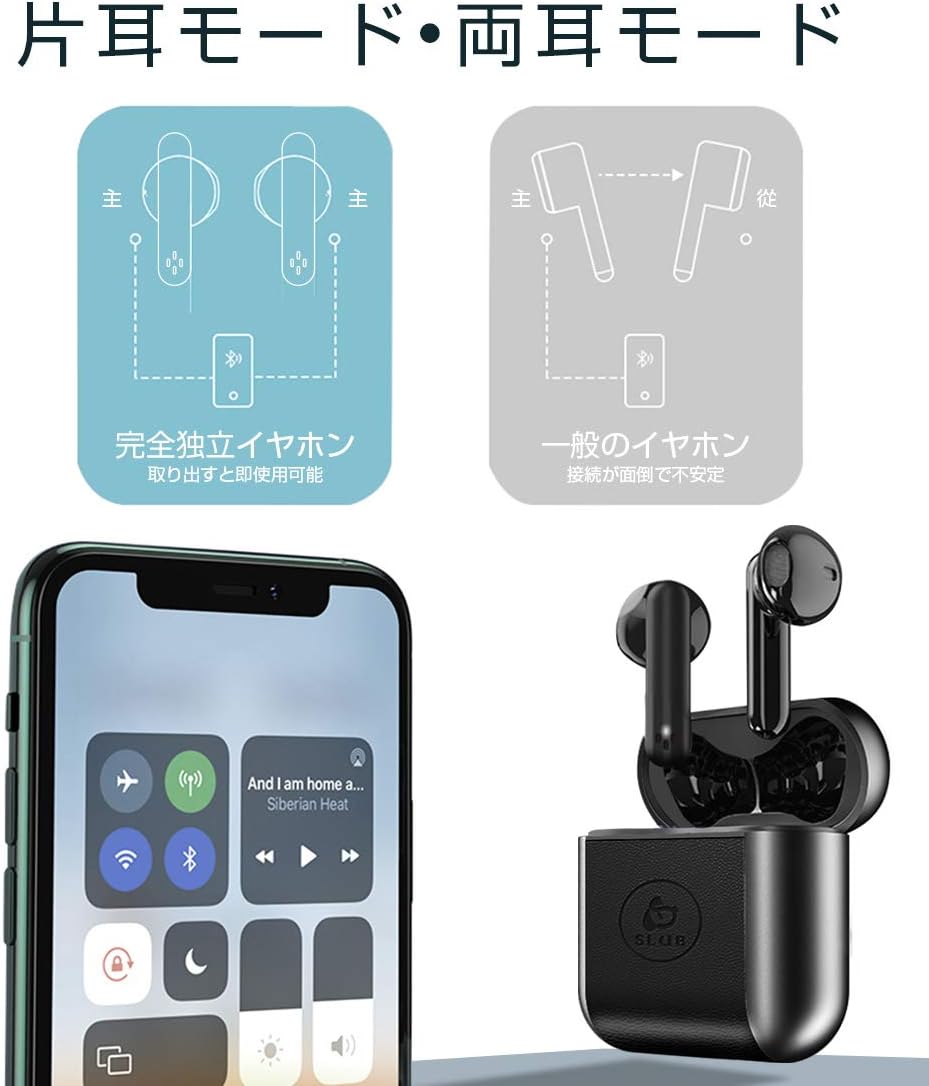
Image: Diagram showing how to use the earbuds in both single (mono) and twin (stereo) modes.
- Mód Nasctha: Take both earbuds out of the charging case. They will automatically connect to each other and then to your device for stereo sound.
- Mód Aonair: Take only one earbud out of the charging case. It will automatically connect to your device and function independently. The other earbud can remain in the case or be used later.
7. Cothabháil
- Glanadh: Bain úsáid as éadach bog, tirim, saor ó lint chun na cluasáin agus an cás luchtaithe a ghlanadh. Ná húsáid ceimiceáin ghéara ná ábhair scríobacha.
- Stóráil: Nuair nach bhfuil siad in úsáid, stóráil na cluasáin ina gcás luchtaithe chun iad a chosaint agus iad a choinneáil luchtaithe. Stóráil in áit fhionnuar, thirim.
- Cúram Battery: Chun saolré na ceallraí a fhadú, seachain an ceallraí a dhíluchtú go hiomlán go minic. Muirearaigh an gléas go rialta, fiú mura bhfuil sé in úsáid ar feadh tréimhsí fada.
8. Fabhtcheartú
| Fadhb | Cúis Féideartha | Réiteach |
|---|---|---|
| Ní lasann na cluasáin. | Ceallraí íseal. | Muirearaigh na cluasáin agus an cás muirir. |
| Ní féidir péireáil leis an ngléas. | Tá Bluetooth múchta ar an ngléas; níl na cluasáin i mód péireála; rófhada ón ngléas. | Cinntigh go bhfuil Bluetooth ar siúl. Cuir na cluasáin sa chás, dún iad, agus oscail iad chun an modh péireála a athsheoladh. Bog níos gaire don ghléas. |
| Ní oibríonn ach earbud amháin. | Earbuds not properly connected to each other; one earbud has low battery. | Place both earbuds back into the charging case, close the lid, then open it again. Ensure both earbuds are charged. |
| Tá droch-chaighdeán fuaime nó tá sé neamhrialta. | Cur isteach; gléas rófhada ó áit; ceallraí íseal. | Move closer to your device. Avoid environments with strong Wi-Fi or other Bluetooth signals. Charge earbuds. |
9. Sonraíochtaí
Detailed technical specifications for the SLuB T16 Bluetooth Earphones:

Image: A table displaying the detailed technical specifications of the SLuB T16 earphones and charging case.
| Gné | Sonraigh |
|---|---|
| Ainm Táirge | Fíor-Chluasáin Steirió Gan Sreang |
| Uimhir Mhúnla | T16 |
| Leagan Bluetooth | 5.1 (Low Power Consumption) |
| Call/Playback Time | Approx. 2-3 hours (with one full charge) |
| Ionchur | 5.0V / 200mA |
| Timpeallacht Oibriúcháin | Teocht: -10°C go 40°C, Taise: 10% go 85% |
| Port Muirearú | Cineál-C |
| Cumas Ceallraí Earbud | 30mAh |
| Am Muirir Earbud | Thart. 1.5 n-uaire |
| Am Fuireachas | Thart. 120 n-uaire |
| Cumas Battery Cás Muirir | 300mAh |
| Am Muirir Cás Muirir | Thart. 2 n-uaire |
| Meáchan Earbud Aonair | Thart. 3.1g |
| Toisí Earbud | 34 x 16.9 x 16.7mm |
| Toisí Cásanna Muirir | 51 x 49.1 x 24mm |
| Meáchan Cás a mhuirearú | Thart. 31.6g |
| Gléasanna Comhoiriúnacha | iOS and Android devices with Bluetooth functionality |
10. Barántas agus Tacaíocht
For warranty information and customer support, please refer to the documentation included with your purchase or contact the retailer. Keep your proof of purchase for any warranty claims.
Ask a question about this manual
Ask about setup, troubleshooting, compatibility, parts, safety, or missing instructions. Manuals+ will review the question and use this page’s manual context to help answer it.