
Réamhrá
This manual provides comprehensive instructions for the Attoe Bluetooth Wireless Mouse, Model XYH20. This device offers versatile connectivity options, customizable RGB lighting, and an ergonomic design for extended use. Please read this manual thoroughly to ensure proper setup and operation of your new mouse.
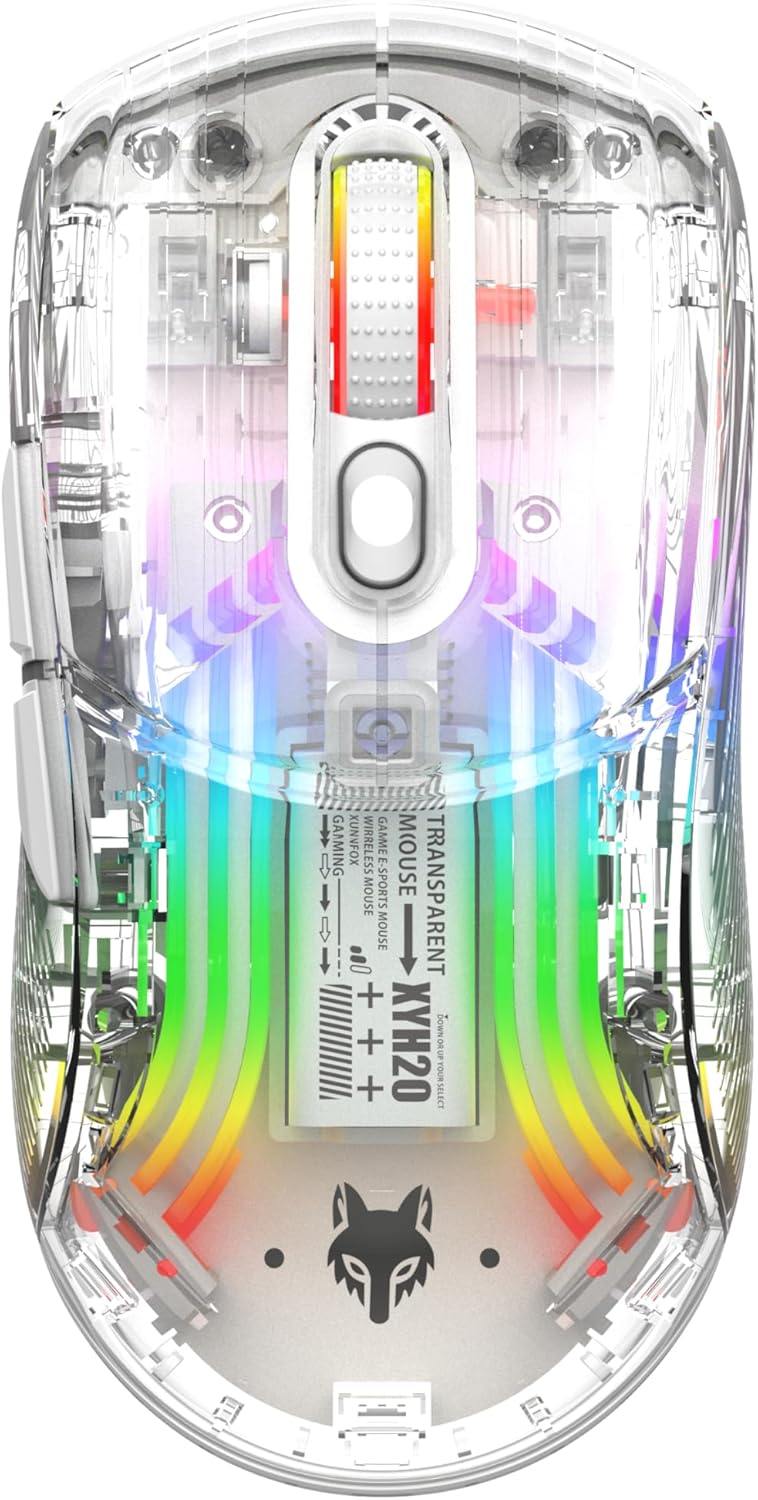
Íomhá: Barr view of the Attoe Bluetooth Wireless Mouse, showcasing a thrédhearcach casing and vibrant internal RGB lighting.
Gnéithe Táirge
- Dearadh Trédhearcach Shell: Unique transparent casing with internal components visible.
- Nascacht Dé-Mhód: Supports 2.4GHz wireless via USB receiver and Bluetooth connection.
- Soilsiú Cúlra RGB: Multiple adjustable RGB lighting effects.
- Dearadh eirgeanamaíochta: Shaped for comfortable grip during prolonged use.
- Quiet Click Buttons: Designed for silent operation.
- DPI inchoigeartaithe: 5-speed DPI settings (800-1200-1600-2000-2400) for precise control.
- Ceallraí In-athluchtaithe: Built-in 500mAh large capacity rechargeable battery with Type-C charging.
- Comhoiriúnacht Leathan: Compatible with Windows 7/8/10/XP, Vista 7/8, Linux, and Mac OS. (Note: Two left side buttons are not available in Mac OS).
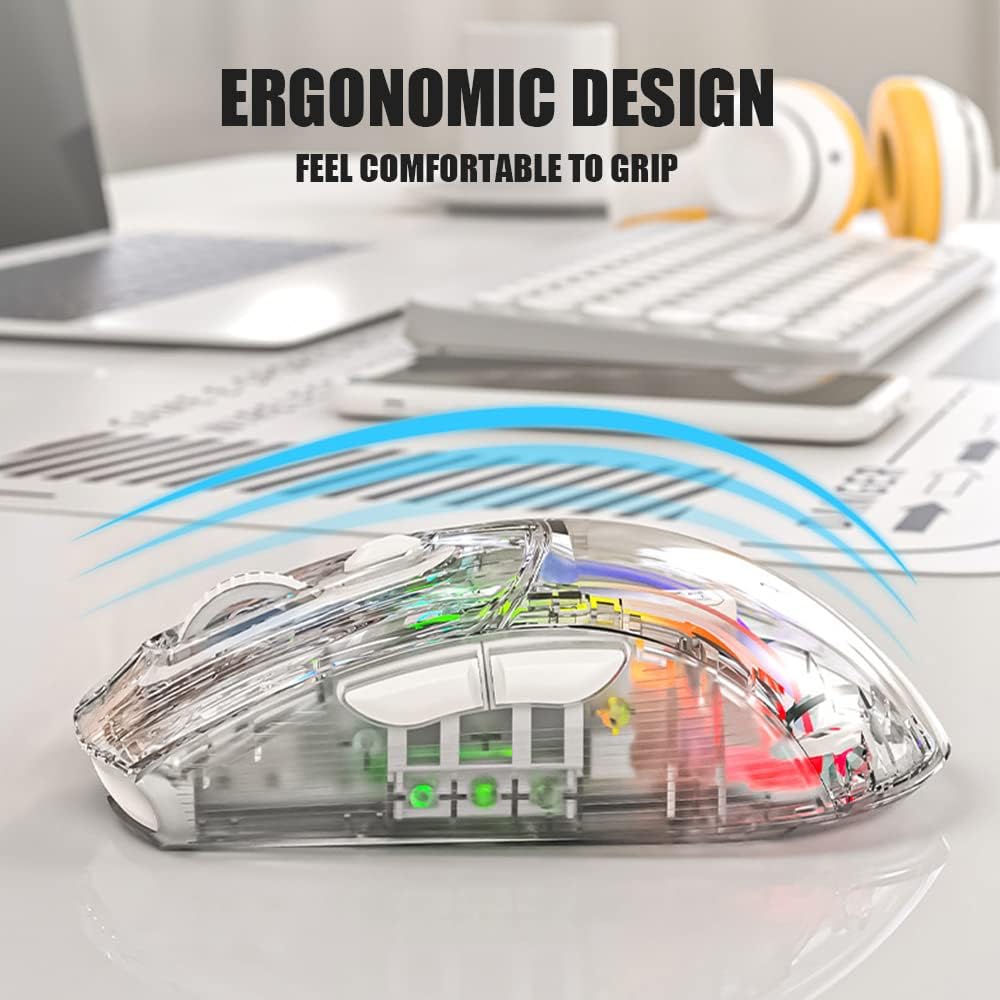
Íomhá: Taobh view of the Attoe Bluetooth Wireless Mouse, illustrating its ergonomic contour for comfortable handling.
Cad atá sa Bhosca
- Attoe Bluetooth Wireless Gaming Mouse
- Cábla Muirir USB Cineál-C
- Lámhleabhar Úsáideora (an doiciméad seo)
Socrú
The Attoe Bluetooth Wireless Mouse offers three connection modes: 2.4GHz wireless, Bluetooth, and wired via USB-C cable.
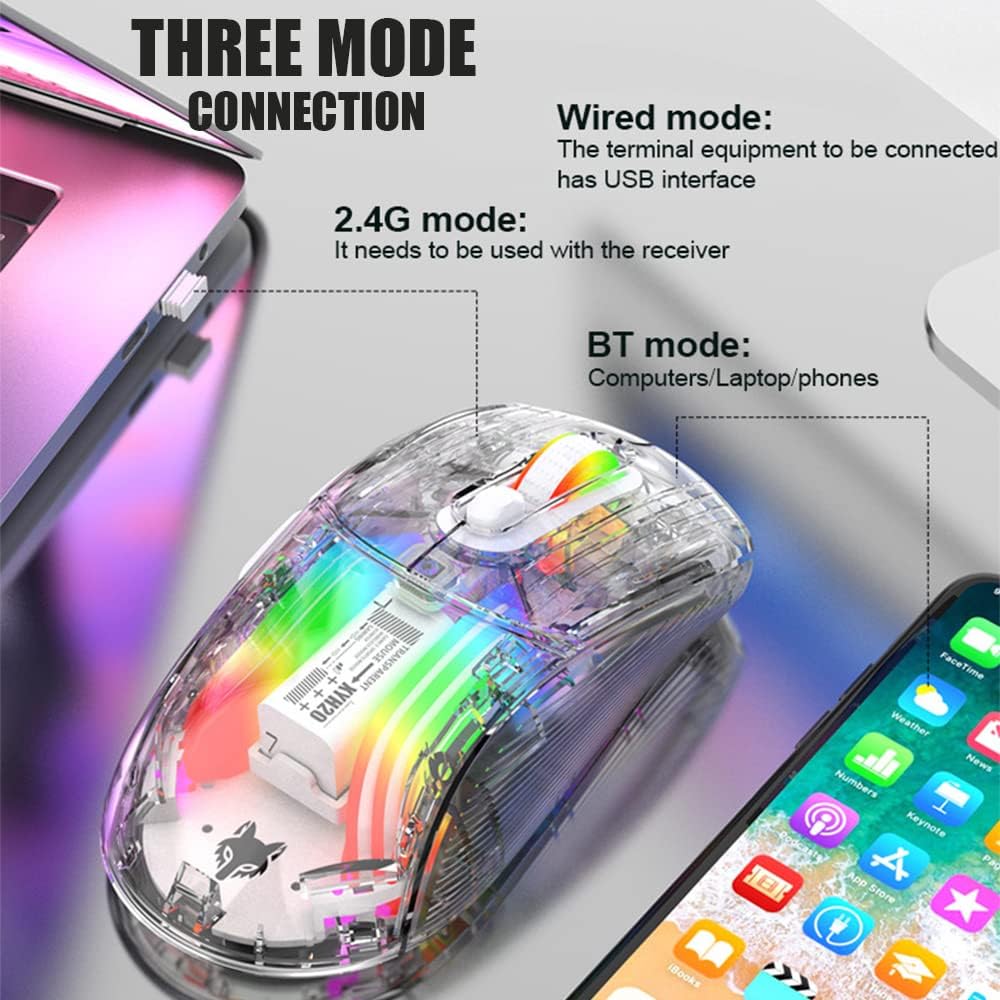
Image: Diagram illustrating the three connection modes: 2.4G wireless, Bluetooth, and wired USB, with exampníos lú feistí.
Ceangal Gan Sreang 2.4GHz
- Locate the USB receiver stored in the bottom compartment of the mouse.
- Plug an glacadóir USB isteach i bport USB atá ar fáil ar do ríomhaire.
- Set the mode switch on the bottom of the mouse to the 2.4G position.
- Ba chóir go mbeadh an luch ceangailte go huathoibríoch.
Ceangal Bluetooth
- Set the mode switch on the bottom of the mouse to the Bluetooth position.
- Long press the Left, Middle (scroll wheel), and Right buttons simultaneously for 4 seconds to enter pairing mode. The mouse's indicator light will flash.
- Ar do ríomhaire nó ar do ghléas, oscail socruithe Bluetooth agus déan cuardach ar ghléasanna nua.
- Select "Attoe Mouse" (or similar name) from the list of available devices to pair.
- Nuair a bheidh sé péireáilte, stopfaidh an solas táscaire ag splancadh.
Ceangal Wired
You can also use the mouse in wired mode while charging or as an alternative connection. Simply connect the provided USB Type-C cable from the mouse to a USB port on your computer.
Treoracha Oibriúcháin

Image: Detailed diagram of the Attoe mouse, labeling its buttons, receiver storage, charging port, and switches.
Feidhmeanna Cnaipe
- Cnaipe Clé (1): Feidhm chaighdeánach cliceáil ar chlé.
- Cnaipe Deas (2): Feidhm chaighdeánach cliceáil ar dheis.
- Scroll Button (3): Scroll wheel for vertical navigation; also functions as a middle-click button.
- Cnaipe PSO (4): Téann sé trí shocruithe DPI.
- Forward Button (5): Nascleanúint ar aghaidh i web brabhsálaithe nó file taiscéalaithe.
- Back Button (6): Nascleanúint siar isteach web brabhsálaithe nó file taiscéalaithe.
Coigeartú DPI
The mouse features 5 adjustable DPI (Dots Per Inch) settings to control cursor sensitivity and speed. Press the DPI Button (4) located below the scroll wheel to cycle through the following settings:
- 800 pso
- 1200 pso
- 1600 pso
- 2000 pso
- 2400 pso

Image: The Attoe mouse highlighting the DPI button and its 5-speed adjustment range from 800 to 2400.
Rialú Soilsithe RGB
The mouse features various RGB lighting effects. To adjust or turn off the lighting, use the Light Switch (10) located on the bottom of the mouse.

Image: The Attoe mouse displaying its vibrant RGB lighting effects, with an inset showing the location of the light switch on the shell bottom.
Quiet Click Feature
The mouse is designed with mute buttons, providing a quiet clicking experience suitable for environments where noise reduction is desired.

Image: The Attoe mouse with an overlay indicating its quiet click functionality, designed not to disturb others.
Muirearú agus Ceallraí
The Attoe Bluetooth Wireless Mouse is equipped with a 500mAh rechargeable battery. Use the provided USB Type-C cable to charge the mouse.
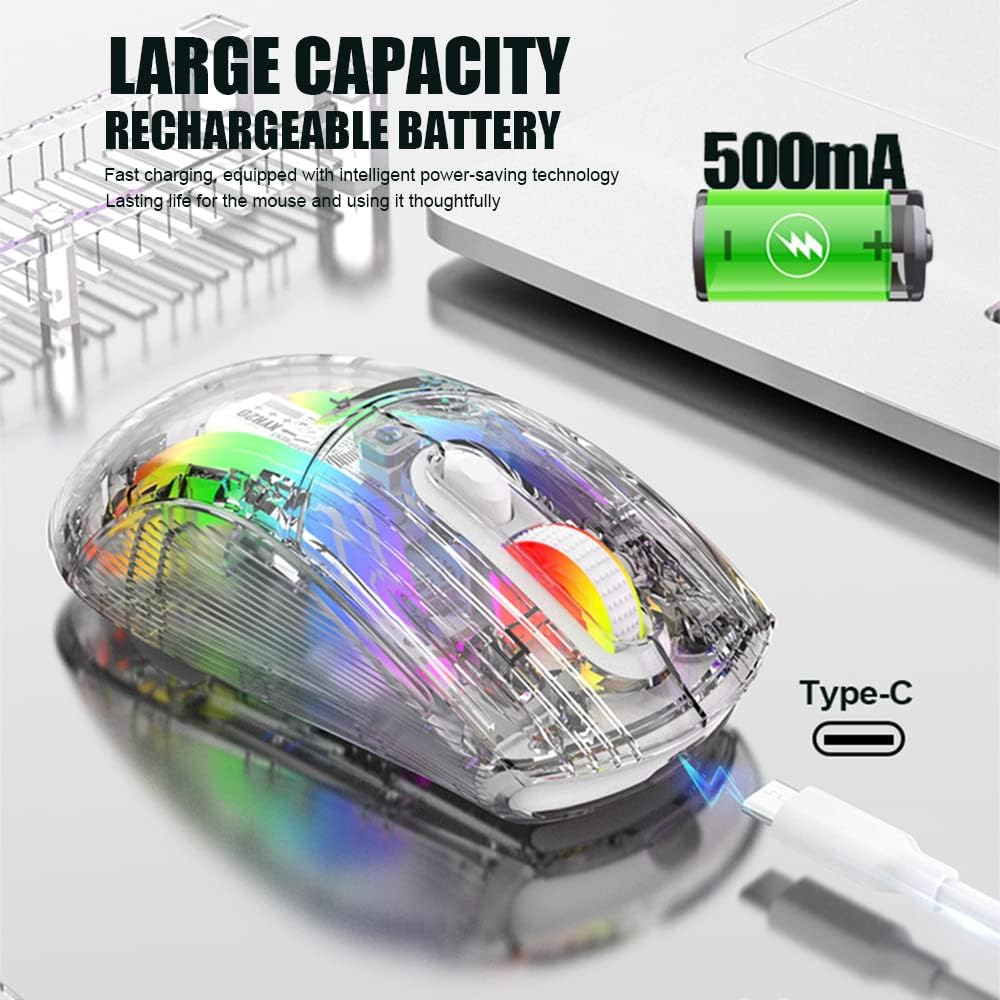
Image: The Attoe mouse connected via a Type-C cable for charging, with an icon indicating its 500mAh rechargeable battery capacity.
- Connect the Type-C end of the charging cable to the Charging Port (11) on the front of the mouse.
- Ceangail ceann USB-A an chábla luchtaithe le foinse cumhachta USB (m.sh., port USB ríomhaire, oiriúntóir balla USB).
- The mouse can be used while charging in wired mode.
Cothabháil
To ensure the longevity and optimal performance of your Attoe Bluetooth Wireless Mouse, follow these maintenance guidelines:
- Glanadh: Bain úsáid as éadach bog, tirim chun dromchla na luiche a ghlanadh. I gcás salachar righin, déan beagán díghalrúcháin.ampNigh an t-éadach le huisce nó le tuaslagán glantacháin éadrom. Seachain ceimiceáin ghéara nó ábhair scríobacha.
- Cúram Braiteoir: Coinnigh an braiteoir optúil ar bhun an luiche glan agus saor ó dheannach nó smionagar chun rianú cruinn a chinntiú.
- Stóráil: Nuair nach bhfuil sé in úsáid ar feadh tréimhsí fada, stóráil an luch in áit fhionnuar tirim.
- Cúram Battery: Avoid fully discharging the battery frequently. Charge the mouse when the battery level is low.
Fabhtcheartú
| Fadhb | Cúis Féideartha | Réiteach |
|---|---|---|
| Mouse not connecting (2.4GHz) | USB receiver not properly inserted; mouse not in 2.4G mode; low battery. | Ensure receiver is fully inserted. Set mode switch to 2.4G. Charge the mouse. Try a different USB port. |
| Ní cheanglaíonn an luch (Bluetooth) | Mouse not in pairing mode; Bluetooth disabled on device; low battery; device incompatibility. | Set mode switch to Bluetooth. Long press Left/Middle/Right buttons for 4s to enter pairing. Ensure device Bluetooth is on. Charge the mouse. Check device compatibility (Mac OS side buttons not supported). |
| Soilse RGB nach bhfuil ag obair | Lights turned off; low battery. | Press the Light Switch on the bottom of the mouse to cycle through modes or turn on. Charge the mouse. |
| Tá gluaiseacht an chúrsóra neamhrialta nó neamhfhreagrach | Braiteoir optúil salach; dromchla neamhoiriúnach; ceallraí íseal. | Clean the optical sensor. Use a mouse pad or a smooth, non-reflective surface. Charge the mouse. |
| Side buttons not working on Mac OS | Teorainn an chórais oibriúcháin. | This is a known limitation; the two left side buttons are not available in Mac OS. |
Sonraíochtaí
| Gné | Sonraigh |
|---|---|
| Múnla | XYH20 |
| Toisí Táirge | 4.8 x 2.8 x 0.04 orlach (12.6 x 6.2 x 3.85 cm) |
| Meáchan Mír | 3.52 unsa (110g) |
| Teicneolaíocht Nascachta | Bluetooth, 2.4GHz Wireless, Wired (USB Type-C) |
| Teicneolaíocht Braite Gluaiseachta | Optúil |
| Socruithe DPI | 800, 1200, 1600, 2000, 2400 |
| Gnéithe Speisialta | Ergonomic Design, LED Lights (RGB), Portable, Rechargeable, Soundless (Quiet Click), Wireless |
| Cumas Battery | 500mAh |
| Port Muirearú | USB Cineál-C |
| Comhoiriúnacht | Windows 7/8/10/XP, Vista 7/8, Linux, Mac OS (Note: Left side buttons not available in Mac OS) |
Barántas agus Tacaíocht
Attoe products are designed for reliability and performance. For any issues or questions regarding your Attoe Bluetooth Wireless Mouse, please contact our customer support. We are committed to providing assistance and ensuring your satisfaction.
Please refer to your purchase documentation for specific warranty details. If you encounter problems, you can contact us at any time; we provide 24-hour after-sales service.