Welcome to your XClear Wireless Earbuds user manual. This guide provides essential information for setting up, operating, and maintaining your earbuds to ensure optimal performance and longevity. Please read this manual thoroughly before using your device.
Cad atá sa Bhosca
Cás Muirearú Gan Sreang
Cluaisíní (méideanna éagsúla)
Lámhleabhar Úsáideora
2. Táirge Tharview
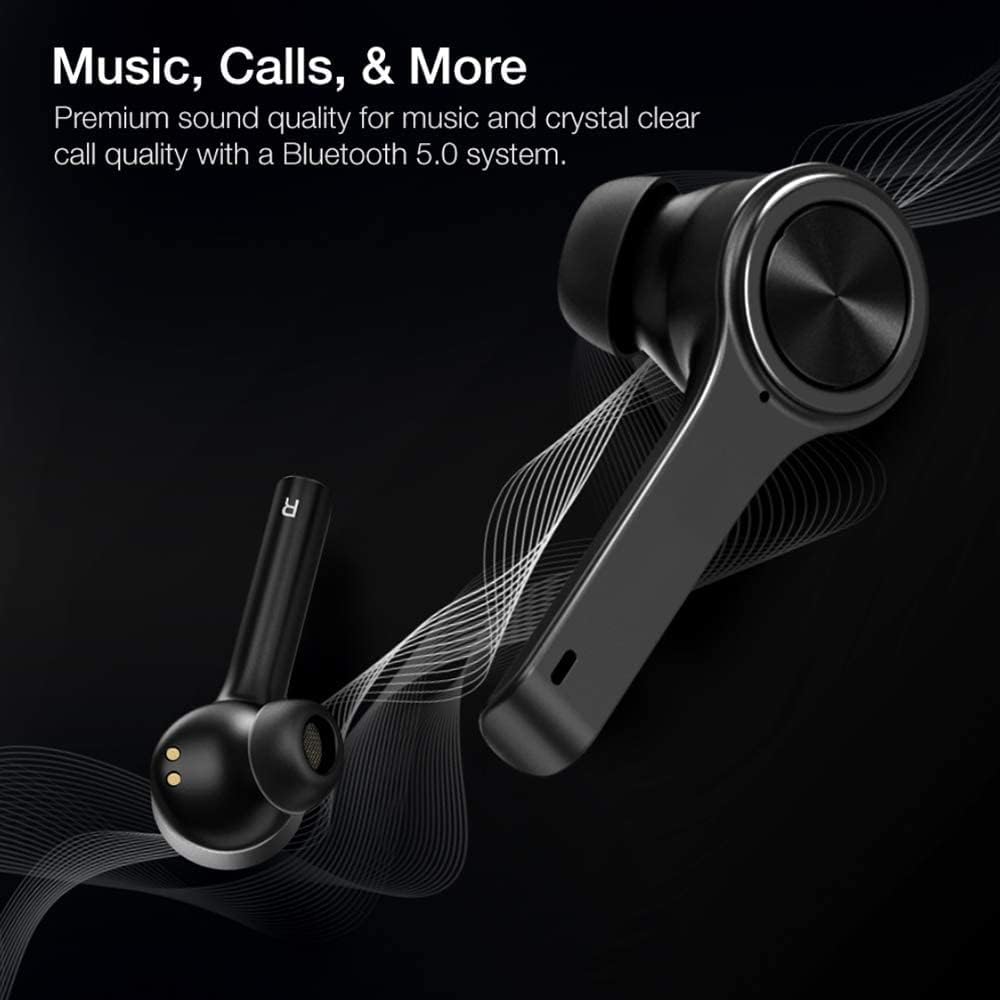
The XClear Wireless Earbuds (Model TT000082) are designed for an immersive audio experience with advanced features for convenience and durability. They feature Bluetooth 5.0 technology for stable connections and clear audio.
Príomhghnéithe
Ardchaighdeán Fuaime: Enjoy clear music and calls via Bluetooth 5.0.
Péireáil Thapa: Quick and easy connection by opening the charging case.
Cás Muirear Dlúth: Portable case with a digital LED battery indicator.
Fit compordach: Ergonomic design for a secure fit during daily use and sports.
IPX5 Frith-allasach: Deartha chun allas agus splancscáileanna éadroma a sheasamh.
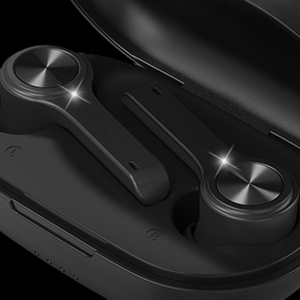
Image: XClear Wireless Earbuds and Charging Case. The earbuds are shown alongside their compact charging case, highlighting their sleek design.
Image: A person running while wearing XClear Wireless Earbuds, demonstrating a secure and comfortable fit during physical activity. A close-up inset shows an earbud in an ear.
3. Socrú
Muirearú Tosaigh
Before first use, fully charge the earbuds and the charging case. Place the earbuds into the charging case. Connect the charging case to a power source using a compatible USB-C cable. The digital LED battery indicator on the case will show the charging progress. A full charge provides up to 5 hours of playtime for the earbuds and an additional 14 hours with the charging case.
Image: The XClear Wireless Earbuds charging case displaying battery life. Graphics indicate 5 hours of playtime for earbuds and 14 hours with the case.
Péireáil le do Ghléas
Cinntigh go ngearrtar na cluasáin.
Open the charging case. The earbuds will automatically enter pairing mode, indicated by bright LED lights.
Ar do ghuthán cliste nó ar do ghléas atá cumasaithe le Bluetooth, téigh go socruithe Bluetooth.
Select "XClear Earbuds" from the list of available devices to connect.
Once connected, the LED lights on the earbuds will indicate a successful pairing.
Selecting the Right Eartips
For optimal sound quality and comfort, select the eartips that best fit your ear canals. An improper fit may result in reduced sound quality or call performance. Experiment with the different sizes provided to find the most snug and secure fit.
4. Treoracha Oibriúcháin
Rialuithe Tadhaill
The XClear Wireless Earbuds feature intuitive touch controls for managing your audio and calls:
Seinn/Sos: Tapáil amháin ar cheachtar cluasán.
An Chéad Amhrán Eile: Tapáil faoi dhó ar an earbud ceart.
Rian Roimhe Seo: Tapáil faoi dhó ar an earbud clé.
Freagra/Deireadh Glao: Tapáil amháin ar cheachtar cluasán le linn glao isteach.
Diúltaigh Glao: Brúigh agus coinnigh ceachtar cluasán ar feadh 2 shoicind le linn glao isteach.
Gníomhaigh Cúntóir Gutha: Tapáil trí huaire ar cheachtar cluasán.
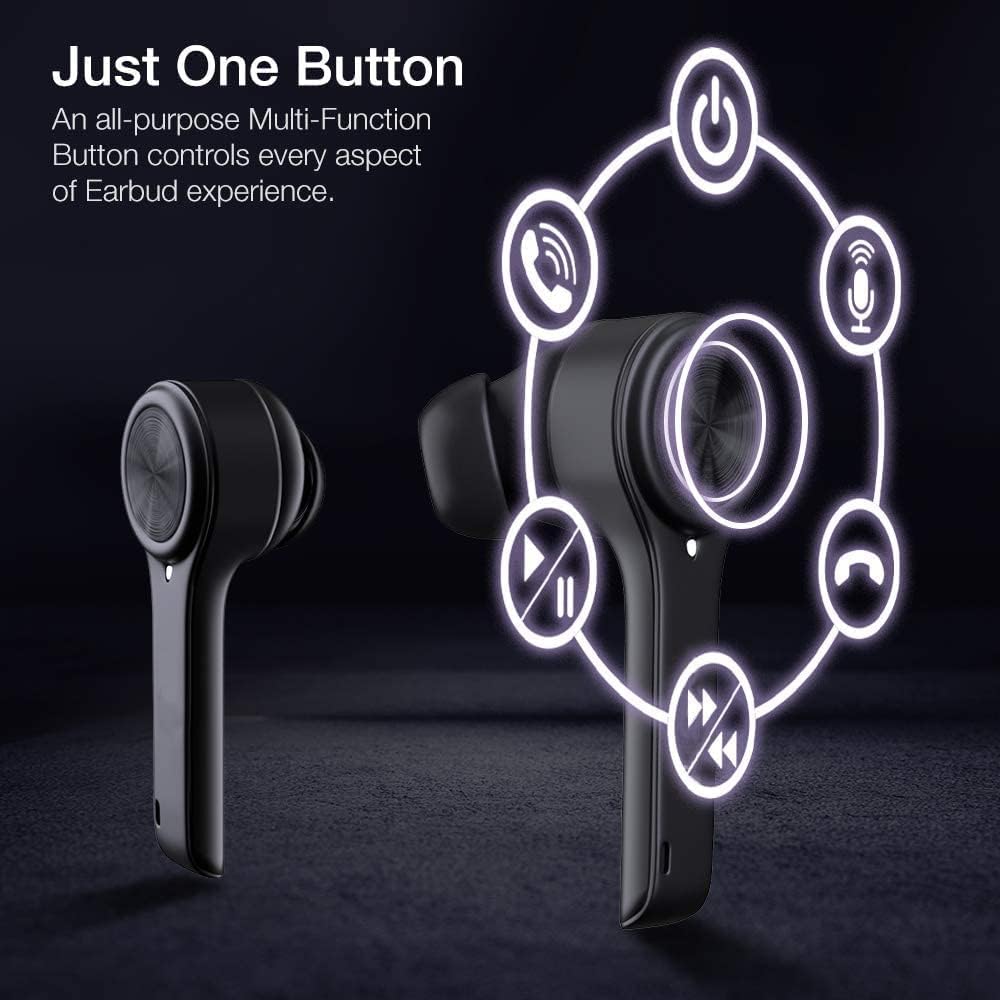
Image: A diagram illustrating the multi-function touch controls on the XClear Earbuds, showing icons for power, calls, microphone, play/pause, and track skipping.
Dual Mode Listening
You can use the XClear Wireless Earbuds in either Stereo Mode (both earbuds) or Single Ear Mode (one earbud). To properly use Single Ear Mode, ensure the unused earbud is placed in the charging case and the lid is closed.
Image: A man wearing a single XClear earbud, demonstrating the dual mode listening feature. The text indicates the ability to switch between stereo and single ear mode.
5. Cothabháil
Glanadh agus Stóráil
Glan na cluasáin agus an cás luchtaithe go rialta le héadach bog, tirim.
Seachain ceimiceáin harsh nó ábhair scríobacha a úsáid.
Stóráil na cluasáin ina gcás luchtaithe nuair nach bhfuil siad in úsáid chun iad a chosaint ar dheannach agus ar dhamáiste.
Cúram Battery
Chun saolré na ceallraí a fhadú, seachain na cluasáin agus an cás luchtaithe a dhíluchtú go hiomlán go minic.
Charge the device using only the provided cable or a certified USB-C charger.
Ná nocht an gléas chuig teochtaí foircneacha.
Image: A close-up of an XClear earbud with water droplets, illustrating its sweatproof and water-resistant design.
6. Fabhtcheartú
Saincheisteanna agus Réitigh Choitianta
Níl na cluasáin ag muirearú: Ensure the charging cable is securely connected to both the case and the power source. Verify that the earbuds are correctly seated in the charging case. Check the charging case's battery level.
Ní bhíonn na cluasáin ag péireáil: Make sure Bluetooth is enabled on your device. Place the earbuds back in the case, close the lid, then open it again to re-enter pairing mode. If issues persist, try forgetting the device in your Bluetooth settings and re-pairing.
Droch-chaighdeán fuaime: Ensure the eartips provide a snug fit in your ear canals. Clean any debris from the earbud speakers. Check the audio source for quality issues.
Níl cluasán amháin ag obair: Place both earbuds back into the charging case, close the lid, and then open it again. This often re-syncs them. If the issue continues, try resetting the earbuds (refer to the full manual for specific reset instructions if available).
XClear offers a 1-Year Warranty on this product. Please retain your proof of purchase for warranty claims. For detailed terms and conditions, refer to the official XClear websuíomh nó déan teagmháil le tacaíocht do chustaiméirí.
Tacaíocht do Chustaiméirí
For further assistance, technical support, or warranty inquiries, please visit the XClear official websuíomh gréasáin nó déan teagmháil lena roinn seirbhíse do chustaiméirí. Is féidir sonraí teagmhála a fháil de ghnáth ar phacáistiú an táirge nó ar shuíomh an bhranda websuíomh.
Ask a question about this manual
Ask about setup, troubleshooting, compatibility, parts, safety, or missing instructions. Manuals+ will review the question and use this page’s manual context to help answer it.