
HyperGear 15077
HyperGear RaveMini Portable Wireless LED Speaker Instruction Manual
Múnla: 15077
Réamhrá
The HyperGear RaveMini is a compact, portable wireless speaker designed to deliver powerful sound with an interactive, beat-driven LED light show. This speaker is suitable for both indoor and outdoor use, offering extended battery life and multiple playback options for a versatile audio experience.

The HyperGear RaveMini speaker and its packaging.
Cad atá sa Bhosca
- HyperGear RaveMini Portable Wireless LED Speaker
- Cábla Muirearú Micrimhilseogra USB
- 3.5mm Stereo Auxiliary Cable
Gnéithe
- Small Size, Big Sound: Engineered with a 40mm neodymium driver for room-filling sound.
- Beat-Driven LED Lightshow: Multi-colored LEDs flash to the beat of your music.
- Nascacht Gan Sreang: Connects with any Bluetooth device within a 33-foot range.
- Saol Leathnaithe Battery: Built-in rechargeable battery provides up to 3 hours of wireless playback on a single charge.
- Cumarsáid Saor ó Lámha: Integrated microphone and intuitive controls for managing calls and playlists.
- Il-Roghanna Athsheinm: Supports Bluetooth, Aux-in, Micro SD memory card, and USB flash drive audio playback.

The RaveMini combines HD sound with a vibrant LED lightshow.

The multi-colored LED lights dance to the beat of the music.
Socrú
Muirearú ar an gCainteoir
Before first use, fully charge your RaveMini speaker. Connect the included Micro USB charging cable to the speaker's charging port and the other end to a USB power source (e.g., wall adapter, computer USB port). The charging time is approximately 1 hour, providing up to 3 hours of playback.
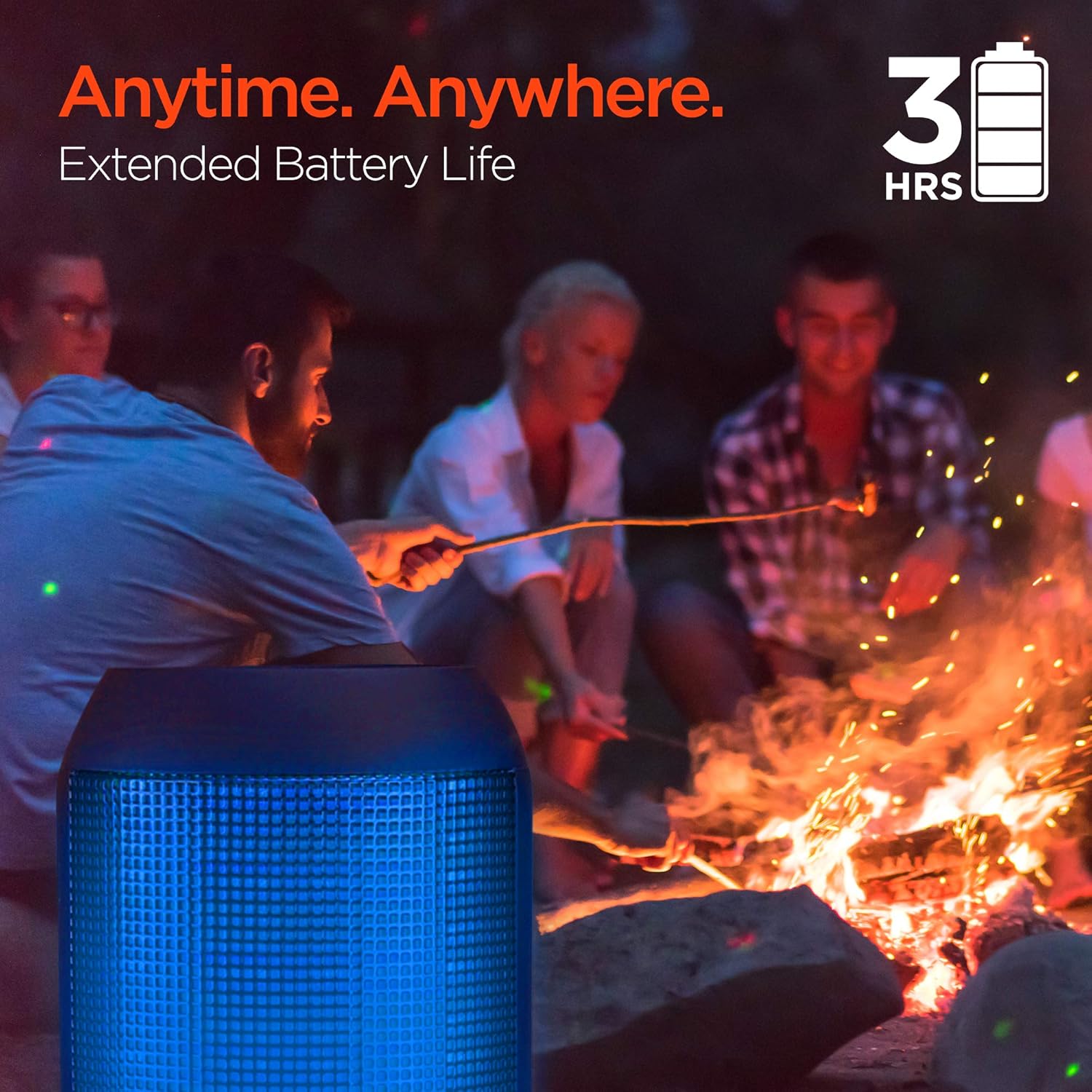
Enjoy up to 3 hours of music with the RaveMini's extended battery life.
Cumhachtú Ar / As
Locate the power button on the speaker. Press and hold the power button for a few seconds to turn the speaker on or off. An audible cue or LED indicator will confirm the power status.
Páirceáil Bluetooth
- Ensure the RaveMini speaker is powered on and in pairing mode (usually indicated by a flashing LED light).
- Ar do ghléas atá cumasaithe le Bluetooth (fón cliste, táibléad, srl.), téigh go dtí na socruithe Bluetooth.
- Cuardaigh le haghaidh available devices and select "HyperGear RaveMini" (or similar name) from the list.
- Once connected, the speaker will provide an audible confirmation, and the LED light may change to a solid color.
- The speaker has a wireless range of up to 33 feet.
An Cainteoir a Oibriú
Rialuithe agus Feidhmeanna
The RaveMini features intuitive controls for managing your audio and calls directly from the speaker. Refer to the specific button layout on your device for functions such as:
- Seinn/Cuir ceol ar sos
- Adjust Volume (Volume Up/Down)
- Skip Tracks (Next/Previous)
- Glaonna Freagra/Críoch
- Activate Voice Assistant (if supported)
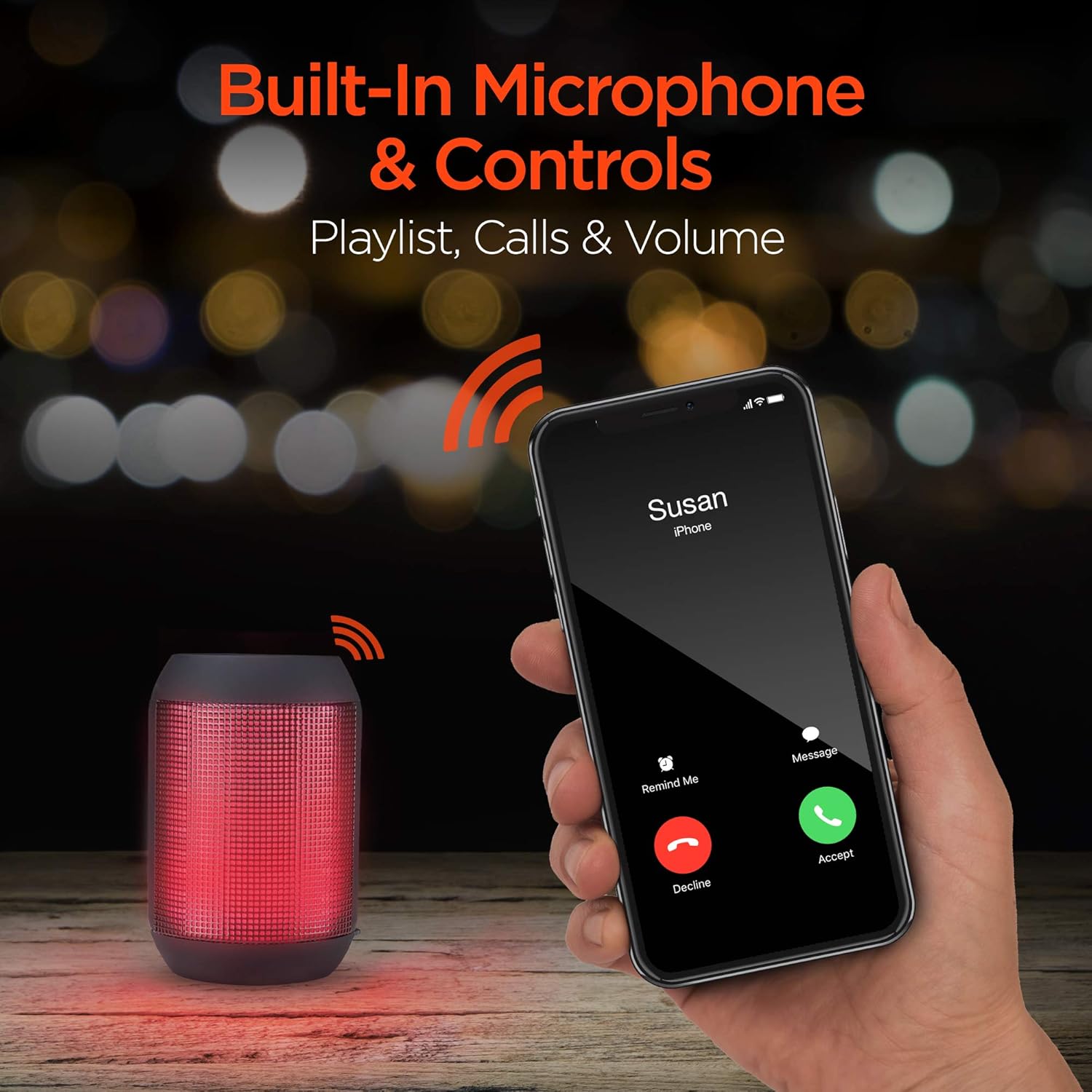
Built-in microphone and controls allow for hands-free calls and playlist navigation.
Modhanna Athsheinm
The RaveMini offers four ways to play your audio:
- Bluetooth: Ceangail gan sreang le do ghuthán cliste, taibléad, nó gléasanna eile atá cumasaithe le Bluetooth.
- Aux isteach: Use the included 3.5mm stereo auxiliary cable to connect to non-Bluetooth devices.
- Cárta Micrea SD: Insert a Micro SD memory card with audio fileisteach sa sliotán ainmnithe.
- Tiomántán USB Flash: Ceangail tiomántán USB flash ina bhfuil fuaim files chuig an gcalafort USB.

The RaveMini supports four versatile playback options.
Cothabháil
- Keep the speaker dry. Do not expose it to excessive moisture or liquids.
- Clean the speaker with a soft, dry cloth. Avoid using harsh chemicals or abrasive cleaners.
- Stóráil an cainteoir in áit fhionnuar, tirim nuair nach bhfuil sé in úsáid.
- Seachain an cainteoir a thit nó a chur faoi thionchar tionchair láidre.
Fabhtcheartú
| Fadhb | Réiteach Féideartha |
|---|---|
| Ní chuireann an cainteoir ar siúl. | Cinntigh go bhfuil an cainteoir luchtaithe go hiomlán. Ceangail é le foinse cumhachta ag baint úsáide as an gcábla Micrea USB. |
| Ní féidir péireáil le gléas Bluetooth. |
|
| Gan fuaim ná toirt íseal. |
|
| Níl soilse stiúir ag obair. | Check if the light show feature is enabled (if there's a dedicated button). Ensure the speaker has sufficient battery charge. |
Sonraíochtaí
| Gné | Sonraigh |
|---|---|
| Ainm an tSamhail | 15077 |
| Cineál Cainteoir | Amuigh faoin aer |
| Gné Speisialta | Wireless Music + Calls, HD Stereo Sound, Beat-Driven LED Lightshow, Aux-in, Micro SD & USB compatible |
| Úsáidí Molta don Táirge | Le haghaidh imreoirí ceol |
| Cineál Rialaitheora | Ceallraí Powered |
| Dath | Dubh |
| Saol Battery | 3 Uair |
| Am Muirir | 1 Uair |
| An bhfuil Uiscedhíonach | BRÉAGACH |
| Modh Rialaithe | App |
| Teicneolaíocht Cumarsáide Gan Sreang | Bluetooth |
| Méid Cainteoir | 40 milliméadar |
| Foinse Cumhachta | Ceallraí Powered |
| Líon Cadhnraí | 2 cadhnraí AAA ag teastáil. (san áireamh) |
| Cineál tiománaí fuaime | Tiománaí Dinimiciúla |
| Raon Bluetooth | 33 troigh |
| Méid fuaime tiománaí | 40 milliméadar |
| Prótacal Nascachta | Bluetooth |
| Líon na 2 USB port | 1 |
| UPC | 633755150777 |
| Monaróir | HYPERGEAR |
| Meáchan Mír | 10.9 unsa |
| ASIN | B07VHTZHJ4 |
| Dáta Ar Fáil den Chéad Uair | 18 Iúil, 2019 |
| Branda | HyperGear |
| Cainteoir Cumhacht Aschuir Uasta | 5 Watts |
| Teicneolaíocht Nascachta | Bluetooth, Cúnta, USB |
| Modh Aschuir Fuaime | Steirió |
| Cineál Gléasta | Sliabh boird |
Bharántas
The HyperGear RaveMini Portable Wireless LED Speaker comes with a Limited Warranty. For detailed information regarding warranty coverage, terms, and conditions, please refer to the official HyperGear websuíomh gréasáin nó déan teagmháil dhíreach lena dtacaíocht do chustaiméirí. Coinnigh do chruthúnas ceannaigh le haghaidh éilimh bharántais.
Tacaíocht
Le haghaidh tuilleadh cúnaimh, clárú táirgí, nó view frequently asked questions, please visit the official HyperGear websuíomh:
Tabhair cuairt ar an Siopa HyperGear ar Amazon
You may also contact HyperGear customer service for direct support.
Ask a question about this manual
Ask about setup, troubleshooting, compatibility, parts, safety, or missing instructions. Manuals+ will review the question and use this page’s manual context to help answer it.