
1. Réamhrá
Thank you for choosing the Rocketfish RF-HTS4418 12-Outlet Power Center. This device is designed to protect your valuable electronics from power surges and spikes while providing ample power outlets and USB charging ports. Please read this manual thoroughly before using the product to ensure safe and optimal performance.
Íomhá 1.1: Tosaigh view of the Rocketfish 12-Outlet Power Center.
2. Faisnéis Sábháilteachta
Chun an baol turraing leictrigh, tine nó díobhála a laghdú, lean na réamhchúraimí sábháilteachta bunúsacha seo i gcónaí:
- Do not use this product near water or in excessively humid environments.
- Do not open the housing. There are no user-serviceable parts inside.
- Ensure the power center is plugged into a properly grounded outlet.
- Do not exceed the electrical ratings of the power center.
- Keep children away from the power center.
- Avoid running power cords under carpets or rugs.
3. Ábhar Pacáiste
Deimhnigh go bhfuil na míreanna seo a leanas san áireamh i do phacáiste:
- Rocketfish RF-HTS4418 12-Outlet Power Center
- Lámhleabhar Úsáideora (an doiciméad seo)
4. Gnéithe Táirgí
The Rocketfish RF-HTS4418 Power Center offers advanced features for comprehensive protection and convenience:
- 12 Asraon AC: Soláthraíonn ample power connections for multiple devices.
- Calafoirt luchtaithe USB: Conveniently charge mobile devices.
- Cosaint borrtha: Protects connected equipment from power surges and spikes with a 5280-joule rating.
- EMI/RFI Noise Filter: Reduces electromagnetic and radio frequency interference for cleaner power delivery.
- Íseal Profile Dearadh: Allows for placement in limited spaces.
- Comhoiriúnacht Uilíoch: Suitable for computers, TVs, and various household appliances.

Image 4.1: The power center features a 5280-joule rating for robust surge protection.

Image 4.2: Detail of the 12 AC outlets and multiple USB ports.

Image 4.3: Features such as the 47dB EMI/RFI Noise Filter and low profile dearadh.

Image 4.4: Universal compatibility for various electronic devices.
5. Socrú
- Socrúchán: Position the power center in a dry, indoor location, away from heat sources and direct sunlight. Its low-profile design allows for flexible placement.
- Ceangail le Wall Outlet: Plug the power center's main power cord into a standard, grounded 240V AC wall outlet.
- Ceangail Gléasanna: Plug your electronic devices into the available AC outlets. For charging mobile devices, use the USB ports.
- Coaxial/Phone Line Protection (if applicable): If your model includes coaxial or phone line protection, connect your incoming line to the 'IN' port and your device to the 'OUT' port.

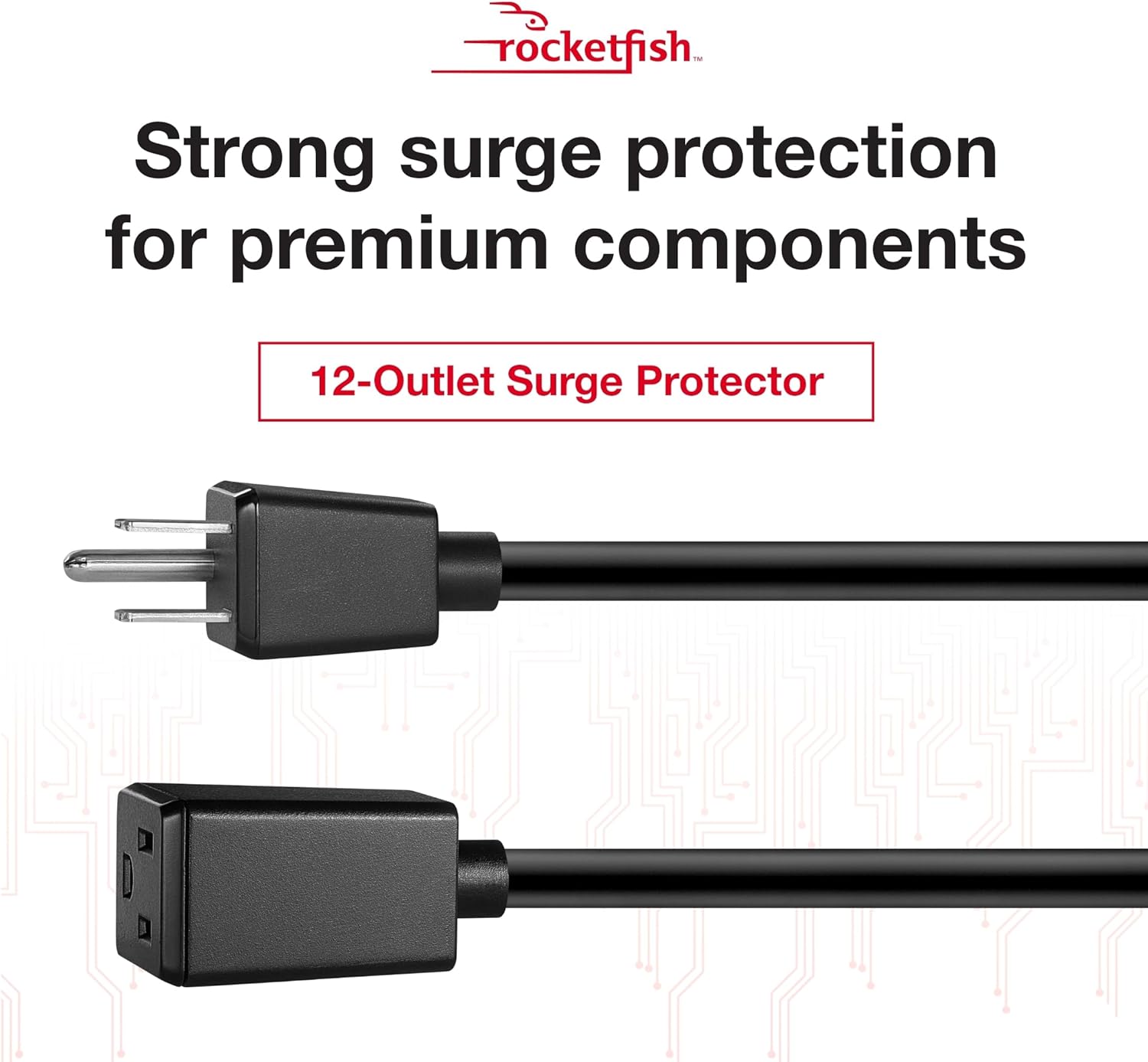
Image 5.1: The power center's main plug for connection to a wall outlet.
6. Treoracha Oibriúcháin
Once connected, the Rocketfish Power Center operates automatically to protect your devices.
- Táscaire Cumhachta: A light on the power center indicates that it is receiving power and the surge protection is active.
- Cosaint ró-ualaithe: In case of an overload, the circuit breaker may trip. If this happens, unplug some devices, then press the reset button (if available) to restore power.
- Muirearú USB: Simply connect your USB-powered devices to the USB ports for charging. The power center will automatically detect and deliver the appropriate charging current.
Físeán 6.1: Tharview of the Rocketfish Power Center's features and functionality.
Video 6.2: Demonstration of connecting devices to the power center.
7. Cothabháil
The Rocketfish Power Center requires minimal maintenance:
- Glanadh: Unplug the power center from the wall outlet before cleaning. Use a soft, dry cloth to wipe the exterior. Do not use liquid cleaners or aerosols.
- Cigireacht: Periodically inspect the power cord and the unit for any signs of damage. If damage is present, discontinue use and contact support.
8. Fabhtcheartú
| Fadhb | Cúis Féideartha | Réiteach |
|---|---|---|
| Gan aon chumhacht chuig na gléasanna ceangailte. | Power center not plugged in, wall outlet not working, circuit breaker tripped. | Ensure power center is securely plugged in. Test wall outlet with another device. Reset the power center's circuit breaker if tripped. |
| Ní bhíonn calafoirt USB ag muirearú. | Device not compatible, cable faulty, power center not receiving power. | Check device compatibility. Try a different USB cable. Ensure the power center is powered on. |
| Tá solas táscaire cumhachta múchta. | No power to the unit, surge protection compromised. | Check wall outlet. If the indicator remains off after confirming power, the surge protection may have been sacrificed to protect your devices. The unit may still function as a power strip, but surge protection is no longer active. Replace the unit for continued surge protection. |
9. Sonraíochtaí
- Múnla: RF-HTS4418
- Asraonta Cumhachta Iomlán: 12
- Imltage: 240 Volta
- Cosaint borrtha: 5280 Giúl
- Gnéithe Speisialta: Surge Protection, USB Slots, EMI/RFI Noise Filter
- Toisí Táirge: 17.33 x 10.56 x 3.85 orlach (44.02 x 26.82 x 9.78 cm)
- Meáchan Mír: 6.25 punt (2.83 kg)
- Úsáidí Molta: Apartment, Home Theater, Office
- Ar Fáil ar dtús: 13 Meitheamh, 2018
10. Barántas agus Tacaíocht
Rocketfish products are designed for reliability and performance. This product includes a lifetime equipment guarantee, protecting your connected devices up to $1,000,000 against surge damage when properly connected.
For technical support, warranty claims, or further assistance, please visit the official Rocketfish websuíomh gréasáin nó déan teagmháil lena seirbhís do chustaiméirí. Coinnigh d’admháil ceannaigh chun críocha barántais.
Tacaíocht Ar Líne: www.rocketfishproducts.com/support (example link, please refer to actual product documentation for correct URL)